

Linux Candy is a series of articles covering interesting eye candy software.
How many characters does it take to draw a planet? With globe running in a terminal, a scattering of dots and a few dense patches of @ signs are enough to pick out a coastline. The clever bit comes when that coastline turns away from you. A shape that was easy to recognise a moment ago narrows to a sliver and disappears around the edge of the Earth.
Installation
On Arch Linux and CachyOS, globe is available from the AUR. You can install it with yay.
$ yay -S globe-cli
I installed globe with Cargo for this review. If you have Rust and Cargo installed, you can use the same command.
$ cargo install globe-cli
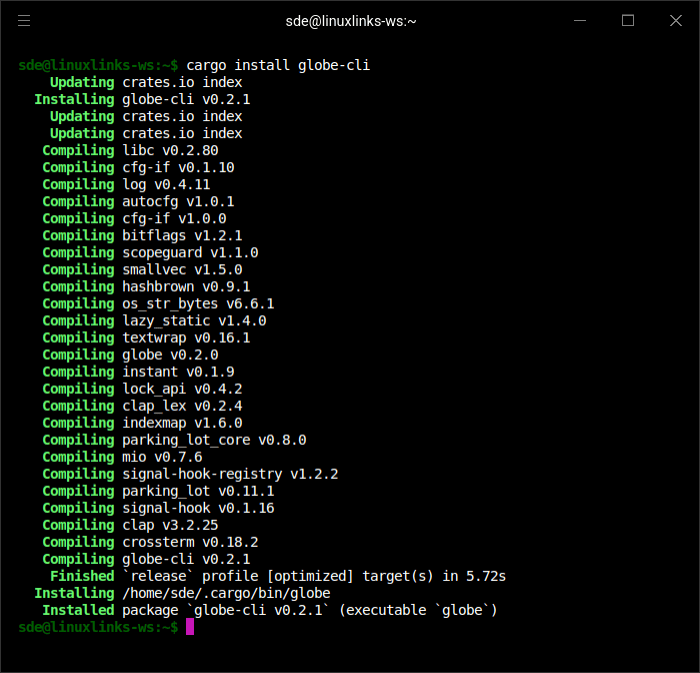
The package is called globe-cli, but the command to run is globe. The project also offers a prebuilt 64-bit x86 Linux executable on its releases page.
In Operation
I’d start in interactive mode. It gives you a chance to get your bearings before setting anything in motion.
$ globe -i
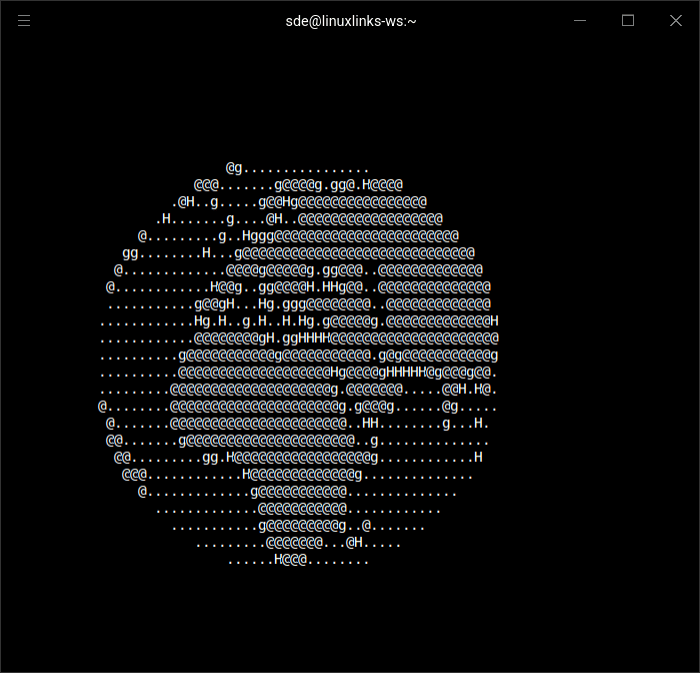
Use the arrow keys to pan around the Earth, or h, j, k and l if your fingers are accustomed to Vim. Page Up zooms in and Page Down zooms out. Try following a coastline towards the edge of the globe, then press n to switch on the night side. This is my favourite control. With the whole surface lit, the coastline carries most of the picture. With part of the Earth in shadow, the curve of the planet is easier to see.
There are two motions to play with. The + and - keys change how fast the Earth turns on its axis. The comma and full stop keys change how fast the camera travels around it. Try each pair on its own first. Press q when you’re ready to return to the shell.
For a spare terminal window, I prefer screensaver mode. Both rotation speeds default to zero, so globe -s on its own gives you a stationary Earth. The following command switches on the night side, sets the camera moving and starts the Earth spinning.
$ globe -s -n -c 2 -g 10
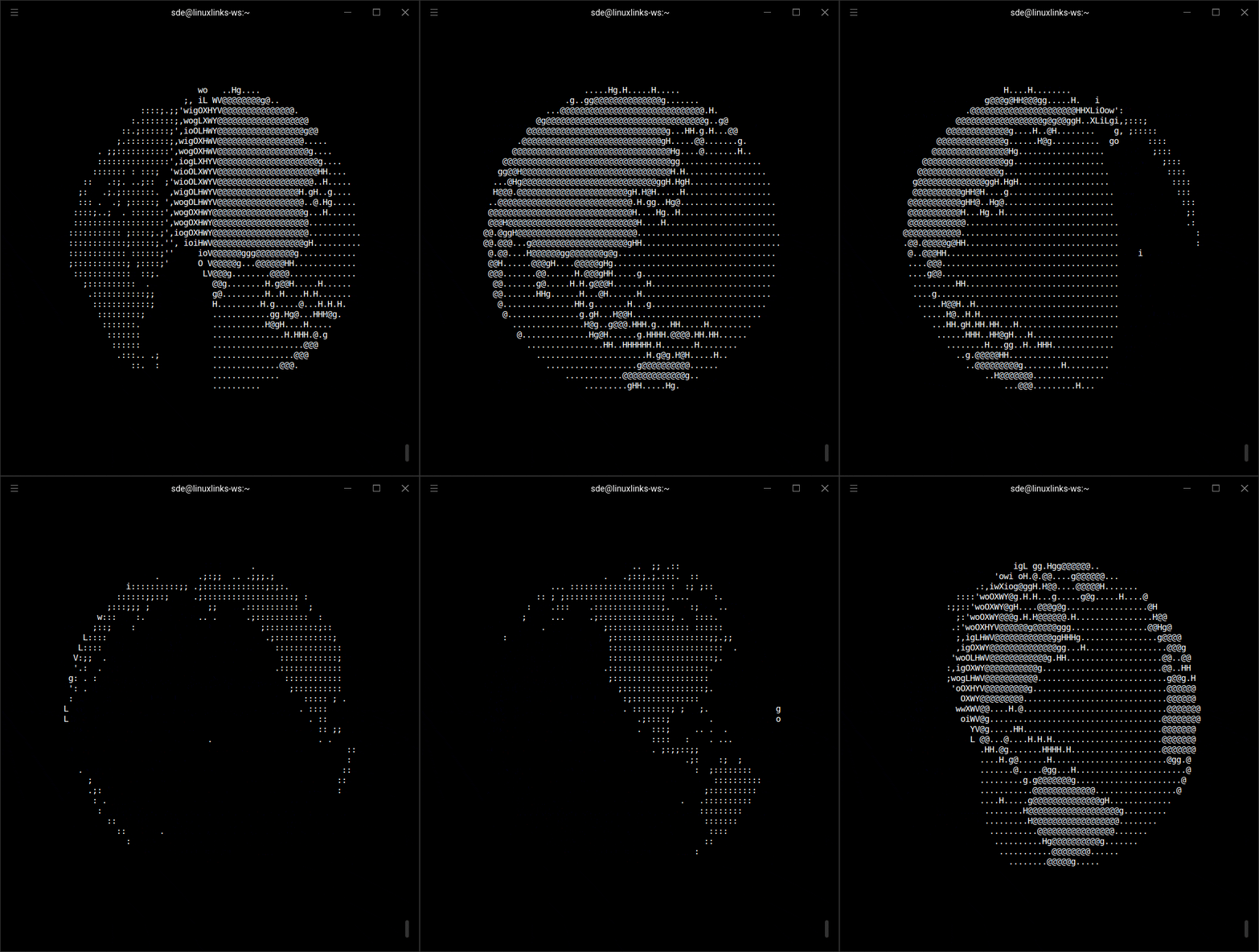
Press any key to leave the screensaver. There’s also an experimental --pipe mode which accepts a sequence of coordinate pairs on standard input. The camera moves from one location to the next, so you can choreograph a little tour of your own.
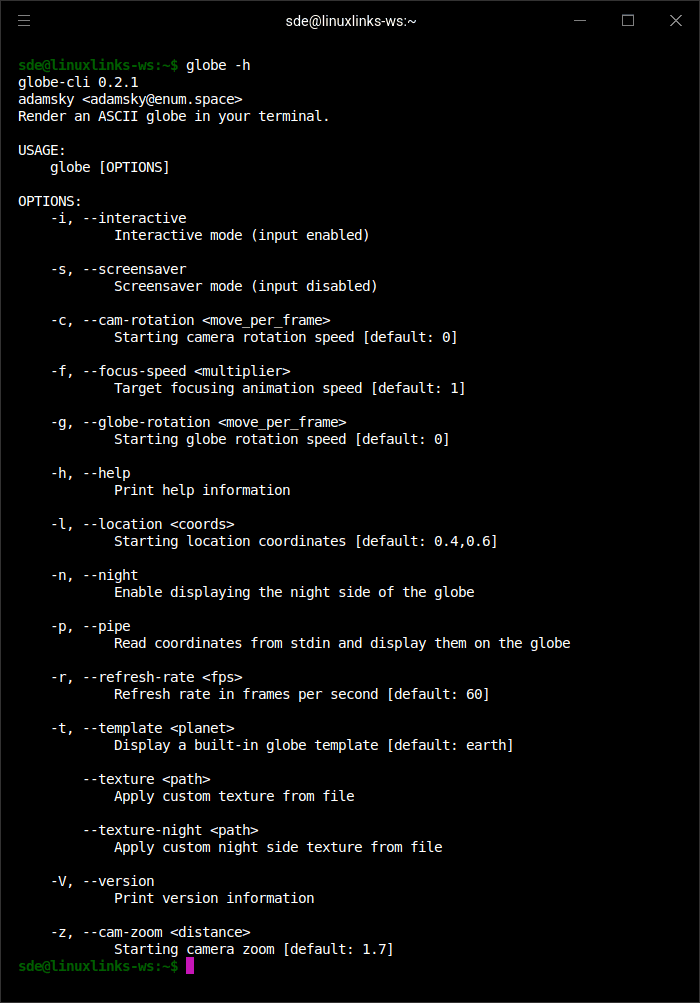
Run globe -h for the full list of options, including the refresh rate, starting location and custom textures.
Summary
What I like about globe is that you can see the trick. Up close, the land breaks up into individual characters. Pull back a little and those same marks resolve into continents again. I’d keep the camera movement gentle and the night side switched on. Half the pleasure is spotting a familiar outline before it turns out of view.
Website: github.com/adam-wier/globe
Developer: Adam Wier
License: GNU General Public License v3.0
globe is written in Rust. Learn Rust with our recommended free books and free tutorials.
Complete list of articles in this series:
| Linux Candy | |
|---|---|
| ASCIIQuarium | Embrace marine life from the terminal with beautiful ASCII art |
| ASCII Art Converter | A small utility that converts images into ASCII art |
| asciify | Turn images into attractive ASCII art |
| ascii_moon | Displays the moon phase |
| BobRossQuotes | Collection of quotes from Bob Ross |
| Boxes | Command line ASCII boxes |
| Buoh | Online strips comics reader |
| cacafire | Color ASCII fire |
| catclock | xclock with an enhanced cat mode |
| catspeak | Like cowsay but catty |
| cbonsai | Generate bonsai trees in the terminal |
| christmasfetch | Festive cheer on the desktop |
| chucknorris | Chuck Norris jokes in your terminal |
| Clairvoyant | Like a magic 8-ball inspired fortune teller |
| cornyjokes | Corny jokes for the terminal |
| CMatrix | ncurses program that simulates the display from “The Matrix” |
| ctree | A Christmas tree right on your terminal |
| cutieascii | Displays random ASCII art emojis |
| doge | Simple motd script |
| eDEX-UI | Sci-fi computer terminal emulator and system monitor |
| emoj | Simple tool that to find suitable emojis for pasting to your clipboard |
| Emote | Modern popup emoji picker |
| Evolvotron | Interactive generative art |
| Fantascene | Dynamic wallpaper changer |
| Fondo | Find beautiful wallpapers from Unsplash |
| Fractal Art | Desktop wallpaper generator |
| gti | Typo-based curio inspired by Steam Locomotive |
| Hidamari | Python-based app that offers video wallpaper for Linu |
| Hollywood | Fill your console with Hollywood melodrama technobabble |
| lavat | Lava lamp in your terminal |
| lifecycler | Aquarium right in your terminal |
| linuxwave | Generate music from the entropy of Linux |
| Lolcat++ | Rainbows and unicorns |
| Meme | Fun tool to create memes |
| No More Secrets | Recreates the data decryption effect from the Sneakers movie |
| nook | Plays Animal Crossing hourly themes on the hour |
| nyancat | Terminal-based Pop Tart Cat Animation |
| oneko | Animal chasing fun |
| Picture Of The Day | Your daily wallpaper |
| pipes.sh | Animated pipes terminal screensaver |
| ponysay | cowsay reimplemention for ponies |
| projectM | Music visualizer originally based on Milkdrop |
| pscircle | A different take on the venerable ps command |
| PyBonsai | Generates procedural ASCII art trees |
| pyjokes | One line jokes for programmers |
| Pywal | Generate color schemes on the fly (not actively developed) |
| Relaxator | Relax to soothing sounds |
| ricksay | Rick and Morty quotes of the day |
| Rusty Aquarium | Monitoring by visualization |
| ShimeLinux | Animated desktop pets |
| shuffle | ASCII art with a cool shuffle effect |
| sigye | Customizable terminal clock with Pomodoro functionality |
| Steam Locomotive | C program written in 295 lines. It's harmless fun |
| tanuki | Hourly animal crossing vibes |
| Ternimal | Animated lifeform in the terminal |
| terminal-parrot | Party parrot time |
| tetris | Tile-matching puzzle video game in your terminal |
| Variety | Wallpaper manager with many desktops and wallpaper sources |
| WallGen | Generate HQ poly wallpapers with a few arguments. |
| WallpaperDownloader | Download, change, and manage wallpapers |
| WallPicker | Modern GTK4/Libadwaita wallpaper picker |
| wallust | Create 16 color palettes |
| walrs | Fast colorscheme generator |
| WSelector | Browse, download, and set wallpapers from Wallhaven.cc |
| xcowsay | Displays a cow on your desktop with message |
| XDecorations | Add some festive cheer to your desktop |
| XScreenSaver | Framework and collection of screensavers |
| yosay | Like cowsay but with less cow |
Please read our Comment Policy before commenting.