

System Monitoring, Hardware & Status continued
41. Astra Monitor
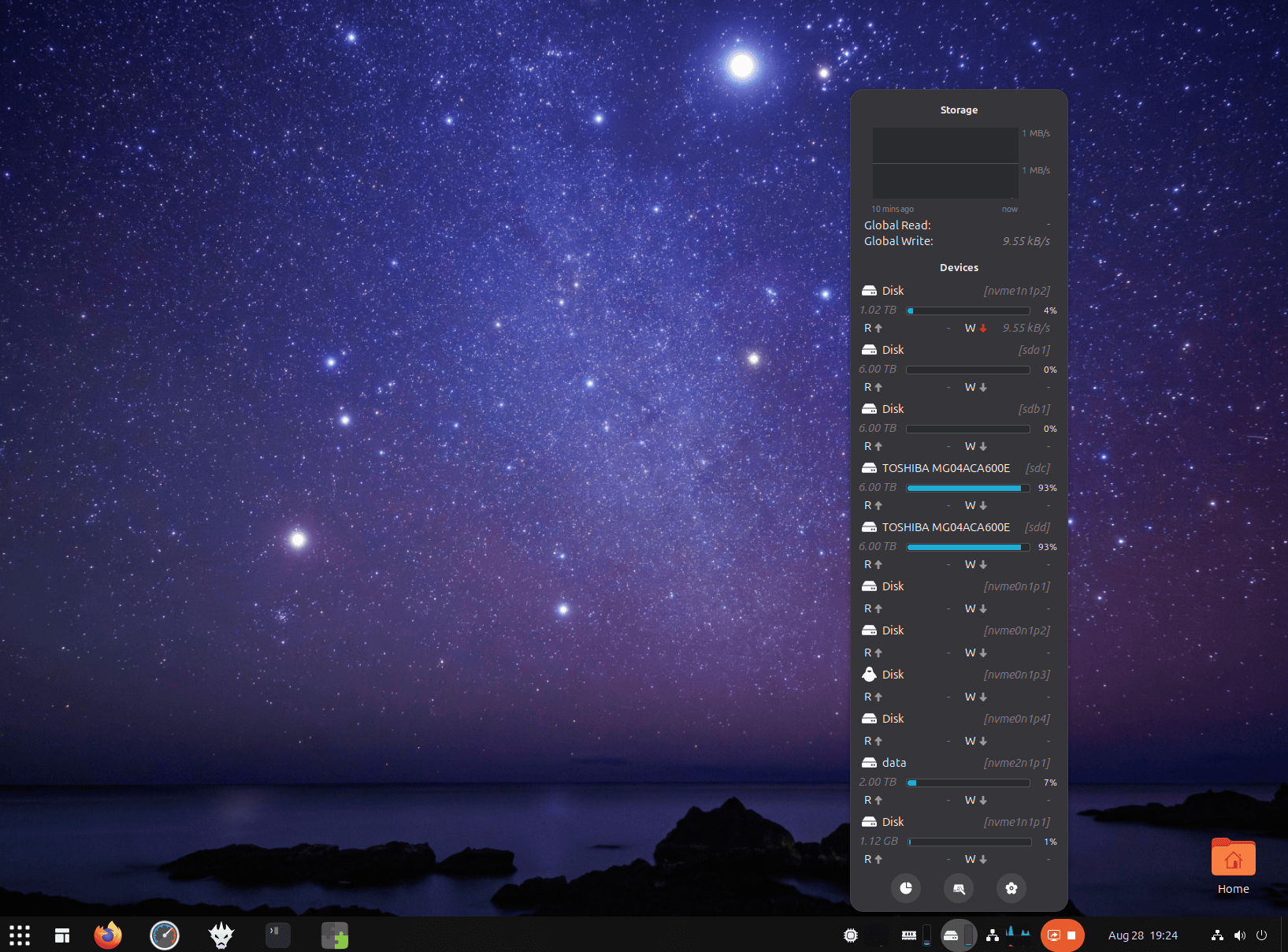
Astra Monitor is one of the most comprehensive system-monitoring extensions available for GNOME.
It can monitor CPU and GPU activity, memory, storage, network statistics and hardware sensors, with information displayed directly in the top bar and accompanying menus.
The extension is highly configurable, so you can choose whether you want a compact glance at a few important metrics or considerably more detail.
Astra Monitor inevitably overlaps with Vitals, but both deserve inclusion. Vitals has simplicity and maturity on its side, while Astra Monitor offers a more expansive monitoring environment.
Website: github.com/AstraExt/astra-monitor
42. SimpleWeather
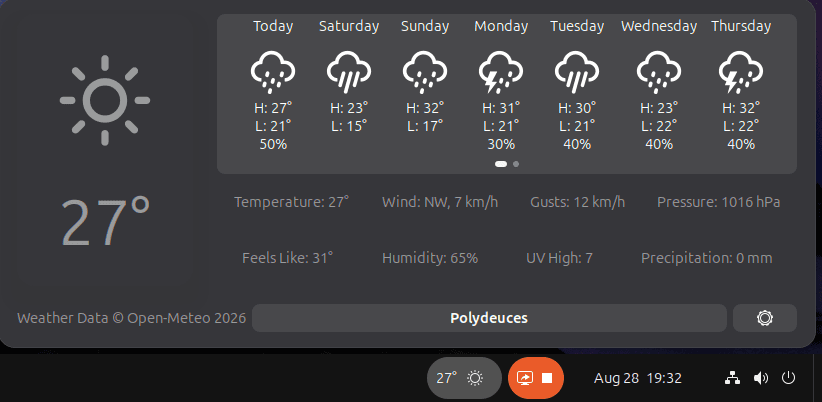
SimpleWeather is a highly configurable weather indicator and the natural successor to OpenWeather Refined.
Current conditions can be displayed directly in the top panel, with hourly and weekly forecasts available from its menu.
There is support for multiple locations, a wide choice of measurement units and additional details including rain probability, humidity, wind speed and UV information.
Weather data can come from Open-Meteo or OpenWeatherMap, and locations can be searched for or entered using coordinates.
It’s a substantial upgrade over the retired extension it replaces in this roundup.
Website: github.com/romanlefler/SimpleWeather
43. Removable Drive Menu
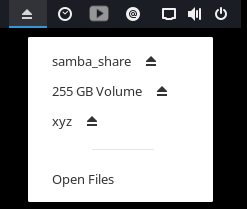 Removable Drive Menu provides a status menu for external storage devices.
Rather than opening Files whenever you want to safely disconnect something, mounted removable devices are accessible from the top panel for rapid unmounting or powering off.
It works well with USB flash drives, external disks and other removable storage.
The extension is part of the GNOME Shell Extensions collection and exemplifies the value of a small feature being available exactly where you expect it.
Website: gitlab.gnome.org/GNOME/gnome-shell-extensions
44. Quick Settings Audio Panel
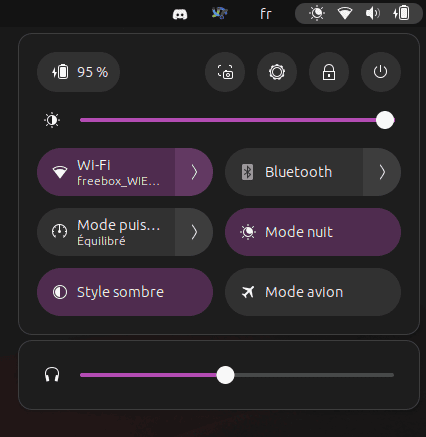
Quick Settings Audio Panel significantly improves GNOME’s audio controls.
It creates a dedicated section in Quick Settings containing volume controls and media controls, reducing the number of steps needed to manage audio devices and playback.
On systems with multiple outputs or inputs, or for users who frequently adjust application and media audio, having more controls immediately accessible makes a noticeable difference.
It feels like a natural extension of GNOME’s existing Quick Settings rather than something bolted onto the desktop.
Website: github.com/Rayzeq/quick-settings-audio-panel
Pages in this article:
Page 1 – Dash to Dock, ArcMenu, Window List, Places Status Indicator
Page 2 – Top Panel Workspace Scroll, Extension List, Tasks in panel, Dash to Panel
Page 3 – Alphabetical App Grid, Kiwi Menu, Auto Move Windows, V-Shell
Page 4 – AATWS, Coverflow Alt-Tab, PaperWM, Tiling Assistant
Page 5 – WinTile, Tiling Shell, No overview at start-up, Space Bar
Page 6 – Custom Hot Corners – Extended, Just Perfection, Blur My Shell, Burn My Windows
Page 7 – Panel corners, Light Style, Lilypad Top Bar Manager, User Themes
Page 8 – Night Theme Switcher, Clipboard History, ddterm, Cronomix
Page 9 – Picture of the day, Emoji Copy, Todoit, Caffeine
Page 10 – Color Picker, Grand Theft Focus, Colosseum, Vitals
Page 11 – Astra Monitor, SimpleWeather, Removable Drive Menu, Quick Settings Audio Panel
Page 12 – Bluetooth Quick Connect, Battery Health Charging, Gtk4 Desktop Icons NG, GSConnect
Page 13 – Hanabi, AppIndicator and KStatusNotifierItem Support
Please read our Comment Policy before commenting.
Hey Steve. Thanks for updating your recommended GNOME Shell Extensions pages.
Hi Torin.
No worries, it was overdue!