

Windows, Workspaces & Tiling continued
13. AATWS – Advanced Alt-Tab Window Switcher
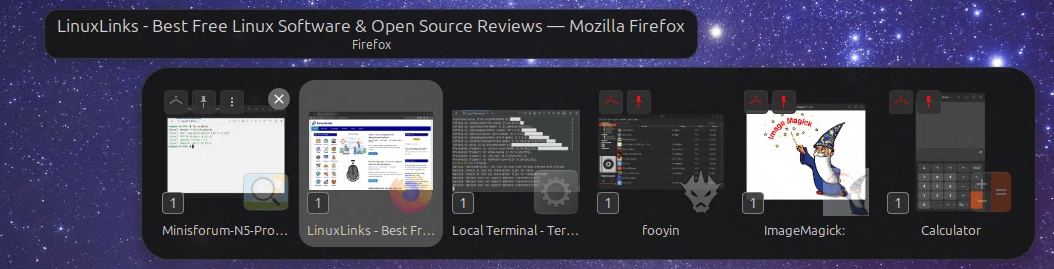
AATWS is a highly configurable replacement for GNOME’s Alt-Tab and Super-Tab window and application switchers.
Besides switching between windows, it offers type-to-search, filtering, sorting, workspace and monitor navigation, application launching and configurable keyboard shortcuts.
Mouse interaction is supported too, and there are enough configuration options to build anything from a conventional Alt-Tab switcher to a much more keyboard-oriented workflow.
For users who regularly juggle large numbers of windows across workspaces or monitors, AATWS is significantly more capable than GNOME’s standard switcher.
Website: github.com/G-dH/advanced-alttab-window-switcher
14. Coverflow Alt-Tab
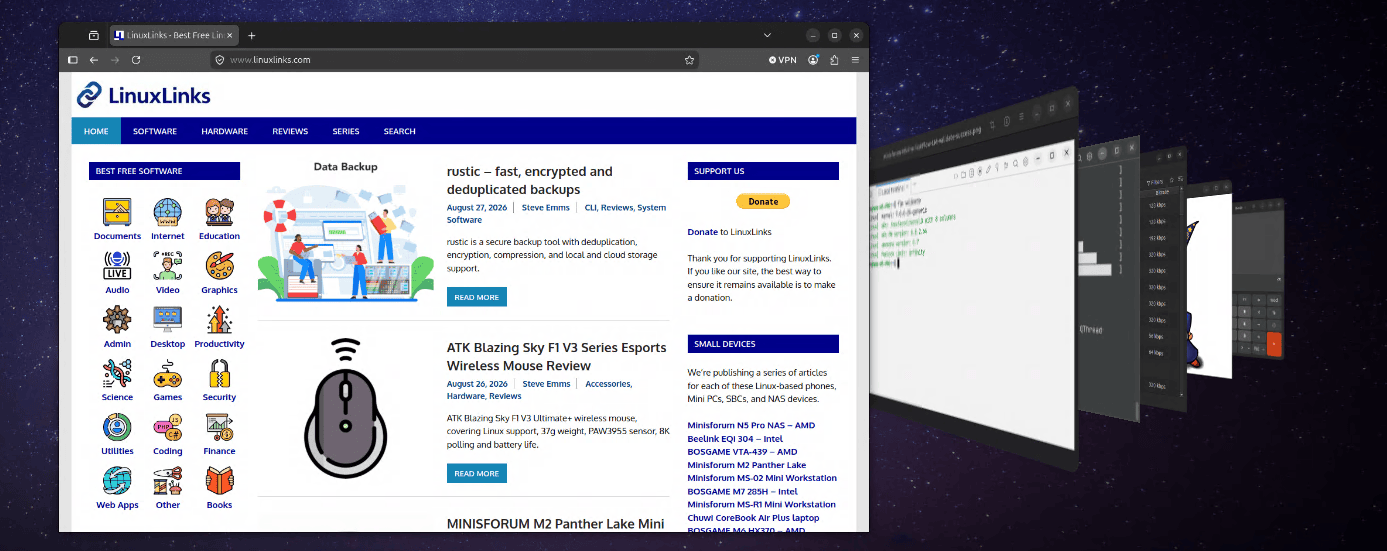
Coverflow Alt-Tab takes a very different approach to switching between windows.
It replaces the standard Alt-Tab display with an animated cover-flow style interface.
There are more productivity-focused Alt-Tab replacements available — AATWS being an excellent example — but that isn’t really the point here.
Coverflow Alt-Tab adds a garnish of aesthetic beauty to an everyday desktop action and remains a fun way of moving between windows.
Website: github.com/dsheeler/CoverflowAltTab
15. PaperWM
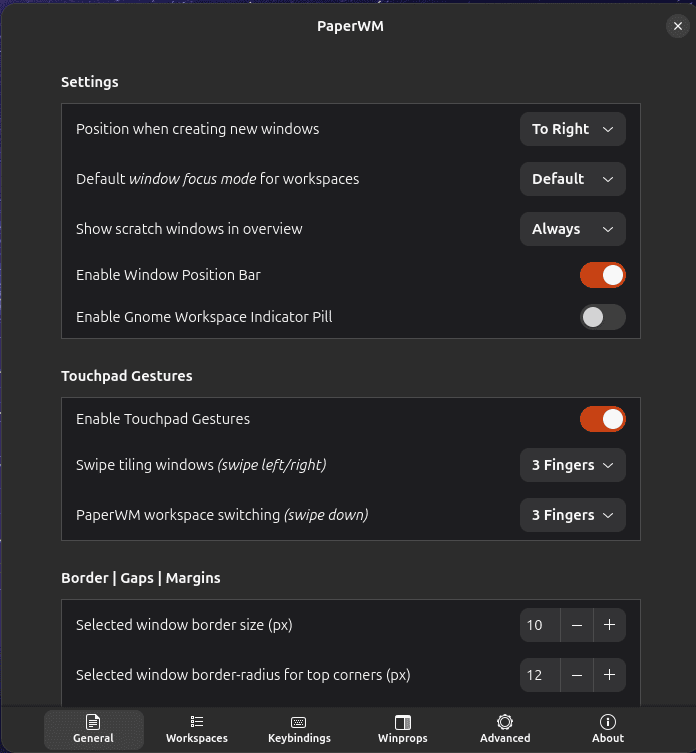
PaperWM provides a distinctive approach to tiling.
Instead of dividing the screen into a rigid grid, windows are arranged in a scrollable horizontal strip, inspired by paper notebooks and tiling window managers.
Each monitor can have its own workspaces, and the workflow is designed to work well whether you prefer a keyboard, mouse or touchpad.
PaperWM deserves a place alongside conventional tiling extensions because it offers a fundamentally different way of organizing windows rather than merely another collection of snapping layouts.
Website: github.com/paperwm/PaperWM
16. Tiling Assistant
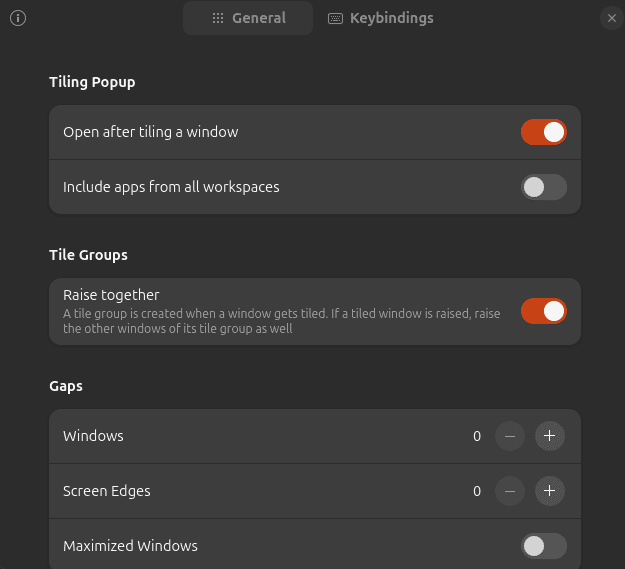
Tiling Assistant adds a Windows-like Snap Assist experience to GNOME.
It substantially expands GNOME’s standard tiling behaviour, making it easier to place multiple windows into useful arrangements and quickly fill the available space.
Mouse-driven snapping is convenient, but the extension also offers extensive keyboard shortcuts and configurable tiling behaviour.
If you like GNOME but find its built-in window tiling too limited, Tiling Assistant is an easy extension to recommend.
Website: github.com/ubuntu/Tiling-Assistant
Next page: Page 5 – WinTile, Tiling Shell, No overview at start-up, Space Bar
Pages in this article:
Page 1 – Dash to Dock, ArcMenu, Window List, Places Status Indicator
Page 2 – Top Panel Workspace Scroll, Extension List, Tasks in panel, Dash to Panel
Page 3 – Alphabetical App Grid, Kiwi Menu, Auto Move Windows, V-Shell
Page 4 – AATWS, Coverflow Alt-Tab, PaperWM, Tiling Assistant
Page 5 – WinTile, Tiling Shell, No overview at start-up, Space Bar
Page 6 – Custom Hot Corners – Extended, Just Perfection, Blur My Shell, Burn My Windows
Page 7 – Panel corners, Light Style, Lilypad Top Bar Manager, User Themes
Page 8 – Night Theme Switcher, Clipboard History, ddterm, Cronomix
Page 9 – Picture of the day, Emoji Copy, Todoit, Caffeine
Page 10 – Color Picker, Grand Theft Focus, Colosseum, Vitals
Page 11 – Astra Monitor, SimpleWeather, Removable Drive Menu, Quick Settings Audio Panel
Page 12 – Bluetooth Quick Connect, Battery Health Charging, Gtk4 Desktop Icons NG, GSConnect
Page 13 – Hanabi, AppIndicator and KStatusNotifierItem Support
Please read our Comment Policy before commenting.
Hey Steve. Thanks for updating your recommended GNOME Shell Extensions pages.
Hi Torin.
No worries, it was overdue!