
In Operation
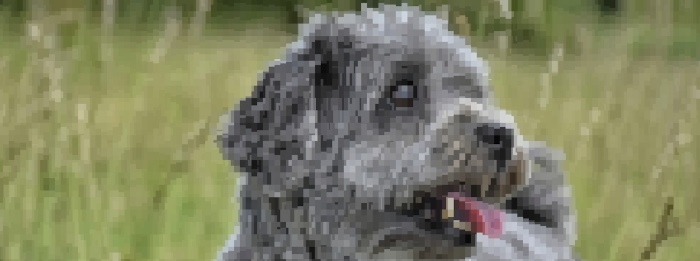
Here’s a couple of images displayed with Terminal Image Viewer in the terminal.
The images are using 24 bit colors, but there’s a command-line flag which lets you reduce the color palette down to 256. The program employs a good algorithm to optimize images.
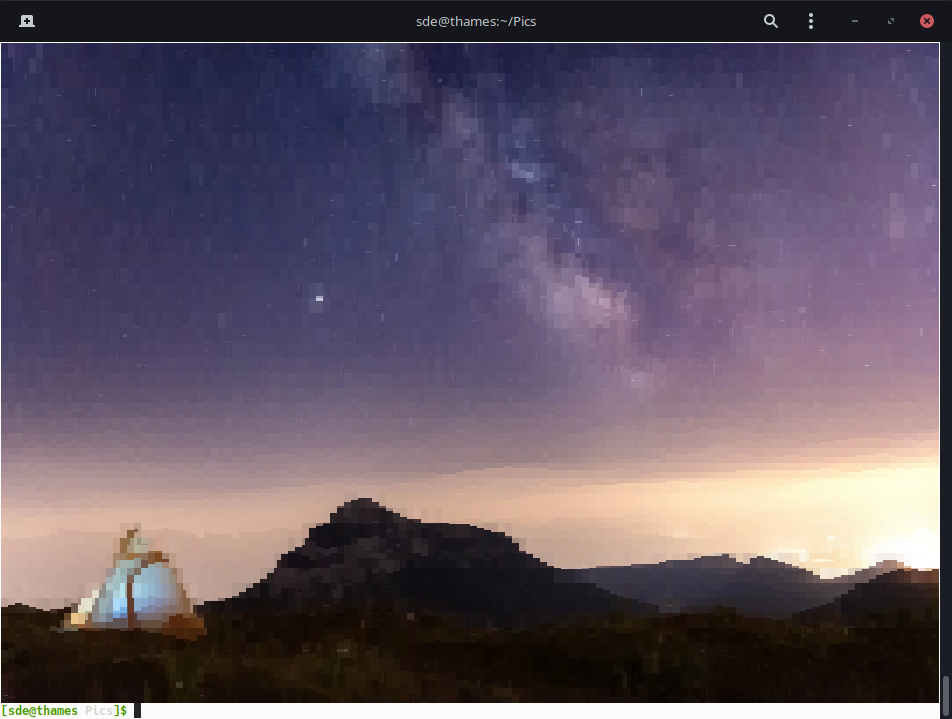
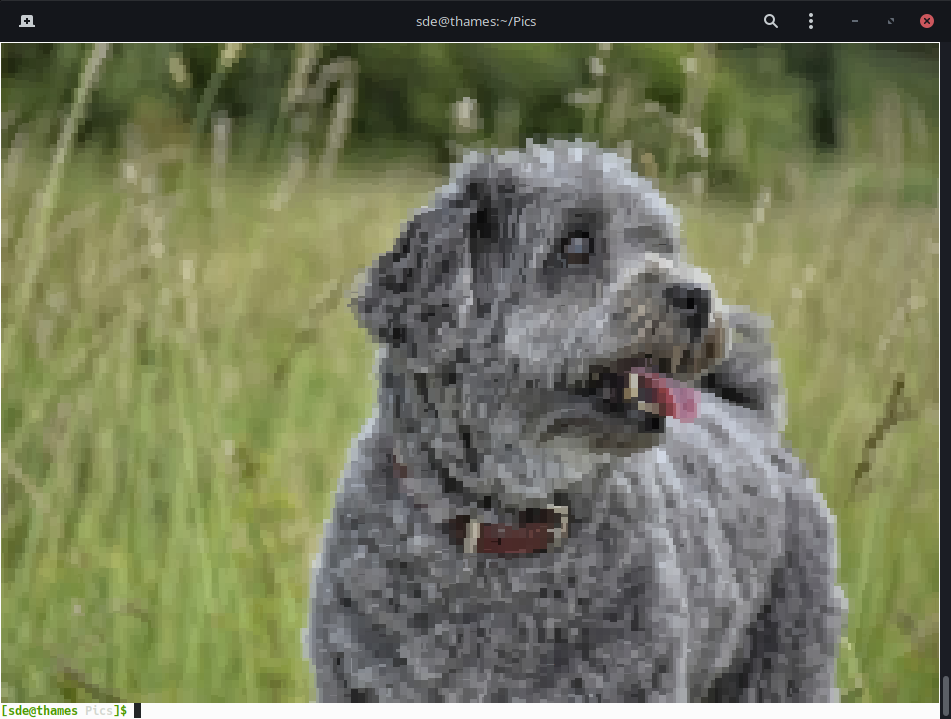
The third image shows the program displaying a directory of images. This mode is automatically chosen if you view more than 1 image. You can configure the number of thumbnails that are shown in a column. By default, it defaults to 3 images.
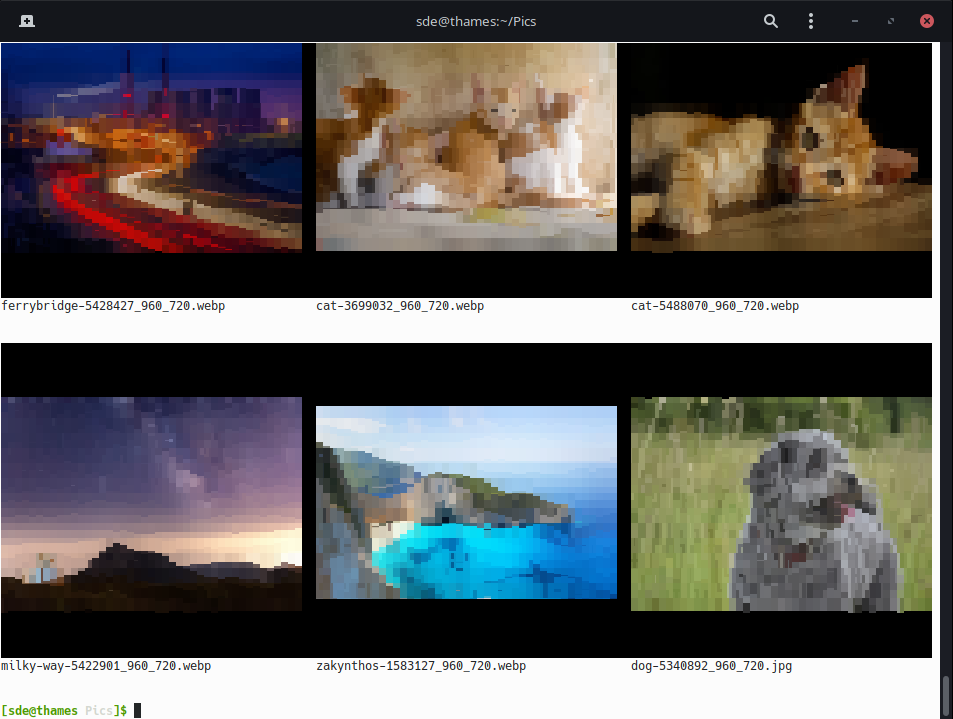
The program also has the option to use Unicode Teletext/legacy characters, the option to define the maximum height and width, and turn off image optimization. This project uses Unicode half-block characters.
Summary
Terminal Image Viewer might be useful if you need to view images in the terminal. Not all terminals are compatible though. For example, images are poorly reproduced with Hyper, but work well in GNOME Terminal.
If, instead, you’re looking to be able to view images from the command-line (but not displaying them in the terminal itself), we strongly recommend feh, a fantastic image viewer and cataloger aimed primarily at console users. It came top in our recent survey of the best image viewers.
Website: github.com/stefanhaustein/TerminalImageViewer
Support:
Developer: Stefan Haustein
License: Apache License 2.0
Terminal Image Viewer is written in C++. Learn C++ with our recommended free books and free tutorials.
Pages in this article:
Page 1 – Introduction / Installation
Page 2 – In Operation / Summary
Related Software
| Terminal-Based Image Viewers | |
|---|---|
| timg | Image and video viewer with good range of features. Written in C++ |
| Chafa | Character Art Facsimile |
| viu | Rust-based image viewer |
| vv | Image viewer for sixel terminals |
| TIV | Tiny C++ program that displays images in a terminal |
| Ranger | Terminal-based file manager supporting high quality previews of image files |
| mcat | Extended cat command |
| icat | Cat like utility can specify multiple image files and/or directories |
| PixelTerm-C | High-performance terminal image browser written in C |
| pho | Lightweight image viewer |
| catimg | Renders images in the terminal |
| PTUI | Real-time image preview capabilities |
| imv | X11/Wayland image viewer |
| iv | Image viewer using terminal graphics |
| ucollage | Extensible command line image viewer |
| TermVisage | Front-end to the term-image library |
| Foto | Simple image viewer |
| rsimg | Uses crossterm and zune as dependencies |
| pxv | Instant feature rich terminal image viewer |
| imgcat | Displays images and gifs in your terminal emulator. |
Read our verdict in the software roundup.
 Explore our carefully curated directory of recommended free and open source software, covering every major software category. Explore our carefully curated directory of recommended free and open source software, covering every major software category.The directory forms part of our extensive collection of articles for Linux enthusiasts. It includes hundreds of detailed reviews, together with free and open source alternatives to proprietary software from companies such as Google, Microsoft, Apple, Adobe, IBM, Cisco, Oracle, and Autodesk. LinuxLinks also covers interesting projects worth exploring, Linux-compatible hardware, free programming books and tutorials, and much more. Know a useful free and open source Linux application that we haven’t covered? Tell us about it using our submission form. |
Please read our Comment Policy before commenting.