
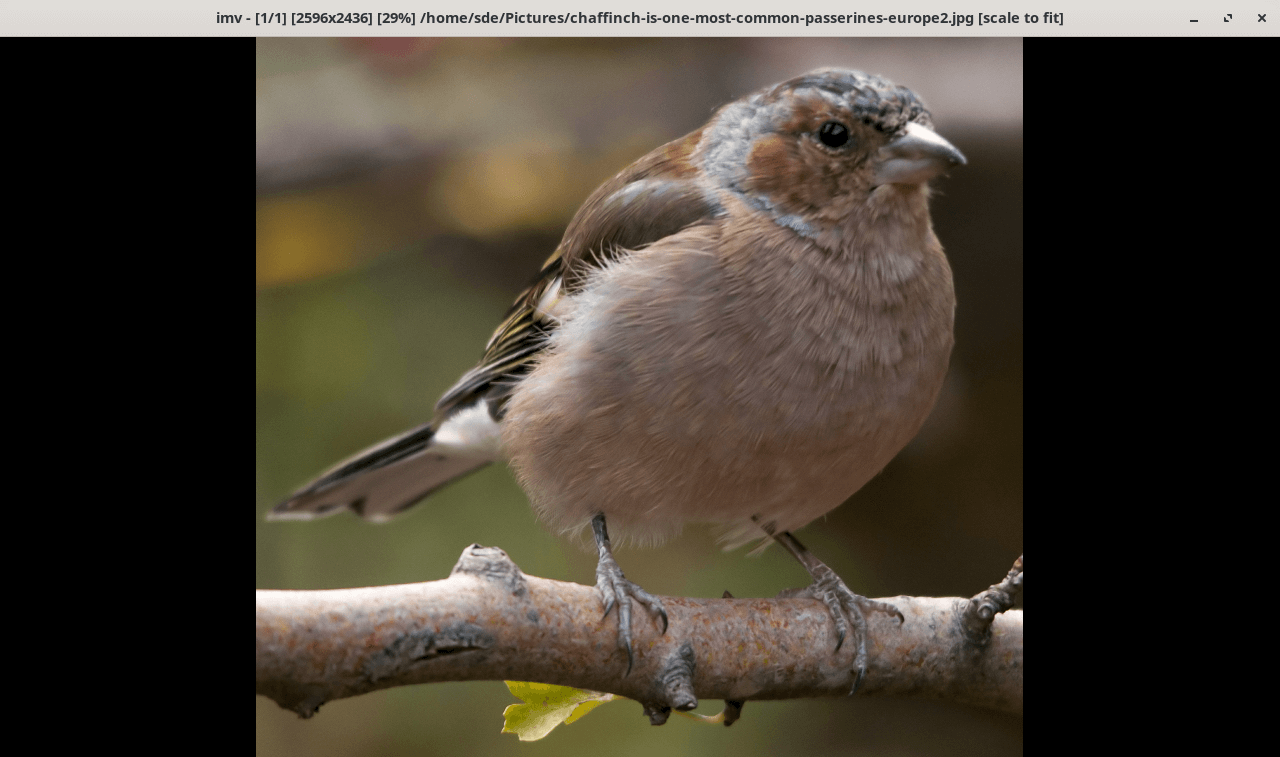
imv is a lightweight image viewer for Linux designed particularly for keyboard-driven workflows and tiling window managers. Although launched from the command line, the application displays images in a graphical window rather than directly inside the terminal.
The viewer works natively with X11 and Wayland and supports numerous image formats through optional decoding libraries. It provides a minimal interface that keeps attention on the image rather than surrounding controls. Users can navigate collections, inspect individual pictures and switch between fullscreen and windowed viewing.
imv is particularly useful for people who incorporate image viewing into shell scripts and automated workflows. It can receive filenames through standard input and communicate with external processes, allowing other applications to control a running viewer. Its configurable keyboard shortcuts, scripting interface and support for custom commands provide considerable flexibility without requiring a large desktop application.
This is free and open source software.
Key Features
- Native X11 and Wayland support.
- Display JPEG, PNG, WebP, SVG, TIFF, PSD and various RAW image formats, depending on enabled decoding libraries.
- Support animated GIF playback, including pausing and stepping through frames.
- Open individual images, multiple files and directories recursively.
- Navigate images using configurable keyboard shortcuts.
- Zoom, pan, rotate and centre images.
- Choose scaling modes including original size, shrink, fit and crop.
- Configure interpolation methods for image upscaling.
- Run slideshows with adjustable display intervals.
- Switch between fullscreen and windowed viewing.
- Accept filenames through standard input and output selected image paths to standard output.
- Execute external commands using configurable keybindings.
- Control running instances through inter-process communication using imv-msg.
- Expose application state through environment variables for external scripts.
Website: sr.ht/~exec64/imv/
Support:
Developer: Harry Jeffery
License: MIT License
imv is written in C. Learn C with our recommended free books and free tutorials.
Related Software
| Terminal-Based Image Viewers | |
|---|---|
| timg | Image and video viewer with good range of features. Written in C++ |
| Chafa | Character Art Facsimile |
| viu | Rust-based image viewer |
| vv | Image viewer for sixel terminals |
| TIV | Tiny C++ program that displays images in a terminal |
| Ranger | Terminal-based file manager supporting high quality previews of images |
| mcat | Extended cat command |
| icat | Cat like utility can specify multiple image files and/or directories |
| PixelTerm-C | High-performance terminal image browser written in C |
| pho | Lightweight image viewer |
| catimg | Renders images in the terminal |
| PTUI | Real-time image preview capabilities |
| imv | X11/Wayland image viewer |
| iv | Image viewer using terminal graphics |
| TermVisage | Front-end to the term-image library |
| Foto | Simple image viewer |
| vat | Renders SVG and other vector graphics in multiple formats |
| image_to_console | Fast image viewer supporting animations and graphics protocols |
| rsimg | Uses crossterm and zune as dependencies |
| imgcat | Displays images and gifs in your terminal emulator. |
Read our verdict in the software roundup.
 LinuxLinks helps you discover the best free and open source software for Linux. Explore our extensive collection of recommended applications, including alternatives to popular proprietary software. We also publish software reviews, Linux tutorials, hardware reviews, free programming books and articles covering the wider open source community. Browse our Linux resources to discover more. Know a useful free and open source Linux application we haven't covered? Suggest a program for inclusion. Has your software been featured on LinuxLinks? Display one of our Featured on LinuxLinks badges on your website or GitHub README. |
Please read our Comment Policy before commenting.