

imgcat is a command-line image viewer that displays pictures directly in a terminal emulator. It is designed for users who want to preview graphics while working at the command line, without opening a separate graphical application.
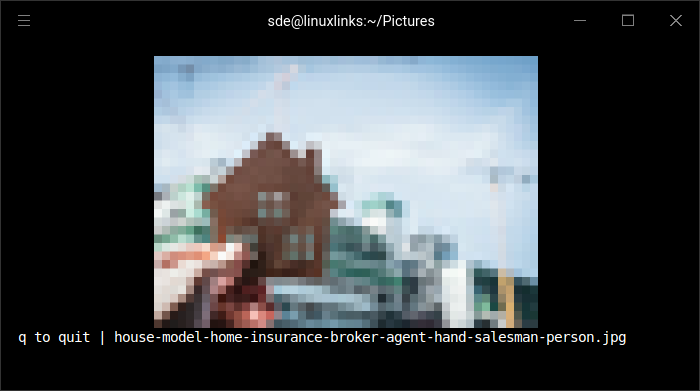
The program renders images using Unicode half-block characters and 24-bit terminal colours. By using the foreground and background colours of each character cell, imgcat can reproduce images at a higher effective resolution than approaches that use full character blocks. It does not require specialist terminal graphics protocols.
Images can be supplied as filenames or passed through standard input. This makes imgcat useful in shell pipelines, including workflows that download an image and display it immediately. Users can also control how pictures fit within the available terminal space. The program requires a terminal with truecolour support and a monospaced font containing the lower half-block character.
This is free and open source software.
Key Features
- Display still images and animated GIFs directly in the terminal.
- Render images using Unicode half-block characters and 24-bit colour.
- Support transparent images and WebP graphics.
- Accept local image files or image data supplied through standard input.
- Display remote images when combined with command-line download utilities.
- Fit images to the terminal window or use alternative resizing behaviour.
- Specify the number of terminal columns and rows used for rendering.
- Choose between nearest-neighbour and Lanczos image interpolation.
- Adjust the vertical starting position of rendered images.
- Suppress the exit message when required.
- Cross-platform support – runs on Linux, macOS, and Windows.
Website: github.com/danielgatis/imgcat
Support:
Developer: Daniel Gatis
License: MIT License
imgcat is written in Go. Learn Go with our recommended free books and free tutorials.
Related Software
| Terminal-Based Image Viewers | |
|---|---|
| timg | Image and video viewer with good range of features. Written in C++ |
| Chafa | Character Art Facsimile |
| viu | Rust-based image viewer |
| vv | Image viewer for sixel terminals |
| TIV | Tiny C++ program that displays images in a terminal |
| Ranger | Terminal-based file manager supporting high quality previews of images |
| mcat | Extended cat command |
| icat | Cat like utility can specify multiple image files and/or directories |
| PixelTerm-C | High-performance terminal image browser written in C |
| pho | Lightweight image viewer |
| catimg | Renders images in the terminal |
| PTUI | Real-time image preview capabilities |
| imv | X11/Wayland image viewer |
| iv | Image viewer using terminal graphics |
| TermVisage | Front-end to the term-image library |
| Foto | Simple image viewer |
| vat | Renders SVG and other vector graphics in multiple formats |
| image_to_console | Fast image viewer supporting animations and graphics protocols |
| rsimg | Uses crossterm and zune as dependencies |
| imgcat | Displays images and gifs in your terminal emulator. |
Read our verdict in the software roundup.
 Explore our carefully curated directory of recommended free and open source software, covering every major software category. Explore our carefully curated directory of recommended free and open source software, covering every major software category.The directory forms part of our extensive collection of articles for Linux enthusiasts. It includes hundreds of detailed reviews, together with free and open source alternatives to proprietary software from companies such as Google, Microsoft, Apple, Adobe, IBM, Cisco, Oracle, and Autodesk. LinuxLinks also covers interesting projects worth exploring, Linux-compatible hardware, free programming books and tutorials, and much more. Know a useful free and open source Linux application that we haven’t covered? Tell us about it using our submission form. |
Please read our Comment Policy before commenting.