
Last Updated on June 17, 2026
Adding RAM
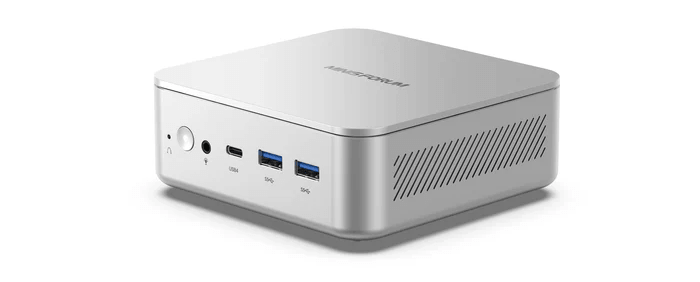
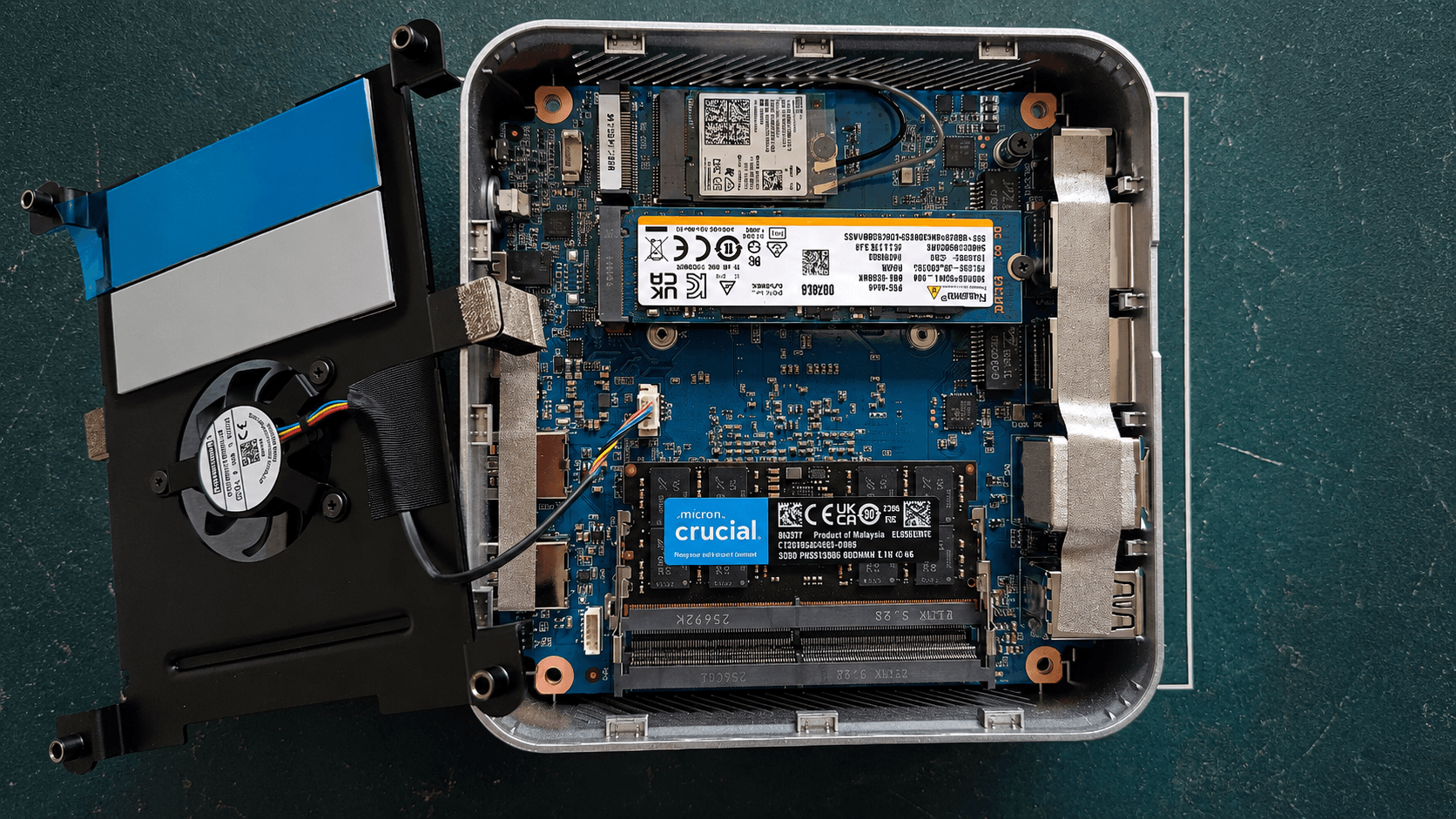
As the machine shipped with a single SODIMM, you’ll need to open the case and add a second memory module to enable dual-channel memory. Access is simple: remove the four screws from the base, then lift off the bottom panel.
The fan and its plastic housing rest on top of the internals rather than being screwed down. The fan assembly can be moved aside without disconnecting the cable, giving access to the second memory slot and the spare NVMe slot. I fitted a second 32GB Crucial SODIMM.
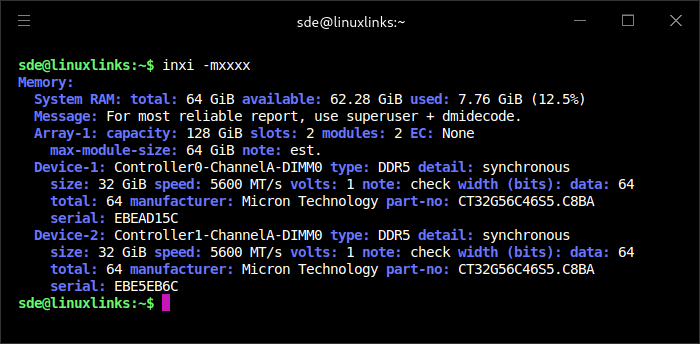
After rebooting the machine, CachyOS automatically increased the swap file from 32GB to 64GB to match the increased RAM.
In the next article in the series, I’ll set up the NPU on CachyOS.
Pages in this article:
Page 1 – Introduction and Design
Page 2 – Installing Linux
Page 3 – Interrogation of the System
Page 4 – Adding RAM
Complete list of articles in this series:
| MINISFORUM M2 Core Ultra 7 356H Mini PC | |
|---|---|
| Introduction | Introduction to the series and interrogation of the machine |
| NPU | Setting up and testing the NPU |
| Benchmarks | I run a series of benchmarks focusing on the CPU, GPU, Memory, and Disk performance |
| Power | Testing and comparing the power consumption |
| BIOS | In the world of computing, BIOS, which stands for Basic Input/Output System, plays a crucial role |
| Cores | A look at Intel’s hybrid architecture |
| Intel processors | P-Cores, E-Cores and LP E-Cores Compared Across 4 Intel Processors |
| NPU | NPU and Llama |
| Next articles in the series will continue to focus on the machine's NPU | |
Please read our Comment Policy before commenting.