
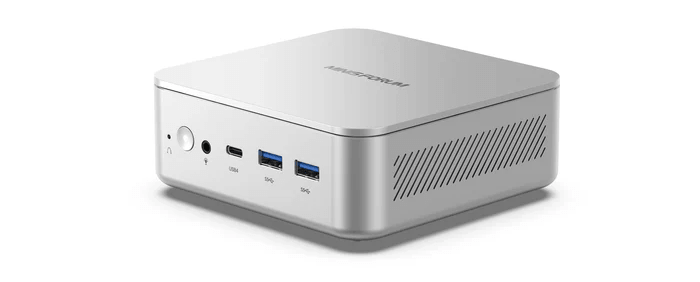
Security
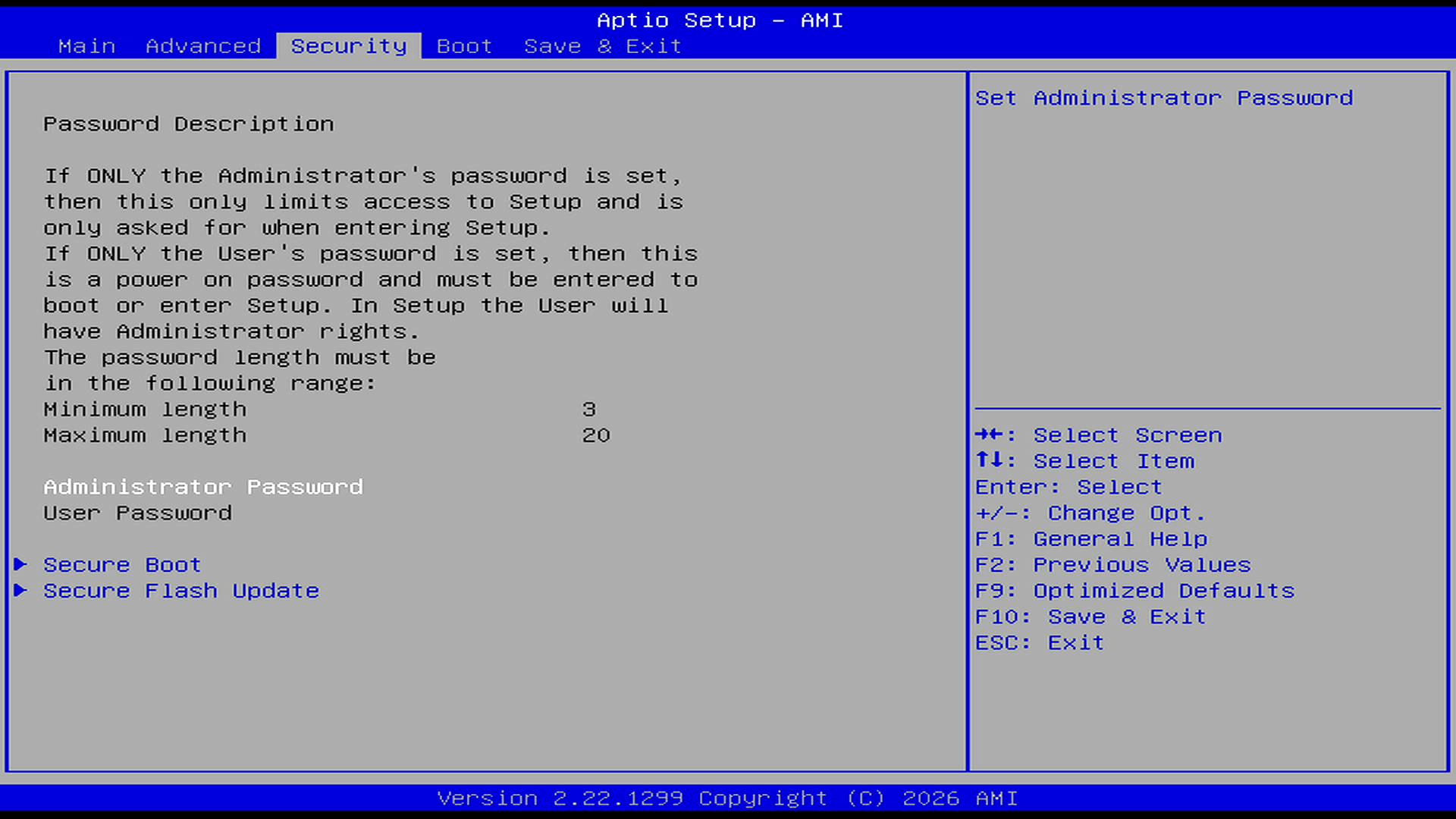
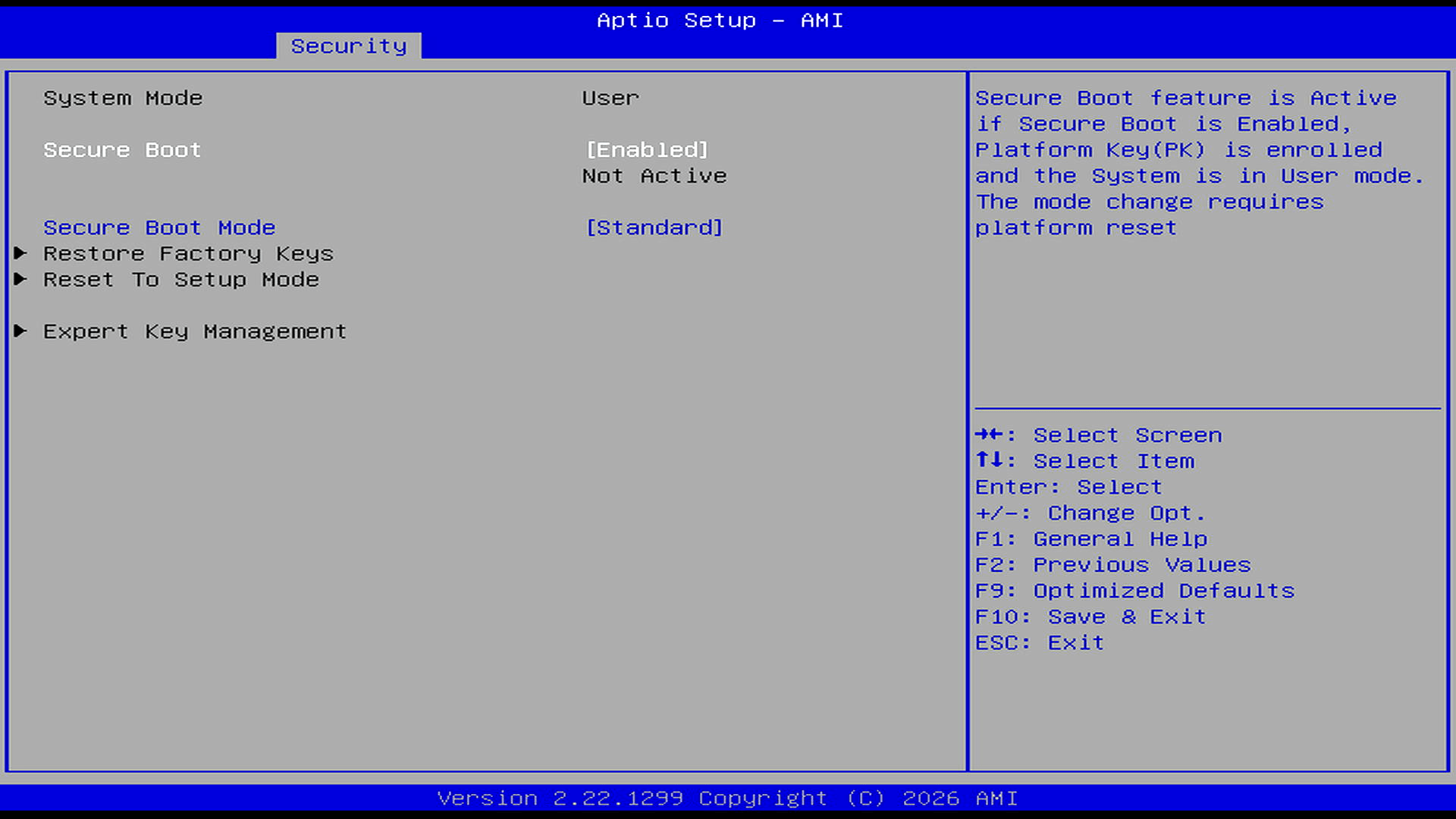
The Security tab provides the usual AMI password controls, together with Secure Boot and secure firmware update options. Secure Boot is set to Enabled, with Standard mode selected, but the BIOS reports it as Not Active. The menu includes options to restore factory keys, reset to setup mode, and manage keys manually. In practice, this suggests Secure Boot is available but not currently enforcing, at least in the current firmware state.
Boot
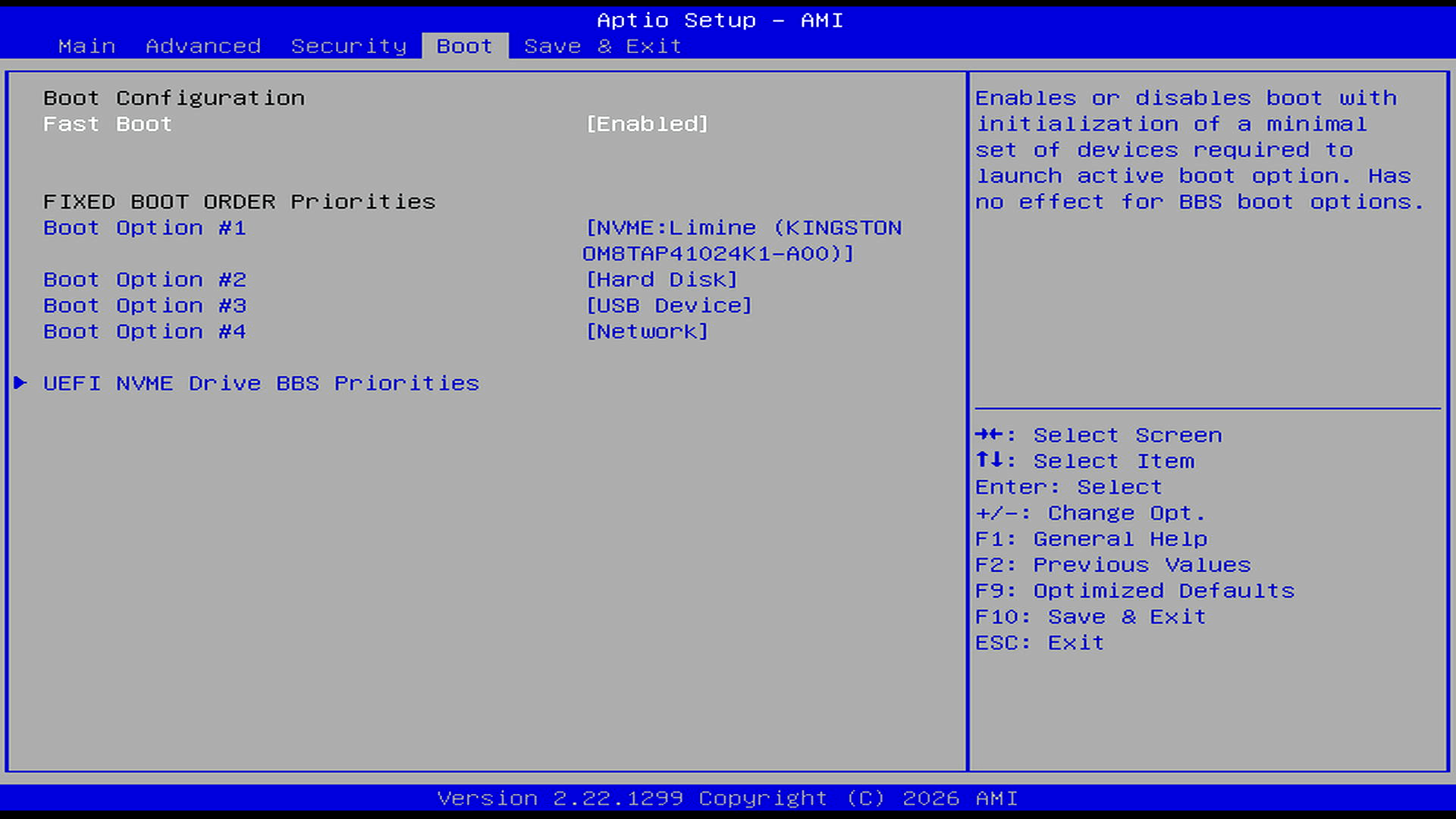
The Boot tab is functional but basic. Fast Boot is enabled by default, and the fixed boot order prioritises the internal Kingston NVMe SSD, followed by hard disk, USB device, and network boot. I installed CachyOS on the machine, so it uses the Limine bootloader, which appears as the first boot option on the Kingston OM8TAP41024K1-A00 NVMe drive. A separate UEFI NVMe Drive BBS Priorities submenu is available for managing NVMe boot order.
Complete list of articles in this series:
| MINISFORUM M2 Core Ultra 7 356H Mini PC | |
|---|---|
| Introduction | Introduction to the series and interrogation of the machine |
| NPU | Setting up and testing the NPU |
| Benchmarks | I run a series of benchmarks focusing on the CPU, GPU, Memory, and Disk performance |
| Power | Testing and comparing the power consumption |
| BIOS | In the world of computing, BIOS, which stands for Basic Input/Output System, plays a crucial role |
| Cores | A look at Intel’s hybrid architecture |
| Intel processors | P-Cores, E-Cores and LP E-Cores Compared Across 4 Intel Processors |
| NPU | NPU and Llama |
| Scheduling | Does Linux Schedule Panther Lake Correctly? |
| Next articles in the series will continue to focus on the machine's NPU | |
Pages in this article:
Page 1 – Main and Advanced
Page 2 – Security and Boot
Please read our Comment Policy before commenting.
A Panther Lake mini PC with USB4, Wi-Fi 7 and a 50 TOPS NPU deserves more than a BIOS that looks like it was designed to stop users touching anything interesting. No fan curves, no useful power-limit controls, no memory tuning, no detailed USB4 options, and barely any device control. I get that vendors want to avoid support headaches, but locking down enthusiast hardware this tightly undermines one of the main reasons people buy these boxes in the first place. The hardware looks exciting; the firmware looks timid.