

maim (Make Image) is a utility that takes screenshots of your desktop.
It’s meant to overcome shortcomings of scrot and performs better in several ways.
This is free and open source software.
Key Features
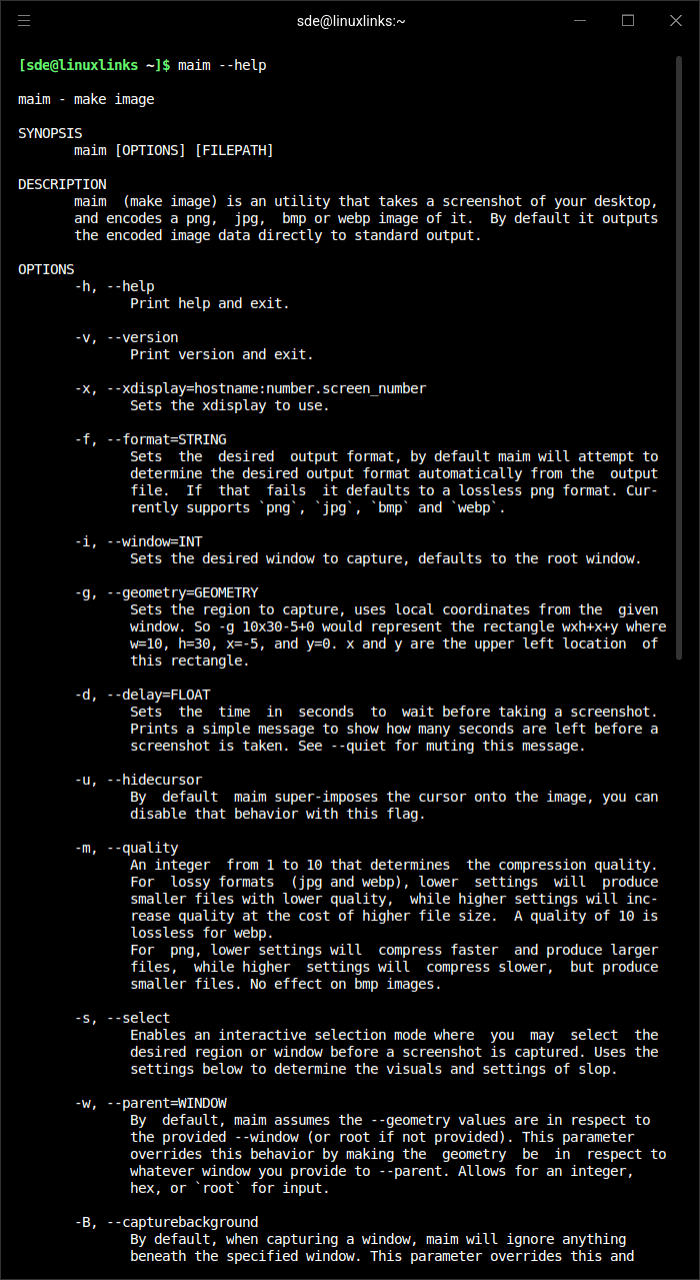
- Takes screenshots of your desktop, and saves it in png, jpg, or bmp format.
- Takes screenshots of predetermined regions or windows, useful for automation.
- Allows a user to select a region, or window, before taking a screenshot on the fly.
- Blends the system cursor to the screenshot. screenshot with cursor
- Masks off-screen pixels to be transparent or black.
- Cleanly pipes screenshots directly to standard output (unless otherwise specified), allowing for command chaining.
- Supports anything slop does, even selection shaders.
Website: github.com/naelstrof/maim
Support:
Developer: naelstrof
License: GNU General Public License v3.0
maim is written in C++. Learn C++ with our recommended free books and free tutorials.
Related Software
| CLI Screen Capture Tools | |
|---|---|
| maim | Make Image aims to improve on scrot |
| scrot | SCReenshOT is a simple command line screen capture utility |
| slop | Queries for a selection from the user and prints the region to stdout |
| wayshot | Screenshot tool for wayland compositors |
| termframe | Terminal output SVG screenshot tool |
| grim | Utility to take screenshots of Wayland desktops |
| shotman | Uncompromising screenshot tool for Wayland compositors |
| shotgun | Minimal screenshot utility |
| ImageMagick | Create, edit, and compose bitmap images |
| HyprCap | Capture screenshots and screen recordings on Hyprland |
| lqth | Simple but fast screenshot utility inspired by xscreenshot |
Read our verdict in the software roundup.
 Explore our comprehensive directory of recommended free and open source software. Our carefully curated collection spans every major software category. Explore our comprehensive directory of recommended free and open source software. Our carefully curated collection spans every major software category.This directory is part of our ongoing series of informative articles for Linux enthusiasts. It features hundreds of detailed reviews, along with open source alternatives to proprietary solutions from major corporations such as Google, Microsoft, Apple, Adobe, IBM, Cisco, Oracle, and Autodesk. You’ll also find interesting projects to try, hardware coverage, free programming books and tutorials, and much more. Discovered a useful open source Linux program that we haven’t covered yet? Let us know by completing this form. |
Please read our Comment Policy before commenting.