
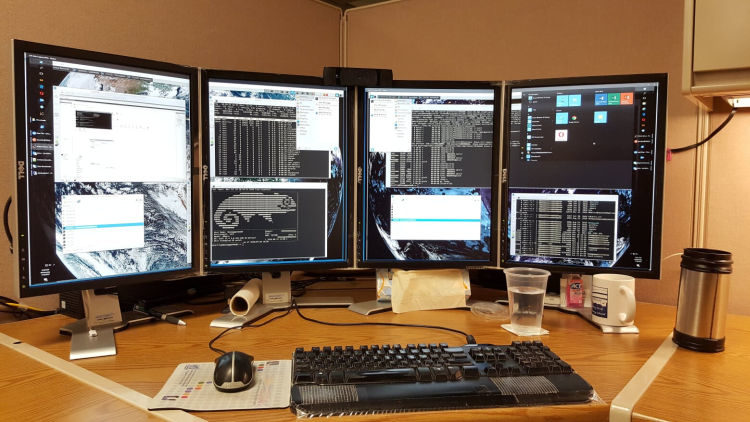
Remote Desktop Control displays the screen of another computer (via Internet or local area network) on a local screen. This type of software enables users to use the mouse and keyboard to control the other computer remotely. It means that a user can work on a remote computer as if he or she was sitting directly in front of it, regardless of the distance between the computers.
Remote desktop applications typically use either the Remote Desktop Protocol (RDP) or Virtual Network Computing (VNC) protocol. Other remote desktop protocols include Remote Frame Buffer Protocol, Apple Remote Desktop Protocol, NX technology, the X Window System, and the Independent Computing Architecture. In order to establish a remote connection, both the host/server and client have to support the same protocol.
Remote desktop control offers significant benefits to both employees and employers. For example, with remote desktop control network administrators can directly access a user’s desktop, and provide technical support without having to be physically next to the user. Another common use of remote display software is to control multiple computers running different operating systems from a single monitor.
To provide an insight into the quality of software that is available, we have compiled a list of 19 impressive remote desktop clients. We cover remote desktop clients which use the RDP and VNC protocols. We have also included software which employs the SSH protocol which together with X11 forwarding allows encryption of remote X windows traffic. Many of these desktop clients are a complete solution as they include a server.
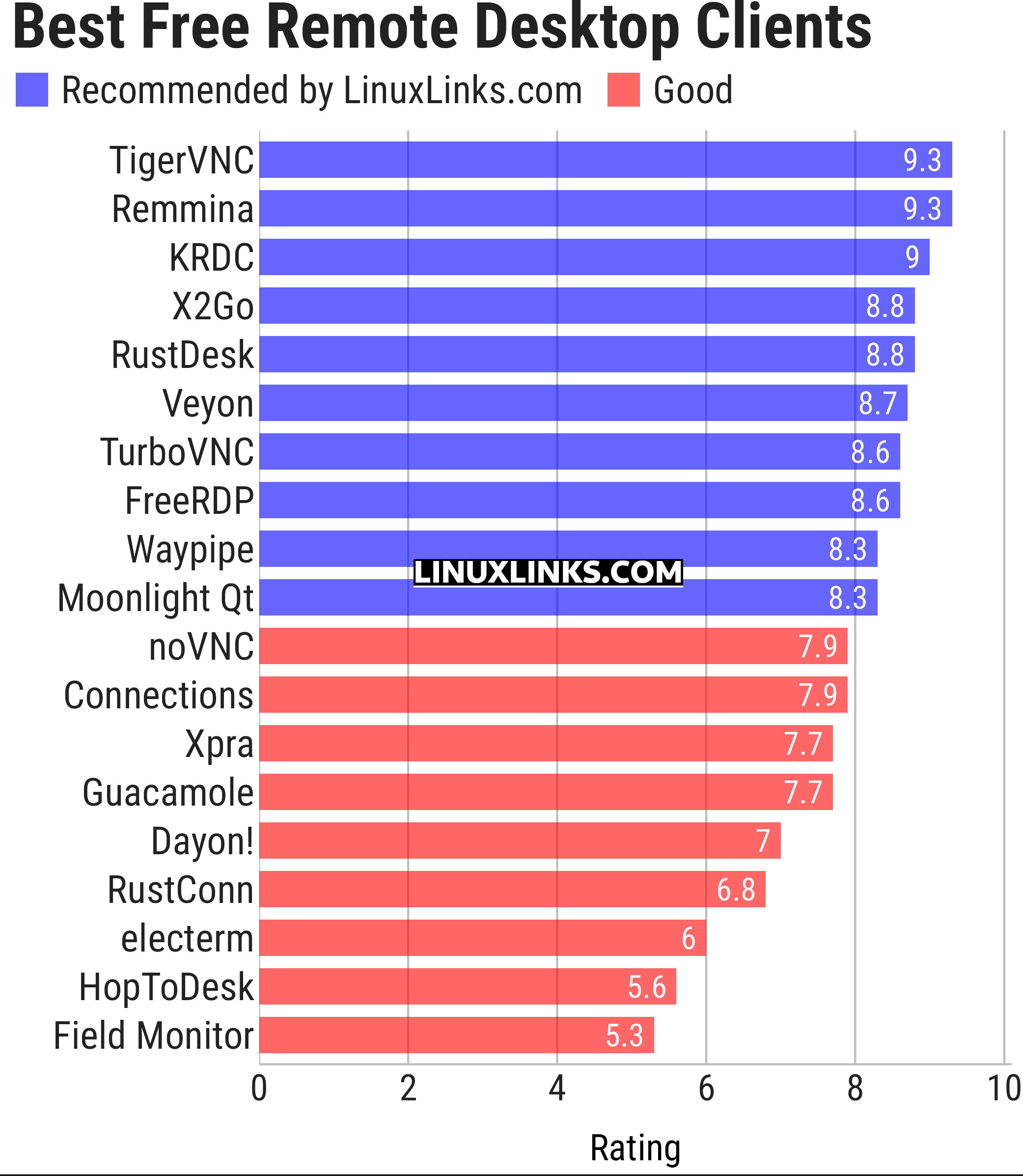
Let’s explore the 19 remote desktop software at hand. For each application we have compiled its own portal page, a full description with an in-depth analysis of its features, screenshots, together with links to relevant resources.
| Remote Display Clients | |
|---|---|
| TigerVNC | Platform-neutral implementation of VNC |
| Remmina | GTK+/Gnome Remote Desktop Client |
| KRDC | Connect with RDP or VNC to another computer |
| X2Go | Fast terminal server suite based on NoMachine's NX libraries |
| RustDesk | Works out of the box with no configuration required |
| Veyon | Computer monitoring and classroom management |
| TurboVNC | TightVNC-compatible remote desktop software |
| FreeRDP | Remote Desktop Protocol Implementation |
| Waypipe | Forward individual Wayland applications over SSH connections |
| Moonlight Qt | Stream games and desktop applications from remote computers |
| noVNC | VNC client web application |
| Connections | Aims at replacing Vinagre as the remote desktop client for GNOME |
| Xpra | Multi-platform persistent remote display server with built-in HTML5 client |
| Guacamole | Clientless remote desktop gateway |
| Dayon! | Easy to use, cross-platform remote desktop assistance solution |
| RustConn | Connection orchestrator for Linux with a GTK4/Wayland-native interface |
| electerm | Terminal emulator supporting SSH, SFTP and RDP connections |
| HopToDesk | Remote desktop tool with end-to-end encryption |
| Field Monitor | Remote desktop client designed for GNOME |
This article has been updated to reflect the changes outlined in our recent announcement.
 LinuxLinks helps you discover the best free and open source software for Linux. Explore our extensive collection of recommended applications, including alternatives to popular proprietary software. LinuxLinks helps you discover the best free and open source software for Linux. Explore our extensive collection of recommended applications, including alternatives to popular proprietary software.We also publish software reviews, Linux tutorials, hardware reviews, free programming books and articles covering the wider open source community. Browse our Linux resources to discover more. Know a useful free and open source Linux application we haven't covered? Suggest a program for inclusion. Has your software been featured on LinuxLinks? Display one of our Featured on LinuxLinks badges on your website or GitHub README. |
Please read our Comment Policy before commenting.