

Applications
I’ll give a brief overview of the applications, starting with Docker.
Docker
Docker runs applications in isolated containers. A container includes the application and the software libraries it needs, while sharing the host system’s Linux kernel.
Unlike a virtual machine, Docker does not run a complete second operating system, so containers are usually smaller, start faster and use fewer resources.
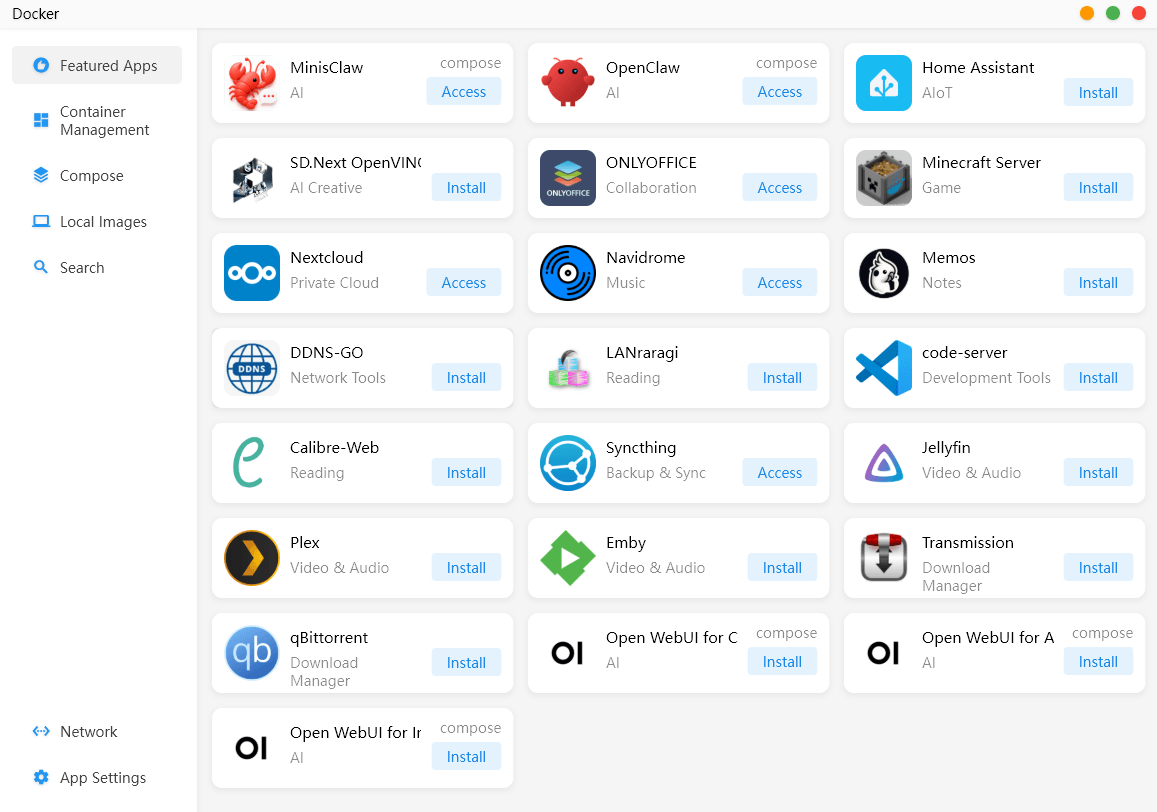
The Featured Apps section provides a curated catalogue of preconfigured Docker applications that can be installed with a few clicks. Installed apps show an Access button, while available apps show Install.
In the MinisCloud Docker app:
An image is a packaged application.
A container is a running copy of that image.
A volume stores persistent data outside the container.
A port makes the application accessible over the network.
A Compose file describes one or more containers and their settings.
Docker can run applications such as Portainer, Jellyfin and Nextcloud without installing them directly on MinisCloud OS.
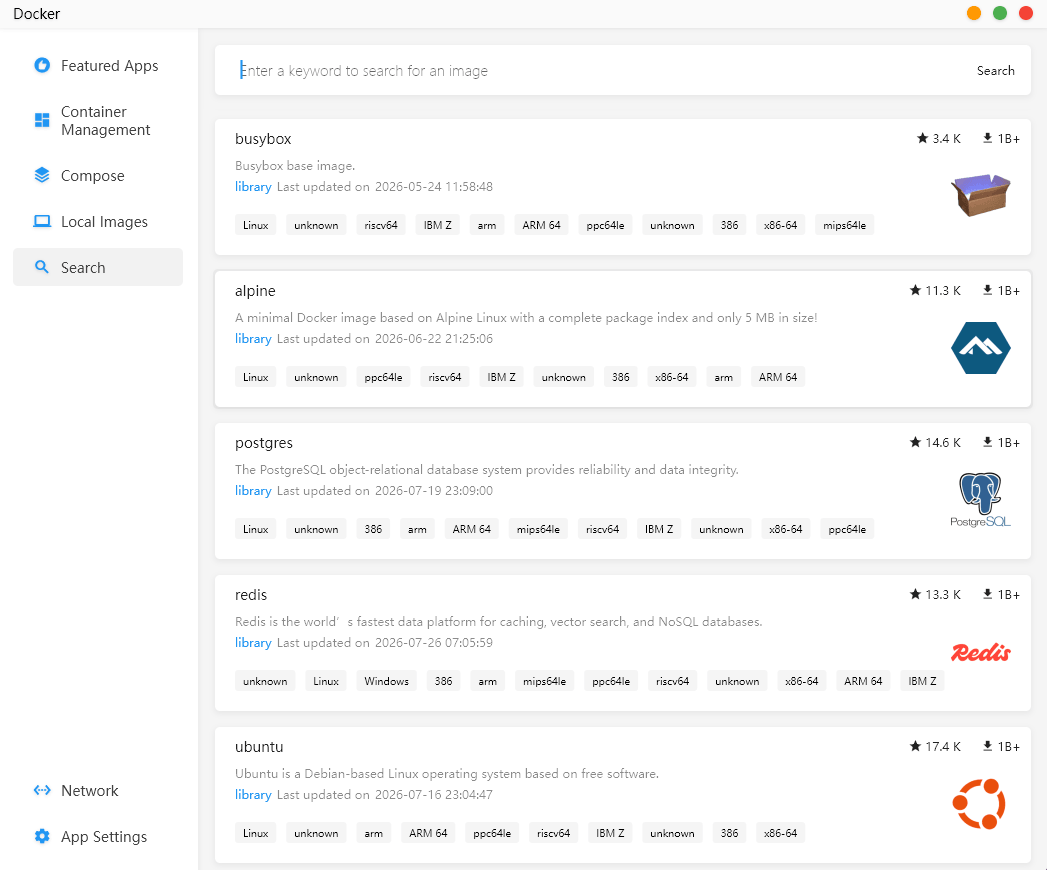
That’s only a taste of what can be installed. We can search for and install a huge range of Docker applications.
Next page: Page 3 – Applications: Storage
Pages in this article:
Page 1 – Introduction and Setup
Page 2 – Applications: Docker
Page 3 – Applications: Storage
Page 4 – Applications: LAN sharing
Page 5 – Applications: Album
Page 6 – Applications: Backup
Page 7 – Applications: File Manager
Page 8 – Applications: Device Monitoring
Page 9 – Applications: Virtual Machine
Page 10 – Applications: Settings
Page 11 – Applications: Other Apps
Page 12 – Summary
Complete list of articles in this series:
| Minisforum N5 Pro NAS | |
|---|---|
| Hardware Review | Five-Bay NAS with Ryzen AI 9 Power |
| MinisCloud OS | Customised Linux NAS operating system |
| NPU | Using the NPU with FastFlowLM |
| More articles to be published next week | |
Please read our Comment Policy before commenting.
MinisCloud OS looks very promising, but I would be reluctant to entrust important data to a beta NAS operating system.