

Album
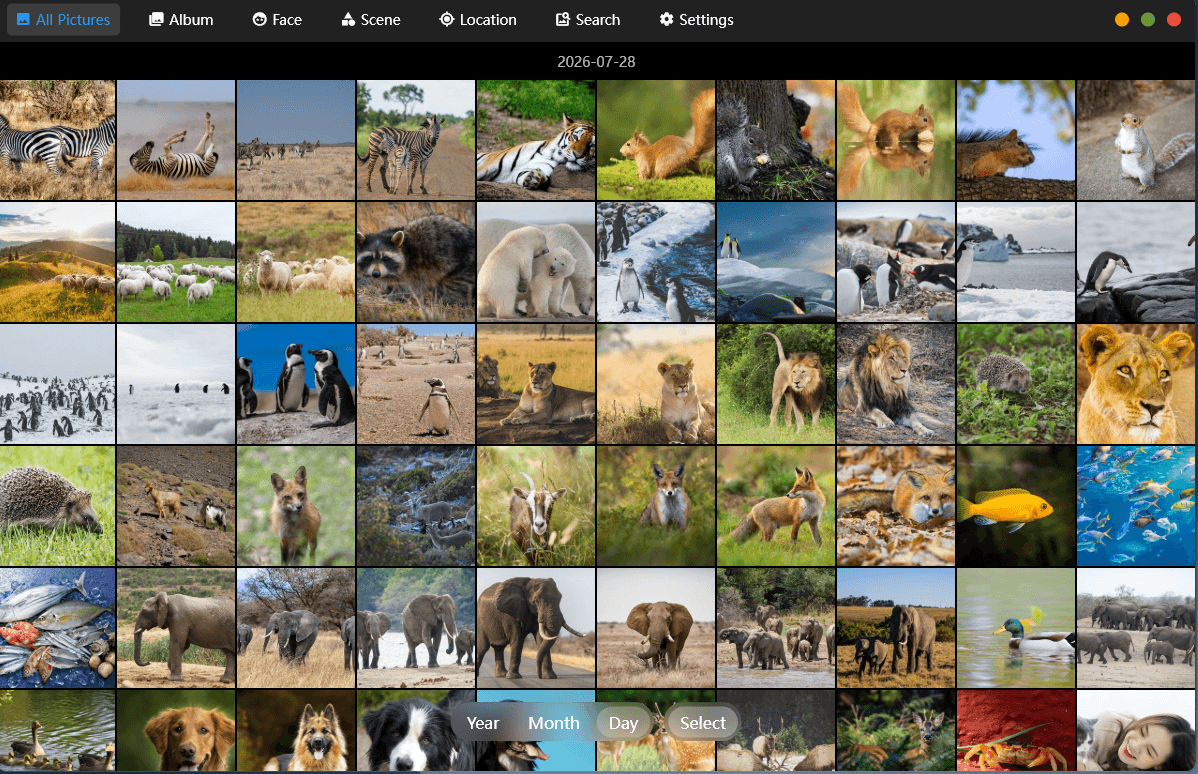
The Album application indexes and organises photographs stored on the NAS. Its main gallery presents thumbnails grouped by date, with views for albums, faces, scenes and locations, plus search and settings. The Year, Month and Day controls provide timeline filtering, while Select enables batch operations.
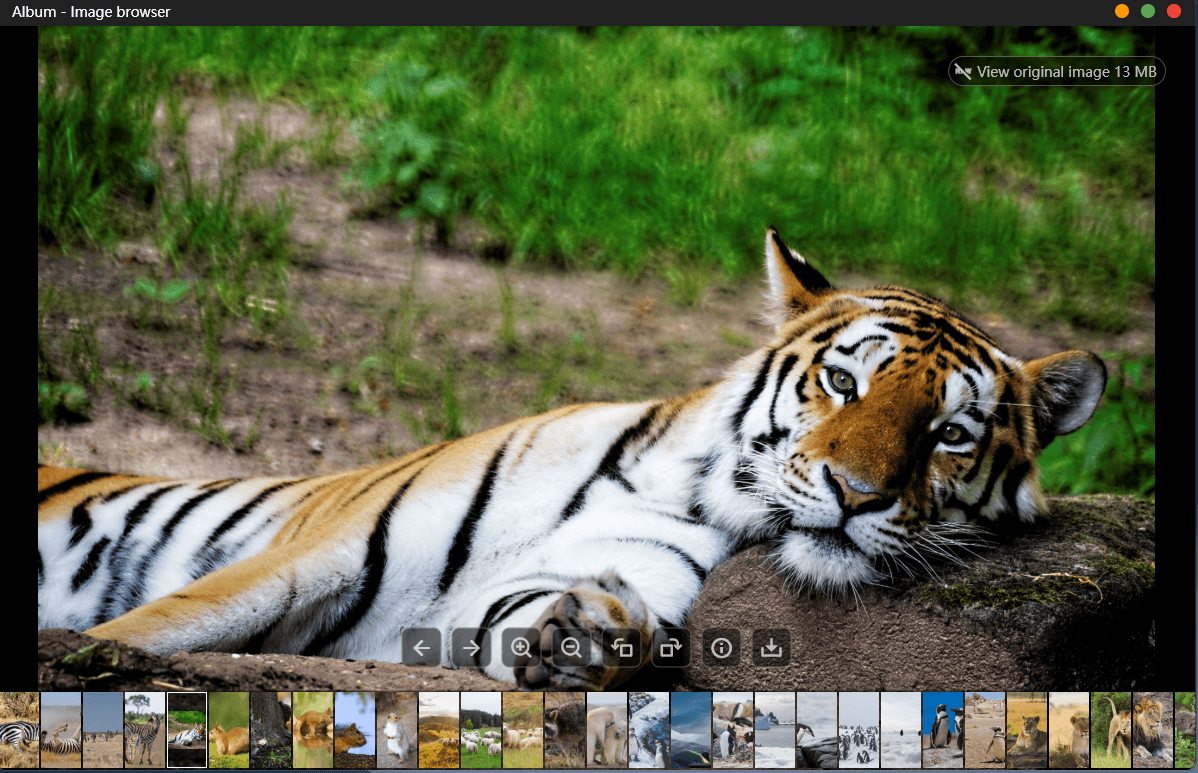
Opening a photograph launches the image browser. The selected 13MB tiger image is shown at large size, with controls for moving between images, zooming, rotating, viewing information and downloading the original file. A thumbnail filmstrip along the bottom provides rapid navigation through the collection.
The Face, Scene and Location sections let Album classify and group photographs.
Next page: Page 6 – Applications: Backup
Pages in this article:
Page 1 – Introduction and Setup
Page 2 – Applications: Docker
Page 3 – Applications: Storage
Page 4 – Applications: LAN sharing
Page 5 – Applications: Album
Page 6 – Applications: Backup
Page 7 – Applications: File Manager
Page 8 – Applications: Device Monitoring
Page 9 – Applications: Virtual Machine
Page 10 – Applications: Settings
Page 11 – Applications: Other Apps
Page 12 – Summary
Complete list of articles in this series:
| Minisforum N5 Pro NAS | |
|---|---|
| Hardware Review | Five-Bay NAS with Ryzen AI 9 Power |
| MinisCloud OS | Customised Linux NAS operating system |
| NPU | Using the NPU with FastFlowLM |
| More articles to be published next week | |
Please read our Comment Policy before commenting.
MinisCloud OS looks very promising, but I would be reluctant to entrust important data to a beta NAS operating system.