
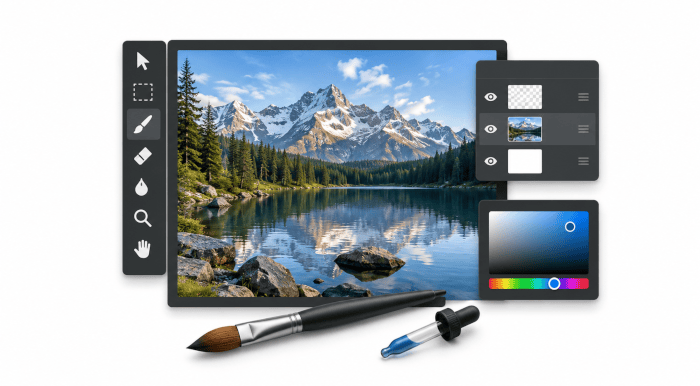
JS Paint is a web-based recreation of classic Microsoft Paint that closely reproduces its familiar tools, menus and workflow while extending the experience for modern systems.
It can be used in a browser or as an Electron desktop application, with packaged Linux builds available. The project is aimed at straightforward raster drawing and image editing, retaining the deliberately simple character of older Paint releases while removing some of their practical limitations.
This is free and open source software.
Key Features
- Supports PNG, BMP, TIFF, WebP, GIF, JPEG, SVG, ICO and selected PDF input, with format support varying where browser capabilities are used.
- Edits transparent images and provides arbitrary-angle rotation, custom zoom levels, crop-by-selection and whole-image colour replacement.
- Offers unlimited nonlinear undo and redo through a branching history tree, allowing users to revisit earlier states without discarding alternate edits.
- Loads and saves numerous palette formats used by GIMP, Photoshop, Paint.NET, Paint Shop Pro, StarCraft, KolourPaint and other applications.
- Includes multiple interface themes together with controls for enlarging interface elements for coarse pointing devices and accessibility hardware.
- Provides dwell clicking, speech recognition and head-tracking integration for users who operate the interface without conventional mouse input.
- Can generate an animated GIF from document history and supports automatic local backups that can be managed from the File menu.
- Adds web-oriented functions including loading images from URLs, uploading to Imgur and rudimentary link-based multi-user collaboration sessions.
- Supports touch interaction with two-finger panning, pinch-to-zoom, fullscreen operation and an optional floating quick-undo control.
Website: github.com/1j01/jspaint
Support:
Developer: Isaiah Odhner
License: MIT License
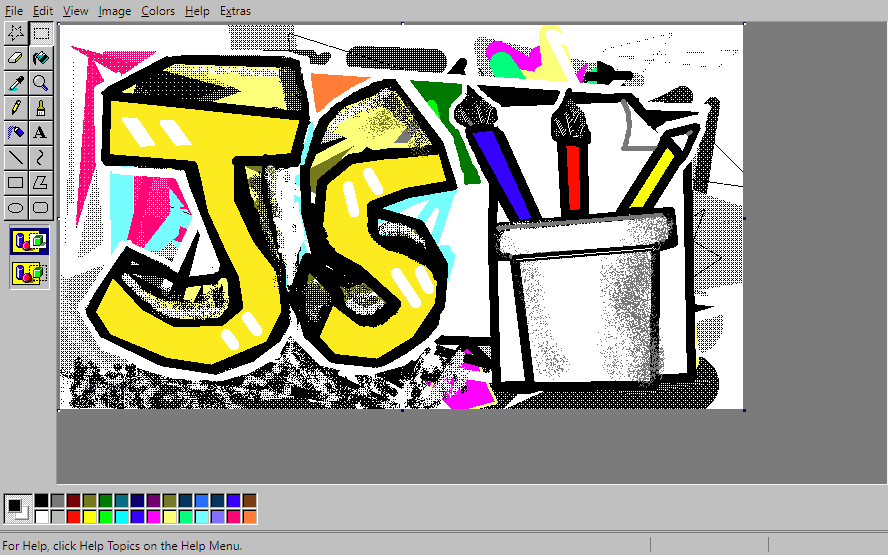
JS Paint is written in JavaScript. Learn JavaScript with our recommended free books and free tutorials.
Related Software
| Raster Image Editors | |
|---|---|
| GIMP | GNU Image Manipulation Program |
| JS Paint | Classic MS Paint recreation with modern browser-based features |
| Pinta | Mimics the usability of Paint.Net |
| Photoflare | Cross-platform image editor |
| LazPaint | Image editor with layers and transparency |
| dibuja | Simple to use paint program like Paintbrush for Mac or classic MS Paint |
| Drawing | Basic raster image editor similar to Microsoft Paint |
| Textual Paint | MS Paint in your terminal |
| Pixelitor | Feature-rich editing with layers, filters and effects |
| paint.software | Accessible Paint.NET-style raster editing application |
| Brushshe | Simple and user-friendly raster graphics editor |
| KolourPaint | Easy-to-use paint program by KDE |
| CinePaint | Tools for painting, manipulation and image processing |
Read our verdict in the software roundup.
 LinuxLinks helps you discover the best free and open source software for Linux. Explore our extensive collection of recommended applications, including alternatives to popular proprietary software. LinuxLinks helps you discover the best free and open source software for Linux. Explore our extensive collection of recommended applications, including alternatives to popular proprietary software.We also publish software reviews, Linux tutorials, hardware reviews, free programming books and articles covering the wider open source community. Browse our Linux resources to discover more. Know a useful free and open source Linux application we haven't covered? Suggest a program for inclusion. Has your software been featured on LinuxLinks? Display one of our Featured on LinuxLinks badges on your website or GitHub README. |
Please read our Comment Policy before commenting.