
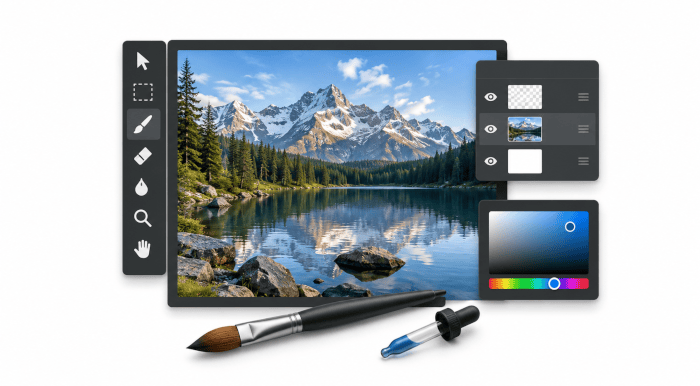
GIMP stands for the GNU Image Manipulation Program. It is a powerful raster graphics editor for photo retouching, image composition, digital artwork and graphic design.
GIMP combines traditional layer-based editing with non-destructive filters and newer non-destructive layer types. Its broad toolset covers painting, selections, masks, transformations, text, colour correction and sophisticated compositing.
The application is highly extensible through plug-ins and scripting, and supports a wide range of image formats and professional colour-management workflows.
This is free and open source software.
Key Features
- Comprehensive painting and retouching tools including brushes, pencil, airbrush, cloning, healing and configurable brush dynamics.
- Layers, layer groups, channels, masks, alpha transparency and multiple blending modes for complex compositions.
- Non-destructive GEGL filters can be edited after application and attached to layers, layer groups and channels.
- Vector Layers provide editable paths with configurable fill and stroke properties and non-destructive transformations.
- Link Layers incorporate external images into compositions and automatically reflect changes made to the source file.
- Multiple layers and other items can be selected and transformed or moved together.
- Rich selection and transformation tools cover paths, free and colour-based selections, cropping, rotation, scaling, perspective, shear and other operations.
- Advanced text editing with editable text layers, outlines and non-destructive effects.
- GIMP’s own painting engine is complemented by MyPaint brushes, with graphics tablet pressure, tilt and stylus rotation support.
- Extensive colour management with support for RGB colour spaces, ICC profiles, soft-proofing and CMYK print simulation.
- Broad image-format support including JPEG, PNG, TIFF, WebP, OpenEXR, PSD/PSB, DDS, SVG and PDF, with Camera RAW workflows through external processors.
- PSD interoperability includes support for additional layer styles, while Photoshop curves, levels and pattern presets can be imported.
- Extensible through plug-ins and scripting interfaces including Python and Scheme.
- GTK3 interface provides native Wayland support, improved HiDPI scaling and better graphics tablet handling.
Website: www.gimp.org
Support:
Developer: First version written by Peter Mattis and Spencer Kimball. Thousands of individuals have contributed since.
License: GNU General Public License v3.0
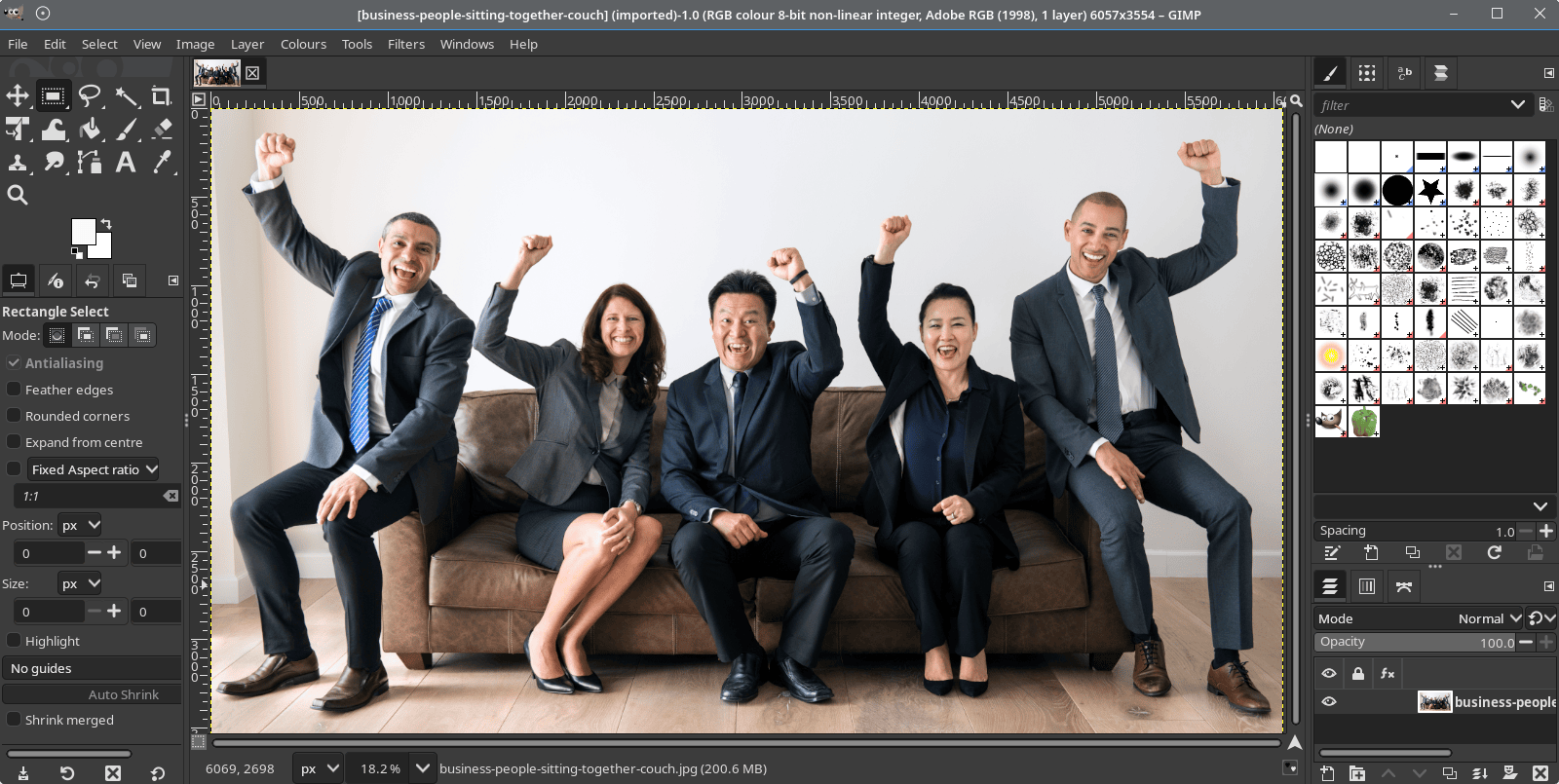
GIMP is written in C. Learn C with our recommended free books and free tutorials.
Related Software
| Raster Image Editors | |
|---|---|
| GIMP | GNU Image Manipulation Program |
| JS Paint | Classic MS Paint recreation with modern browser-based features |
| Pinta | Mimics the usability of Paint.Net |
| Photoflare | Cross-platform image editor |
| LazPaint | Image editor with layers and transparency |
| dibuja | Simple to use paint program like Paintbrush for Mac or classic MS Paint |
| Drawing | Basic raster image editor similar to Microsoft Paint |
| Textual Paint | MS Paint in your terminal |
| Pixelitor | Feature-rich editing with layers, filters and effects |
| paint.software | Accessible Paint.NET-style raster editing application |
| Brushshe | Simple and user-friendly raster graphics editor |
| KolourPaint | Easy-to-use paint program by KDE |
| CinePaint | Tools for painting, manipulation and image processing |
Read our verdict in the software roundup.
| Painting Tools | |
|---|---|
| Krita | Edit and paint images; part of the KOffice office suite |
| MyPaint | Paint program with dynamic brushes for graphic tablets |
| GIMP | GNU Image Manipulation Program |
| Drawpile | Draw, paint, sketch and animate |
| AzPainter | Full color painting software |
| Tux Paint | Drawing and painting software designed for children |
| Milton | Infinite-canvas paint program |
| Vara | Minimalist digital painting tool |
| CorePaint | Paint app for C Suite |
| InfiniPaint | Collaborative, infinite space, infinite zoom, canvas note-taking/drawing app |
| BlockPaint | Terminal-based painting tool |
| Alchemy | Non-orthodox painting tool experimenting with alternative ways of drawing |
Read our verdict in the software roundup.
| Screen Capture Tools | |
|---|---|
| Spectacle | Simple KDE application for capturing desktop screenshots |
| Ksnip | Qt-based cross-platform tool that provides many annotation features |
| flameshot | Complete screen capture and snipping tool with unique features |
| Shutter | Feature-rich screenshot program |
| ScreenGrab | Competent Qt-based tool |
| Satty | Modern screenshot annotation utility with a clean interface |
| swappy | Wayland native snapshot editing tool |
| CoreShot | Simple lightweight screen capture utility for C-Suite |
| gscreenshot | Graphical interface and command line frontend for multiple backends |
| GIMP | The GNU Image Manipulation Program |
| shotman | Lightweight screenshot tool designed for Wayland desktops |
| GNOME Screenshot | Screen capture tool for GNOME |
| xfce4-screenshooter | Flexible screenshot utility for the Xfce desktop environment |
| wayscrollshot | Scrolling screenshot tool for Wayland |
| SnipText | Screen capture OCR tool |
| Perl Screenshot Tool | Works best on X11. It also supports Gnome Wayland |
Read our verdict in the software roundup.
 Explore our carefully curated directory of recommended free and open source software, covering every major software category. Explore our carefully curated directory of recommended free and open source software, covering every major software category.The directory forms part of our extensive collection of articles for Linux enthusiasts. It includes hundreds of detailed reviews, together with free and open source alternatives to proprietary software from companies such as Google, Microsoft, Apple, Adobe, IBM, Cisco, Oracle, and Autodesk. LinuxLinks also covers interesting projects worth exploring, Linux-compatible hardware, free programming books and tutorials, and much more. Know a useful free and open source Linux application that we haven’t covered? Tell us about it using our submission form. |
Please read our Comment Policy before commenting.