
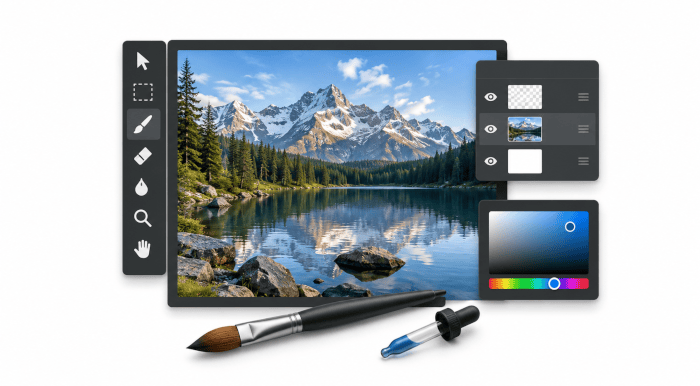
paint.software is a native raster image editor for Linux that follows the layout and editing model of Paint.NET without requiring Wine or the .NET runtime.
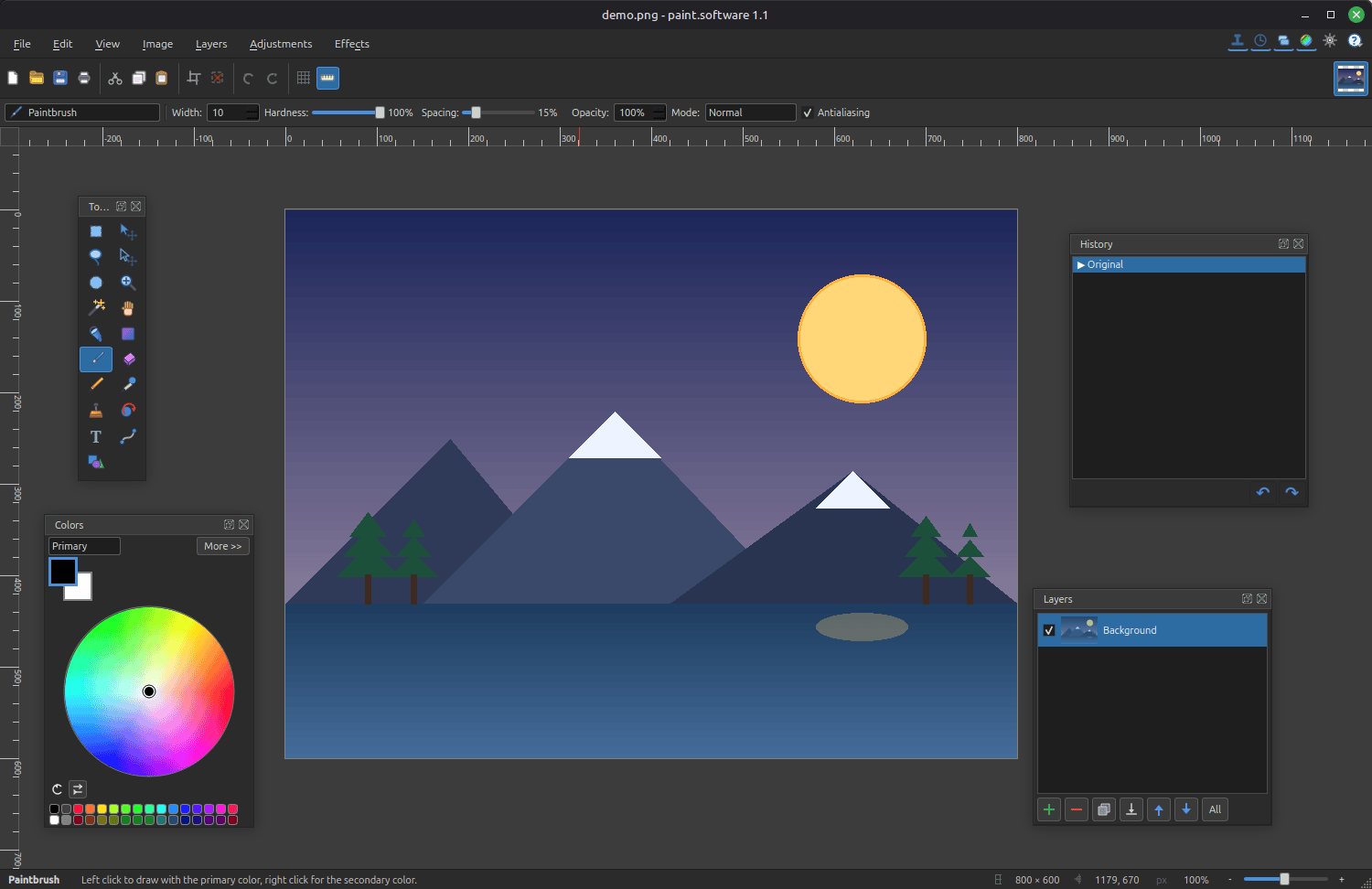
Built with C++17 and Qt 6, it is intended for drawing, quick image corrections and layered editing in a conventional desktop interface. Its workspace combines a central canvas with tool, colour, layer and history controls.
This is free and open source software.
Key Features
- Provides layers with opacity controls, blend modes, live thumbnails and merging, together with a native .psw format that preserves the layer stack.
- Includes paintbrush, pencil, eraser, fill, gradient, shapes, line, text, clone stamp, colour picker, recolour, magic wand, lasso and selection tools.
- Offers adjustments for brightness and contrast, hue and saturation, levels, curves, colour balance, exposure, temperature, highlights and shadows.
- Supplies more than 30 effects covering blur, sharpening, embossing, edge detection, oil painting, pixelation, distortions and drop shadows.
- Shows live previews while adjustment and effect parameters are changed, allowing results to be assessed before committing an operation.
- Supports external effect plugins through a native C ABI, with plugins exposed through the Effects menu and a sample plugin included.
- Handles feathering, growing and shrinking selections, confined editing, and resizing or moving selected artwork using on-canvas handles.
- Maintains navigable undo and redo history, autosave and crash recovery, while also providing multiple documents, rulers and an infinite canvas.
- Distributed through a signed APT repository, standalone DEB package, AppImage and Flatpak bundle, alongside conventional source builds.
Website: github.com/Univers4craft/paint.software
Support:
Developer: Univers4craft
License: MIT License
paint.software is written in C++. Learn C++ with our recommended free books and free tutorials.
Related Software
| Raster Image Editors | |
|---|---|
| GIMP | GNU Image Manipulation Program |
| JS Paint | Classic MS Paint recreation with modern browser-based features |
| Pinta | Mimics the usability of Paint.Net |
| Photoflare | Cross-platform image editor |
| LazPaint | Image editor with layers and transparency |
| dibuja | Simple to use paint program like Paintbrush for Mac or classic MS Paint |
| Drawing | Basic raster image editor similar to Microsoft Paint |
| Textual Paint | MS Paint in your terminal |
| Pixelitor | Feature-rich editing with layers, filters and effects |
| paint.software | Accessible Paint.NET-style raster editing application |
| Brushshe | Simple and user-friendly raster graphics editor |
| KolourPaint | Easy-to-use paint program by KDE |
| CinePaint | Tools for painting, manipulation and image processing |
Read our verdict in the software roundup.
 LinuxLinks helps you discover the best free and open source software for Linux. Explore our extensive collection of recommended applications, including alternatives to popular proprietary software. LinuxLinks helps you discover the best free and open source software for Linux. Explore our extensive collection of recommended applications, including alternatives to popular proprietary software.We also publish software reviews, Linux tutorials, hardware reviews, free programming books and articles covering the wider open source community. Browse our Linux resources to discover more. Know a useful free and open source Linux application we haven't covered? Suggest a program for inclusion. Has your software been featured on LinuxLinks? Display one of our Featured on LinuxLinks badges on your website or GitHub README. |
Please read our Comment Policy before commenting.