
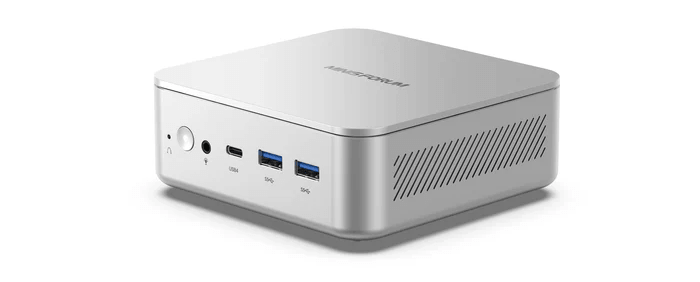
Power Consumption With CPU Stressed
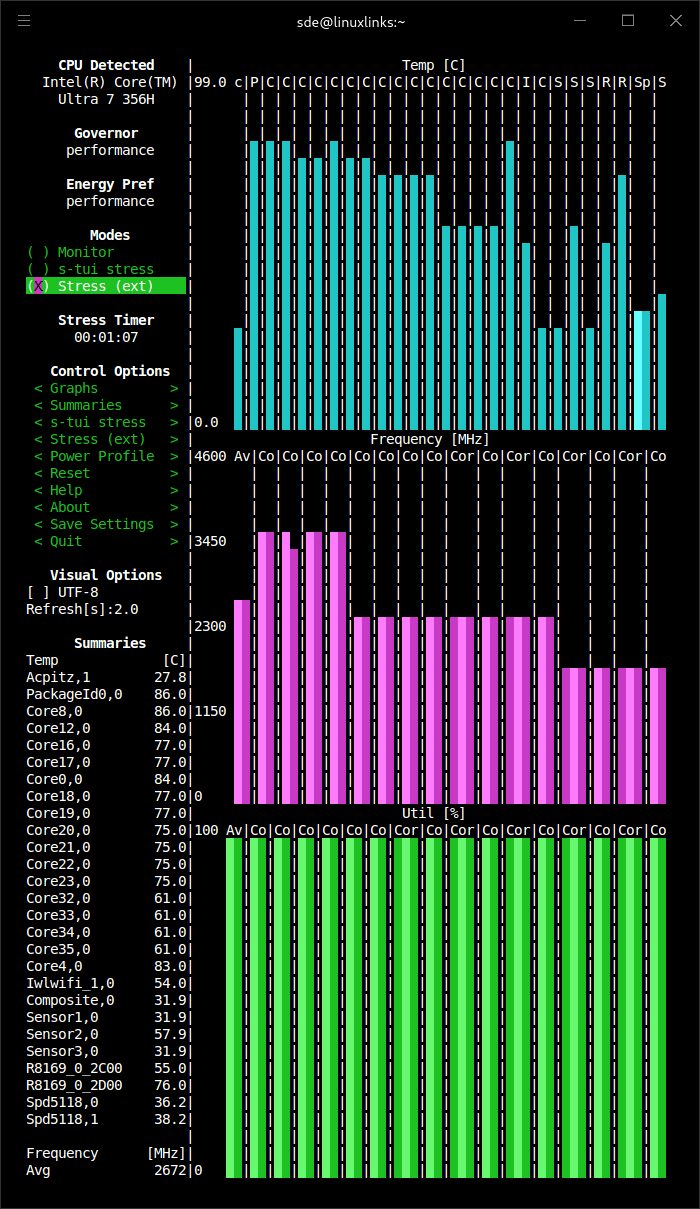
I’m using s-tui to stress the CPU. It provides a convenient frontend to the stress utility.
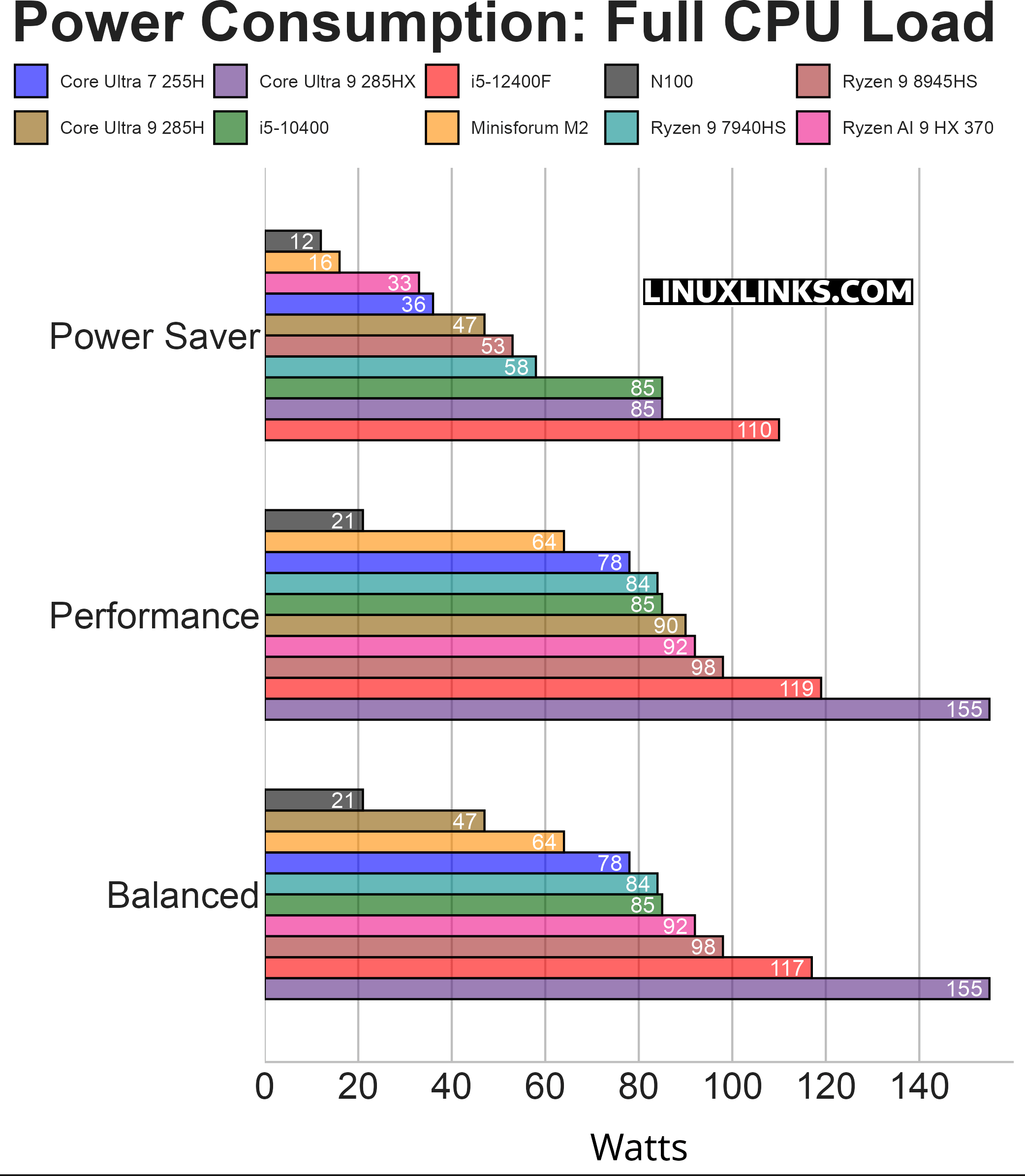
Under full CPU load, the M2 draws 16W in Power Saver mode. Only the N100 system is lower. That suggests Power Saver is applying a very restrictive power limit. It’s useful for keeping power, heat, and noise down, but performance suffers massively.
In both Balanced and Performance modes, the M2 draws 64W. The machine actually peaks at 83W with full CPU load but falls back to 64W after 30 seconds.
A 64W full-load figure is still very respectable. It’s lower than the Core Ultra 7 255H, Ryzen 9 7940HS, Ryzen AI 9 HX 370, Ryzen 9 8945HS, the desktop i5 systems, and the Core Ultra 9 285HX system. The M2 therefore offers a useful middle ground: far more headroom than ultra-low-power systems such as the N100, but without the much higher power draw of the other mini PCs, desktop, and workstation-class machines.
Summary
The Minisforum M2 is a hugely impressive system in these charts from an efficiency perspective. Its idle power isn’t quite the absolute lowest, but it’s still very low and comfortably suitable for always-on use. Its light-load result is the standout figure, sitting almost level with the N100 while remaining well below the other higher-performance mini PCs.
At full load, the M2 is also well controlled. The jump to 64W in Balanced and Performance modes is modest compared with many of the other systems.
Overall, the M2 is a very efficient mini PC: low at idle, excellent under light load, and sensible under sustained CPU load.
Next page: Page 4 – Electricity Costs
Pages in this article:
Page 1 – Power Consumption With System Idle
Page 2 – Power Consumption With Light Usage
Page 3 – Power Consumption With CPU Stressed
Page 4 – Electricity Costs
Complete list of articles in this series:
| MINISFORUM M2 Core Ultra 7 356H Mini PC | |
|---|---|
| Introduction | Introduction to the series and interrogation of the machine |
| NPU | Setting up and testing the NPU |
| Benchmarks | I run a series of benchmarks focusing on the CPU, GPU, Memory, and Disk performance |
| Power | Testing and comparing the power consumption |
| BIOS | In the world of computing, BIOS, which stands for Basic Input/Output System, plays a crucial role |
| Cores | A look at Intel’s hybrid architecture |
| Intel processors | P-Cores, E-Cores and LP E-Cores Compared Across 4 Intel Processors |
| NPU | NPU and Llama |
| Scheduling | Does Linux Schedule Panther Lake Correctly? |
| Next articles in the series will continue to focus on the machine's NPU | |
Please read our Comment Policy before commenting.
Can you publish articles in this series quicker? I need information NOW.