
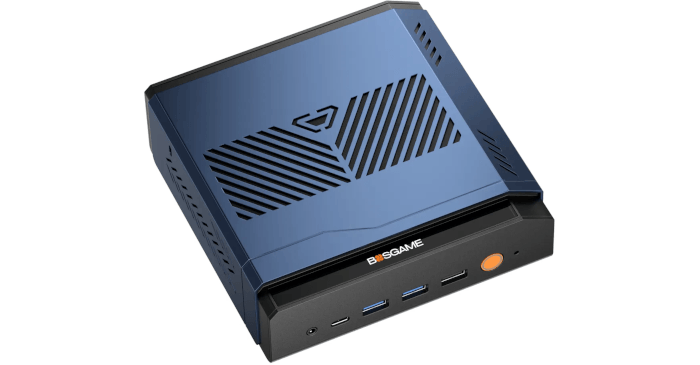
This is a series looking at the BOSGAME VTA-439 Ryzen AI 9 HX 470 mini PC running Linux. In this series, I put the BOSGAME mini PC through its paces from a Linux perspective, comparing it with other systems, including desktops, to see how it performs in real-world Linux use.
The noise profile of a mini PC is often overlooked in reviews, yet it can be an important factor in the buying decision.
Manufacturer noise figures quoted in dBA are of limited value unless the test conditions are clearly defined. Distance from the machine, background noise, room acoustics, workload, power mode, and ambient temperature can all affect the result. A single dBA figure also says little about the character of the noise. A steady rush of air may be unobtrusive, while fan whine or constant changes in RPM can quickly become irritating.
Amazon reviews are no better for judging acoustics. One owner may describe a mini PC as silent, while another complains about a loud fan. Both may be reporting their experience accurately. Room noise, distance from the machine, workload, and individual sensitivity to particular frequencies all influence perception.
That’s why I place more value on using a mini PC over an extended period. I want to know how it sounds at idle, whether the fans repeatedly ramp up and down during normal use, and how intrusive the cooling system becomes under sustained load.
The VTA-439 takes a conventional active approach to cooling. Its dual-fan thermal system continuously moves air through the heavily vented chassis, helping to remove heat generated by the Ryzen AI 9 HX 470 and the other densely packed components.
Machine at idle or little load
With my ear close to the machine, I can hear a faint whoosh from the fans. Step back to a distance of one metre, however, and the VTA-439 is exceptionally quiet at idle or under a light load. In a quiet room, the cooling system almost fades into the background and the machine is effectively silent in normal use. That is particularly important if the VTA-439 is destined for a bedroom, living room, or another environment where it may remain powered on around the clock. I can listen to Chopin’s Nocturnes or Satie’s Gymnopédies in the still of the night without fan noise intruding on the music at all.
In a typical office, the low idle noise level is less significant, as it will usually be masked by ambient sound.
Just as important is the consistency of the noise profile. Frequent changes in fan speed can be far more distracting than a fan running continuously at a steady RPM. The VTA-439 avoids this irritating behaviour at idle, with no constant ramping up and down as CPU temperature changes by a few degrees.
Under regular use
The VTA-439 continues to impress during everyday desktop workloads. Its fan control is sensibly tuned and does not react aggressively to every short-lived increase in processor temperature.
There is sufficient hysteresis in the fan control curve to prevent rapid RPM cycling. In practical terms, the cooling system waits for a meaningful change in thermal conditions before adjusting fan speed, rather than continually chasing small temperature fluctuations. This produces a much smoother and less intrusive acoustic profile.
With the Ryzen AI 9 HX 470 placed under sustained heavy load, the VTA-439’s fans naturally become more audible. From one metre away, the cooling system can clearly be heard, but the noise remains relatively restrained given the performance available from this compact system.
I am particularly sensitive to fan noise, especially high-pitched tones and constantly changing fan speeds. The VTA-439 performs very well in this respect. Under prolonged load, the fans are audible but do not produce an especially harsh or irritating acoustic character.
Summary
The VTA-439 is not a fanless mini PC, but its cooling system is exceptionally well tuned. At idle and under light workloads, the machine is effectively inaudible at normal listening distance, while fan behaviour remains smooth as the processor moves between different load states. Even under sustained heavy workloads, the noise level is well controlled for such a powerful mini PC.
Of the high-performance mini PCs I have reviewed, the VTA-439 has one of the best overall noise profiles with its default settings. I am so satisfied with the fan behaviour that I see little reason to tinker with the BIOS in search of further improvements.
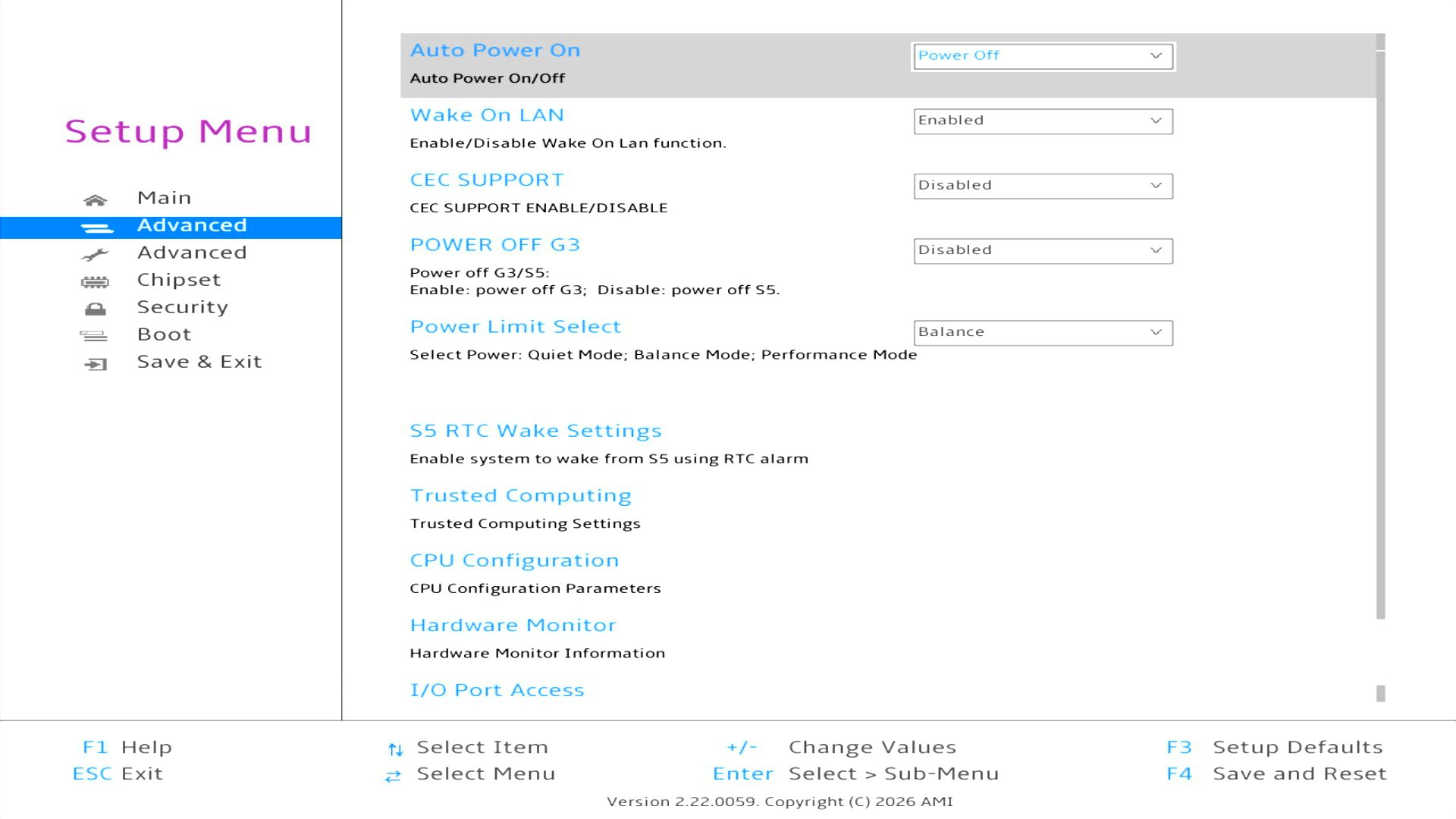
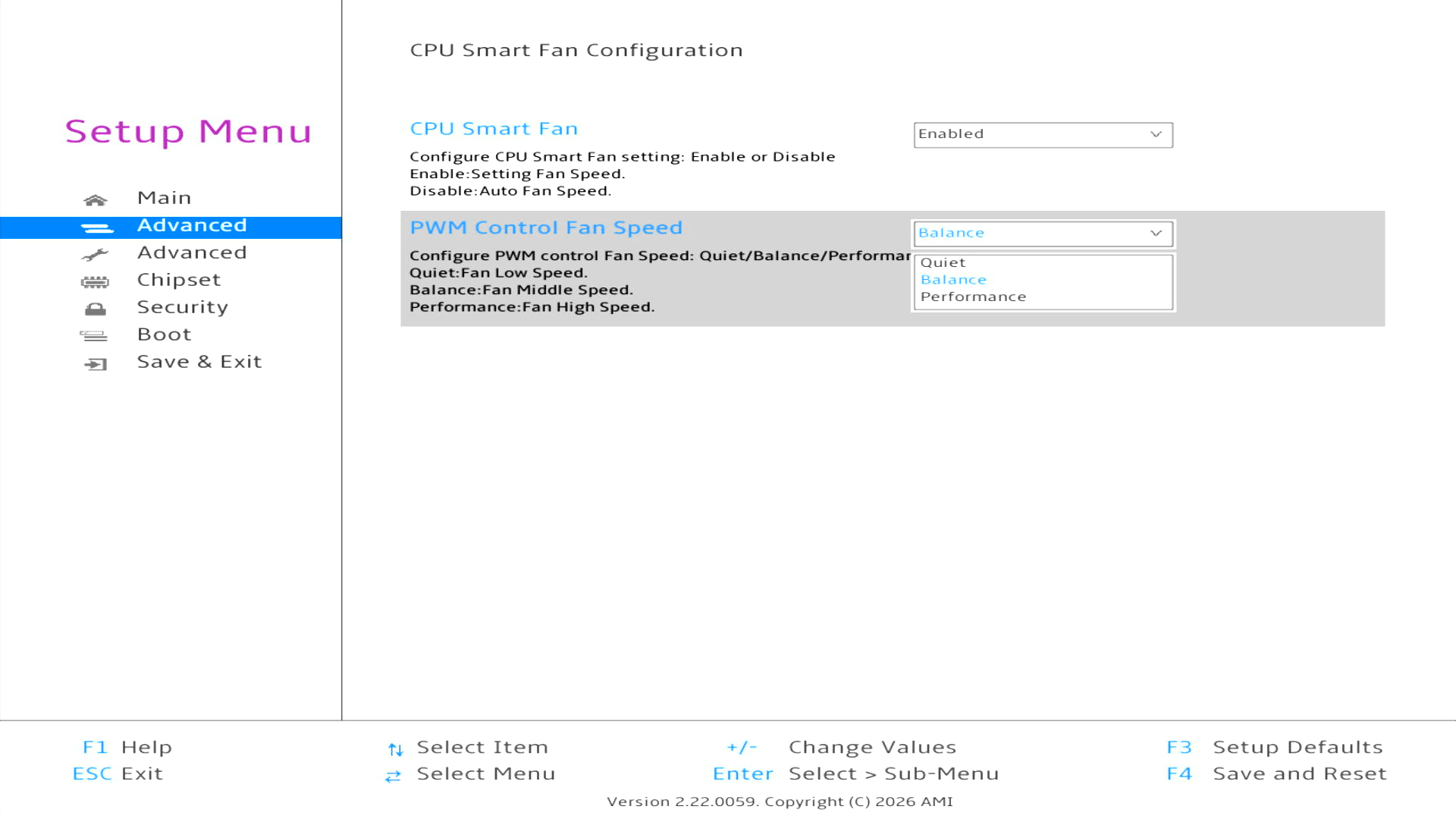
There are, however, options to adjust the power limit and enable CPU Smart Fan. Despite the name, the latter offers preset fan levels rather than a configurable fan curve. Given the excellent default behaviour, I recommend leaving CPU Smart Fan disabled.
Complete list of articles in this series:
| BOSGAME VTA-439 Mini PC | |
|---|---|
| Introduction | Introduction to the series and interrogation of the machine |
| Benchmarks | Benchmarking the BOSGAME VTA-439 Mini PC |
| Power | Testing and comparing the power consumption |
| Easy Diffusion | Local Stable Diffusion package with a browser-based GUI |
| BIOS | Explore the machine's BIOS |
| Noise | How quiet is this mini PC? |
| NPU | Running LLMs on the Ryzen AI 9 HX 470 NPU |
| VirtualBox | Run VirtualBox on the Ryzen AI 9 HX 470's Zen 5 Cores |
| Gaming with the Radeon 890M | |
| Shadow of the Tomb Raider | Comparing graphics presets and frame rates |
| Tiny Tina’s Wonderlands | How well does this demanding shooter perform? |
Please read our Comment Policy before commenting.