

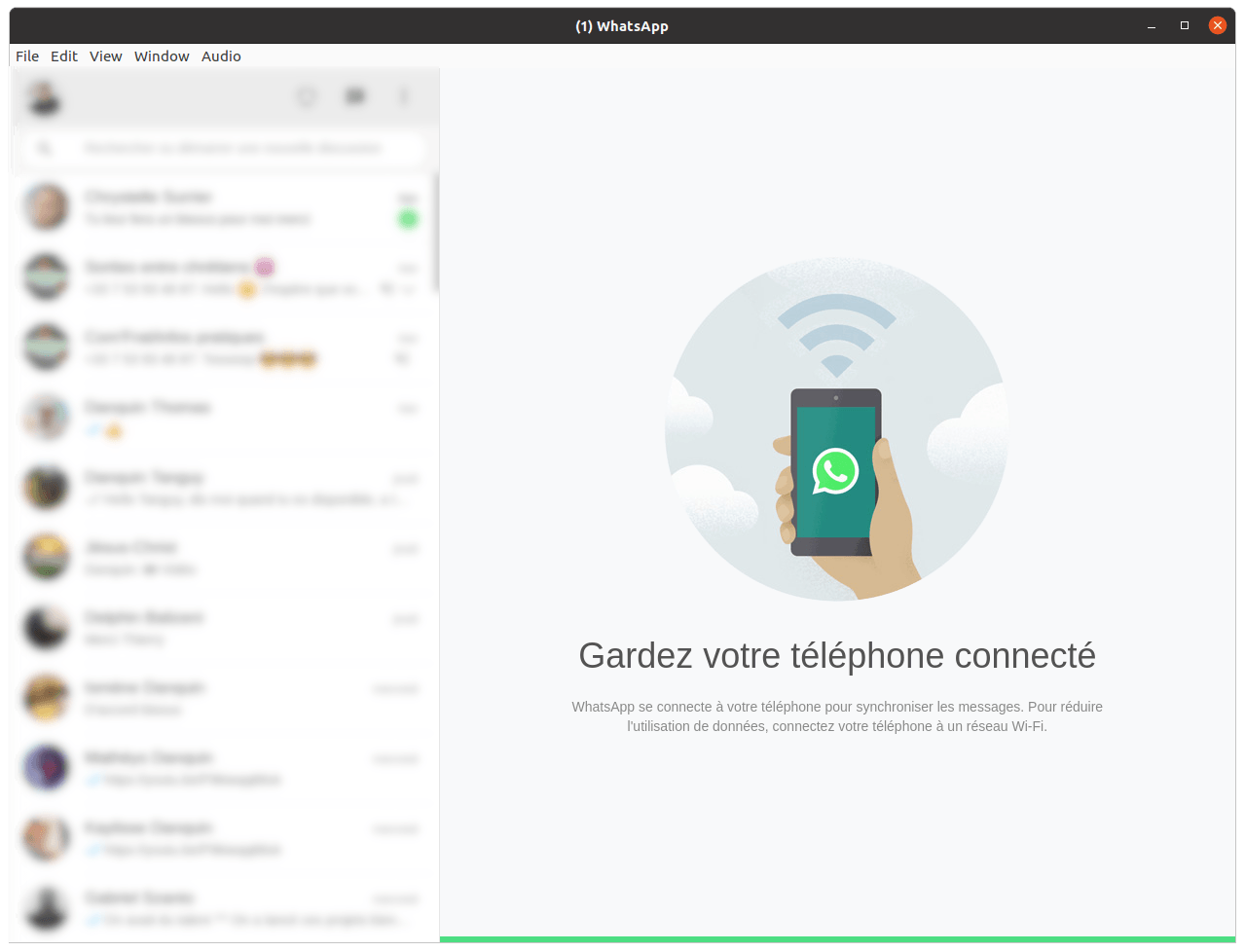
WhatsApp Desktop is an unofficial desktop client that wraps the official WhatsApp Web interface in a standalone Electron application for Linux, macOS, and Windows.
It does not reimplement or reverse engineer the WhatsApp protocol, with communication handled by WhatsApp Web itself. The software adds desktop-focused integration including notifications, tray support, autostart options, logging, and interface customisation.
This is free and open source software.
Key Features
- Wraps official WhatsApp Web in a standalone desktop application.
- Provides native notifications and unread badge integration.
- Supports a system tray icon, start minimised behaviour, and auto-launch on login.
- Opens external links in the default web browser.
- Offers phone information display, logging, and custom CSS support.
- Lets users configure avatar visibility, message preview visibility, media thumbnail size, and proxy settings.
- Includes options to auto-hide the menu bar and disable GPU rendering.
Website: github.com/oOthkOo/whatsapp-desktop
Support:
Developer: oOthkOo
License: GNU General Public License v3.0
WhatsApp Desktop is written in JavaScript. Learn JavaScript with our recommended free books and free tutorials.
Related Software
| WhatsApp Clients | |
|---|---|
| Franz | Messaging app for WhatsApp, Slack, and others |
| WhatSie | Feature rich WhatsApp web client based on Qt WebEngine |
| nchat | Terminal-based chat client |
| ZapZap | Progressive Web Application |
| Karere | Native GTK4 application |
| Youp | WhatsApp wrapper |
| Whatsit | Native desktop client for WhatsAp |
| WasIstLos | Unofficial WhatsApp desktop application written in C++ |
| ElecWhat | Simple desktop WhatsApp client |
| Whatevr | Uses whatsmeow to access the WhatsApp web multidevice API |
| WhatsApp Desktop | Wraps the official WhatsApp Web interface |
Read our verdict in the software roundup.
 Explore our carefully curated directory of recommended free and open source software, covering every major software category. Explore our carefully curated directory of recommended free and open source software, covering every major software category.The directory forms part of our extensive collection of articles for Linux enthusiasts. It includes hundreds of detailed reviews, together with free and open source alternatives to proprietary software from companies such as Google, Microsoft, Apple, Adobe, IBM, Cisco, Oracle, and Autodesk. LinuxLinks also covers interesting projects worth exploring, Linux-compatible hardware, free programming books and tutorials, and much more. Know a useful free and open source Linux application that we haven’t covered? Tell us about it using our submission form. |
Please read our Comment Policy before commenting.