
Last Updated on May 28, 2026
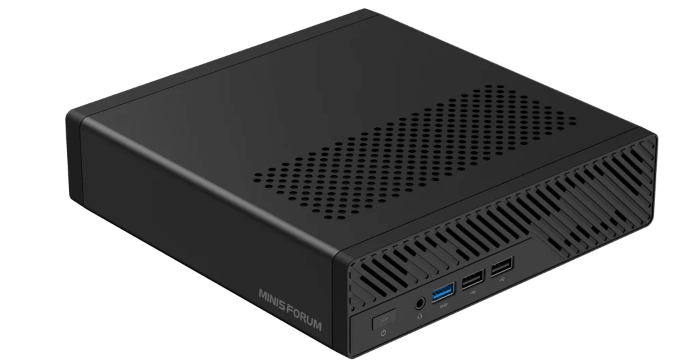
This is a series looking at the Minisforum MS-R1 ARM Mini Workstation running Linux. In this series, I’ll examine every aspect of this mini workstation in detail from a Linux perspective.
One of the benefits of the MS-R1 is its proper UEFI firmware support, which makes it straightforward to install different operating systems on the machine.
In this article I’ll walk through installing Ubuntu 26.04 LTS on the MS-R1.
Start by downloading the ARM Ubuntu 26.04 ISO. I chose the Desktop edition. Write the ISO to a USB drive using balenaEtcher or similar software. The process is much like installing Linux on any regular computer, with no awkward setup required.
At boot, press Escape, open the Boot Manager menu, and boot from the USB drive.
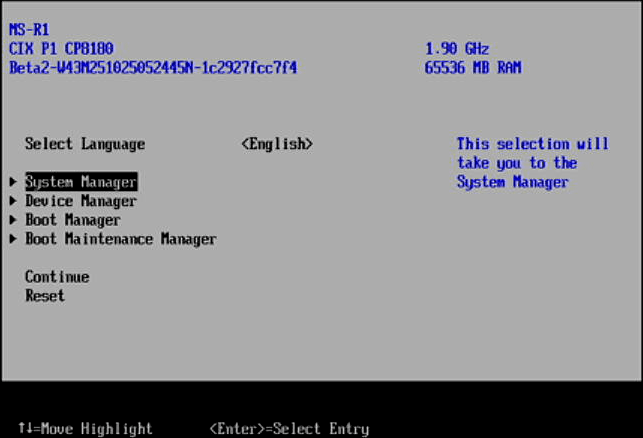
Go to the Boot Manager menu, and select the USB key. The machine will then boot from the key and take you through a standard Ubuntu installation. I chose to install Ubuntu to a separate disk rather than dual boot with the existing Debian 12.
Ubuntu 26.04 LTS installs and boots on the MS-R1. The hardware works well with ethernet, WiFi, Bluetooth working well except for display and NPU support. On my setup, Ubuntu only offered a maximum resolution of 1920×1080, even though the MS-R1’s HDMI and USB-C display outputs are capable of much higher resolutions. With the pre-installed Debian 12, 4K resolution works perfectly.
In light of this it looks like a graphics driver, EDID, or display-stack limitation in Ubuntu on this ARM hardware. I’ve tried both the HDMI and USB-C DisplayPort output. Both are stuck at 1920×1080. This is something I’ll investigate further as I’ll need to build the Mali kernel driver for the CIX Sky1 / CP8180 SoC with Mali-G720-Immortalis MC10 GPU (Valhall/Titan architecture).
For now, I’ve connected the MS-R1 to a 24″ 1920×1080 monitor to carry on testing.
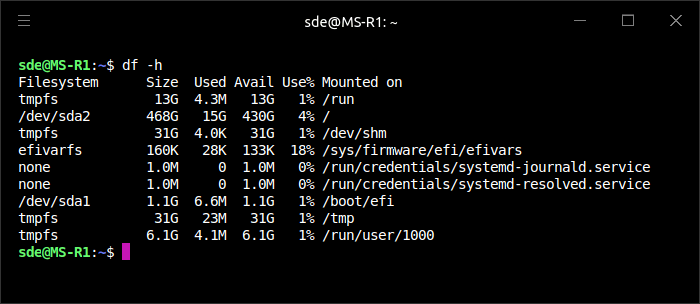
From a vanilla installation, Ubuntu is consuming 15GB of disk space.
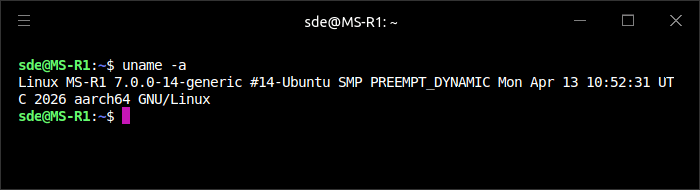
In plain English: this is an Ubuntu system named MS-R1, running a 64-bit ARM kernel, version 7.0.0-14-generic, built by Ubuntu on 13 April 2026.
Before I start installing software, it’s always worth checking for any updates to packages. In this case, everything is already up-to-date,
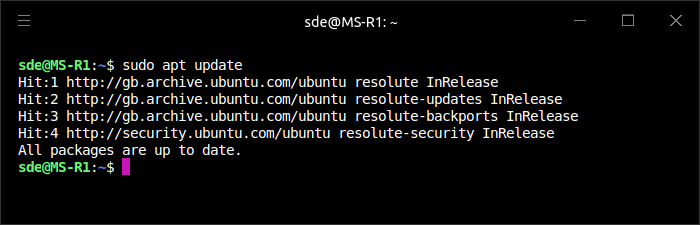
But normally there will be updates. Issue the command
$ sudo apt update -y && apt upgrade -y
OpenSSH
SSH (Secure Shell) is a cryptographic network protocol for operating network services securely over an unsecured network. SSH enables secure data transfer between two machines (server-to-server or server-to-local computer) to ensure data is transferred without interruption.
OpenSSH is an open-source implementation of the SSH protocol. Ubuntu 26.04 doesn’t come with OpenSSH installed. Install it with the command:
$ apt install openssh-server -y
Once installed, start and enable the ssh service:
$ sudo systemctl start ssh && systemctl enable ssh
Desktop
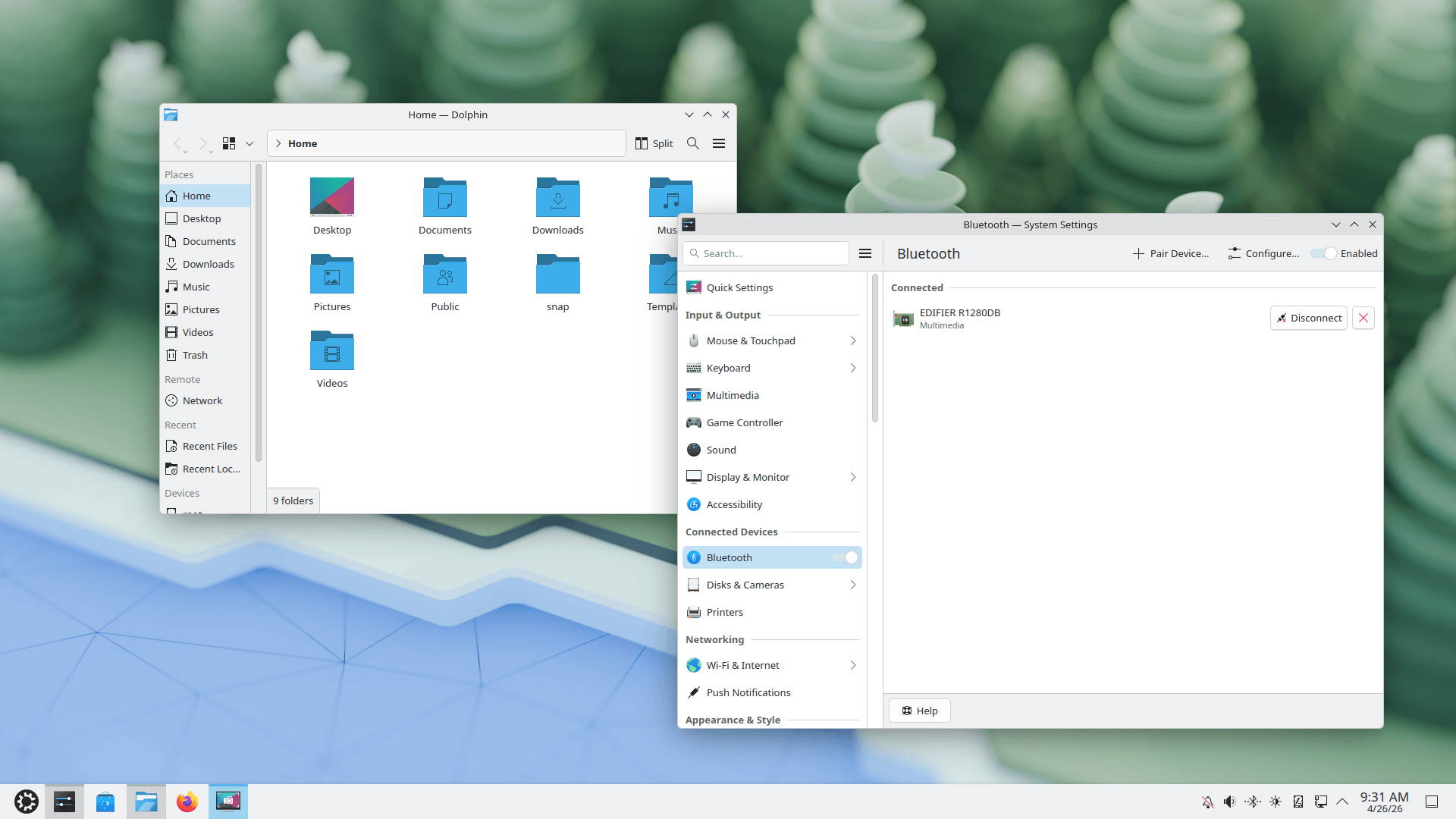
Ubuntu 26.04 uses the GNOME desktop.
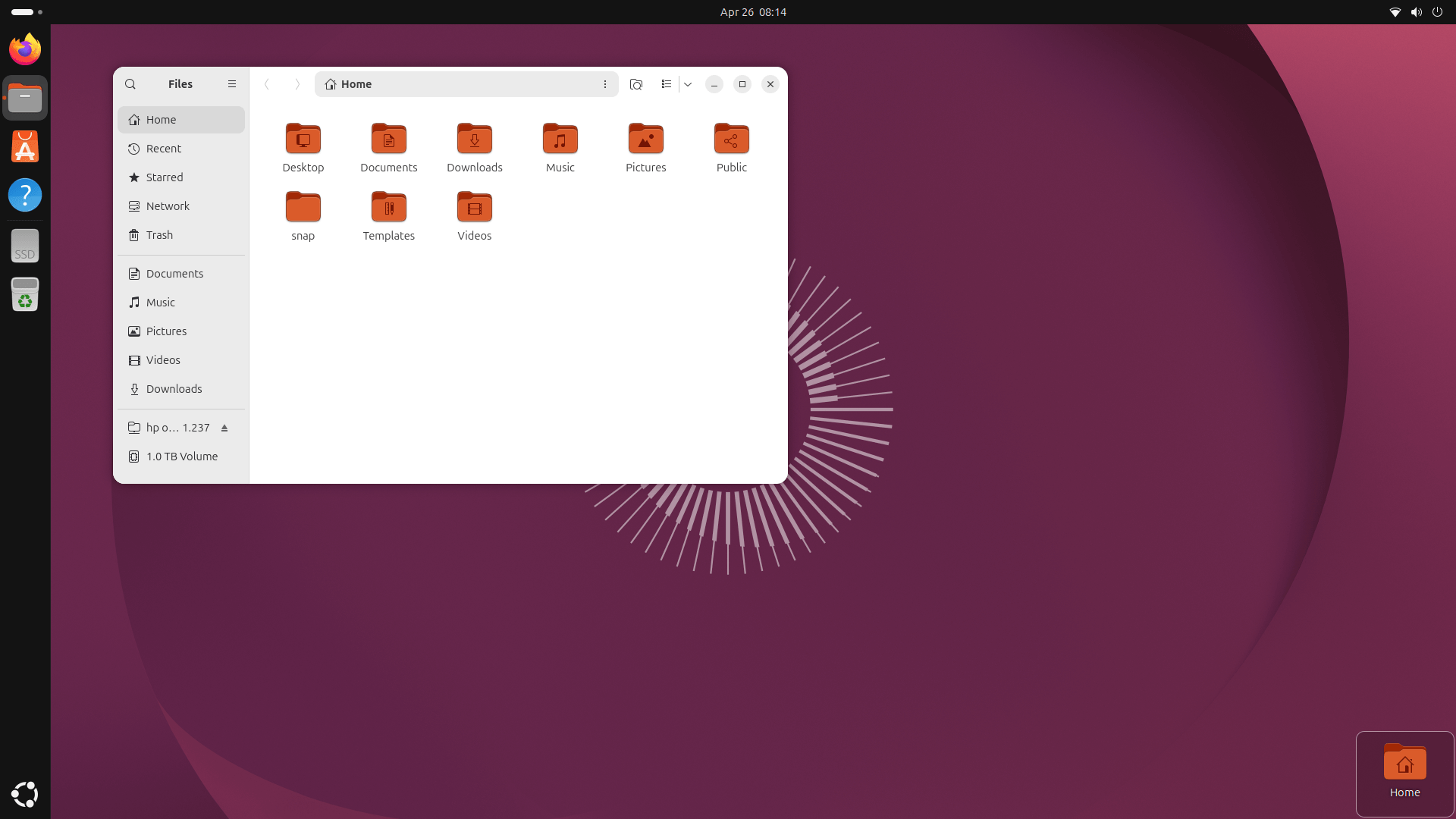
I generally prefer KDE Plasma, and Kubuntu is the Ubuntu flavour that provides it by default, replacing Ubuntu’s standard GNOME desktop.
While KDE Plasma can be installed and used on Ubuntu running on ARM hardware, Kubuntu doesn’t provide a dedicated official ARM installer image.
But I can install KDE Plasma on Ubuntu 26.04 using:
$ sudo apt update
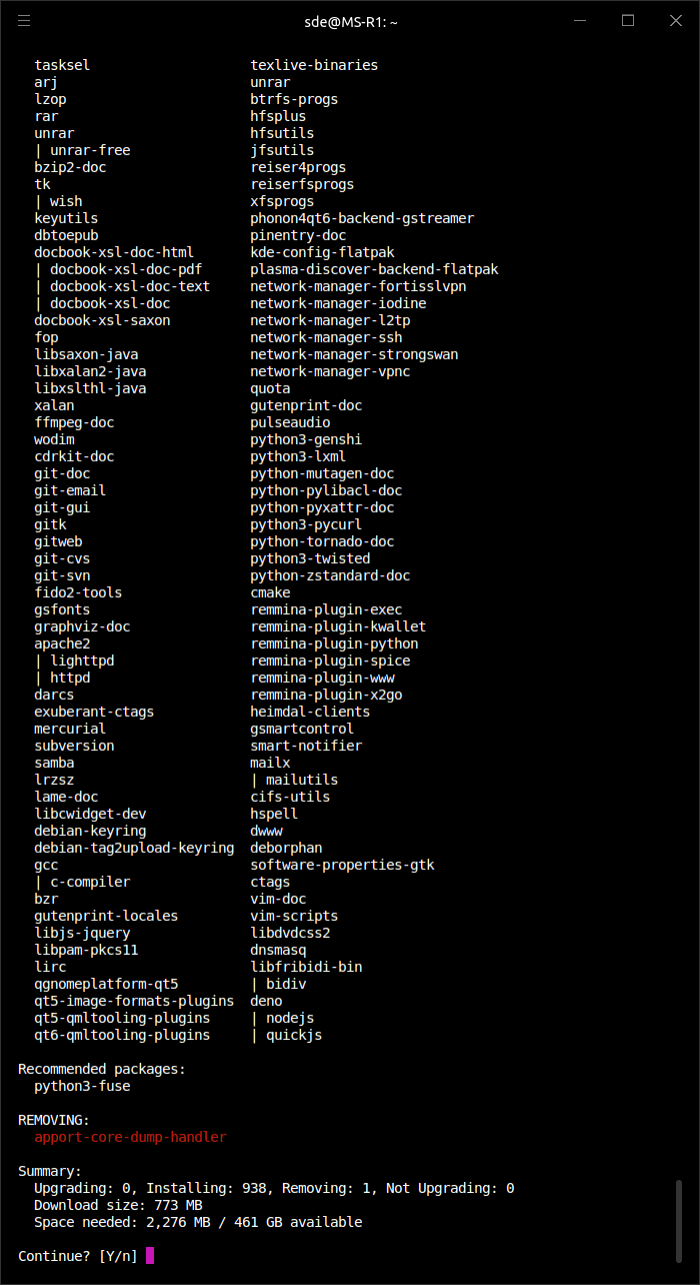
$ sudo apt install kubuntu-desktop
I chose the fuller Kubuntu-style package set, although I could have installed a more minimal KDE Plasma desktop with:
$ sudo apt install kde-plasma-desktop
The fuller package set will consume over 2GB of disk space.
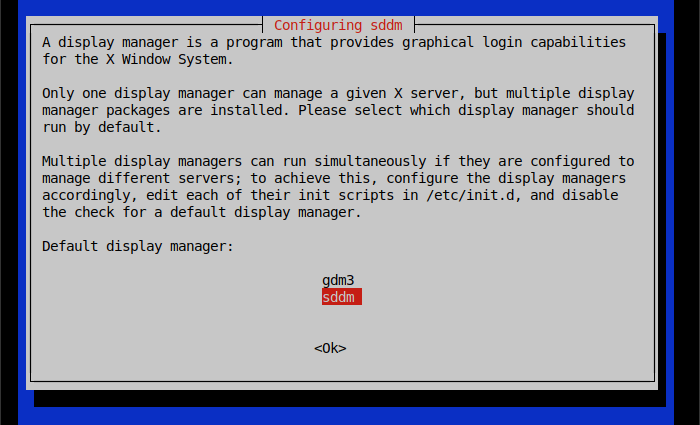
The recommended display manager for KDE Plasma is SDDM (Simple Desktop Display Manager).
Here’s KDE Plasma in action.
Complete list of articles in this series:
| Minisforum MS-R1 ARM Mini Workstation | |
|---|---|
| Introduction | Introduction to the series and interrogation of the Mini Workstation |
| Benchmarks | Benchmarking the Minisforum MS-R1 ARM Mini Workstation |
| Power | Testing and comparing the power consumption |
| BIOS | Exploring the BIOS |
| Ubuntu | Testing the Ubuntu 26.04 LTS image |
Please read our Comment Policy before commenting.