

Hyggshi OS is a custom Linux distribution built around a flexible Debian-family base. Its build system uses debootstrap, mksquashfs and xorriso to assemble bootable images directly rather than relying on live-build. Debian is the default base, while the same build framework can also target Ubuntu and Linux Mint.
The distribution provides a graphical live environment designed to move cleanly from evaluation to an installed system. Xfce is the default desktop, although several alternative desktop environments can be selected when building an image. Hyggshi OS also applies its own branding across the boot process and desktop experience.
Key Features
- Provides a live desktop session that automatically logs in for immediate use.
- Uses Calamares as the graphical system installer.
- Removes live-session autologin after installation, restoring a conventional login prompt.
- Offers Xfce as the default desktop environment.
- Supports KDE Plasma, LXQt, GNOME, MATE and Cinnamon as alternative desktop choices.
- Uses LightDM as the display and login manager.
- Employs NetworkManager for network configuration.
- Uses systemd as the init and service-management system.
- Builds its compressed live filesystem using SquashFS.
- Provides custom GRUB and Plymouth branding.
- Supports local builds through supplied shell scripts and a container-based build environment.
- Allows build configuration to be supplied through environment variables.
- Uses the same build pipeline for automated GitHub Actions builds.
- Includes custom Calamares configuration and Hyggshi OS installer branding.
- Applies desktop theme defaults on first login while allowing subsequent user customisation.
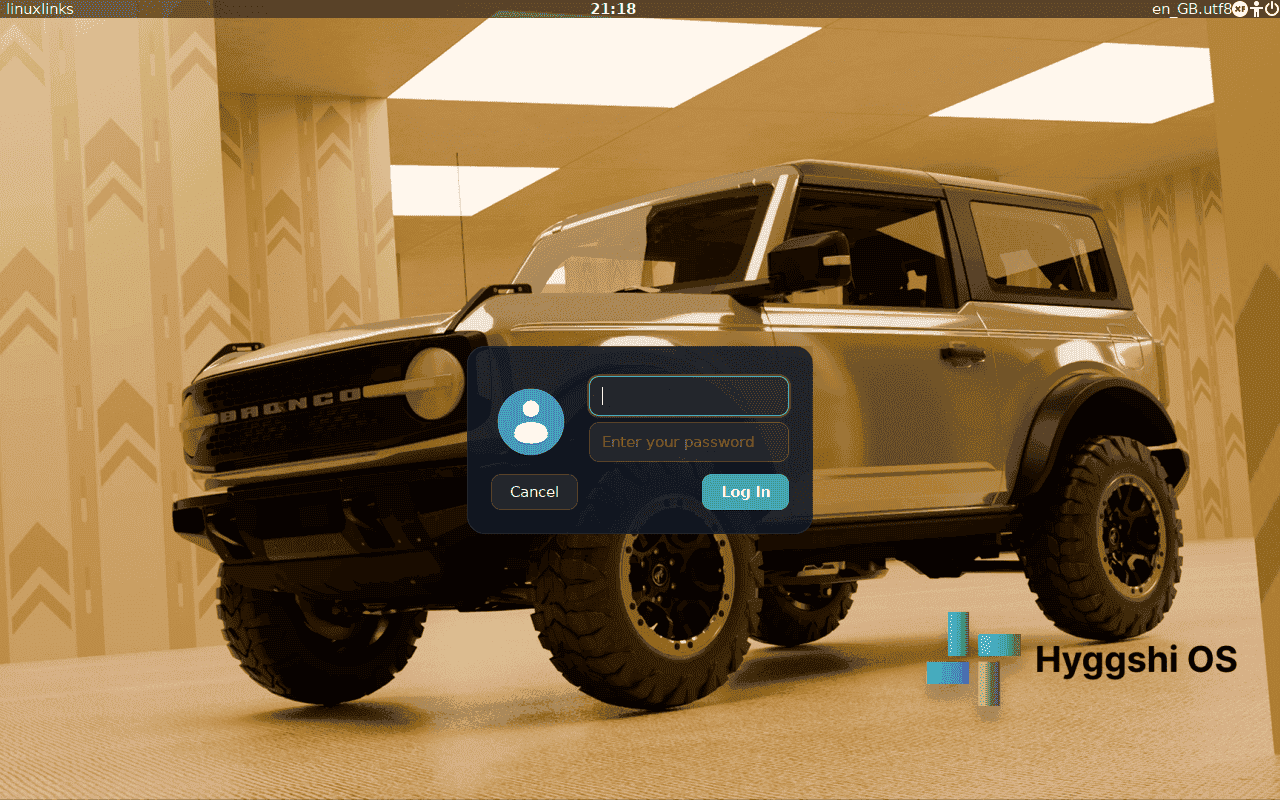
| Working state: | Active |
| Desktop: | Xfce |
| Init Software: | systemd |
| Package Management: | APT |
| Release Model: | Fixed |
| Platforms: | x86_64 |
| Home Page: | hyggshi-os-website.pages.dev |
| Developer: | Hyggshi OS Research Technology |
| This article is part of our Big List of Active Linux Distributions and Open Source Operating Systems. |
What's a Linux distribution ("distro")? |
| A distro provides the user with a desktop environment, preloaded applications, and ways to update and maintain the system. Each distro makes different choices, deciding which open source projects to install and provides custom written programs. They can have different philosophies. Some distros are intended for desktop computers, some for servers without a graphical interface, and others for special uses. Because Linux is an open source operating system, combinations of software vary between Linux distros. |
Please read our Comment Policy before commenting.