

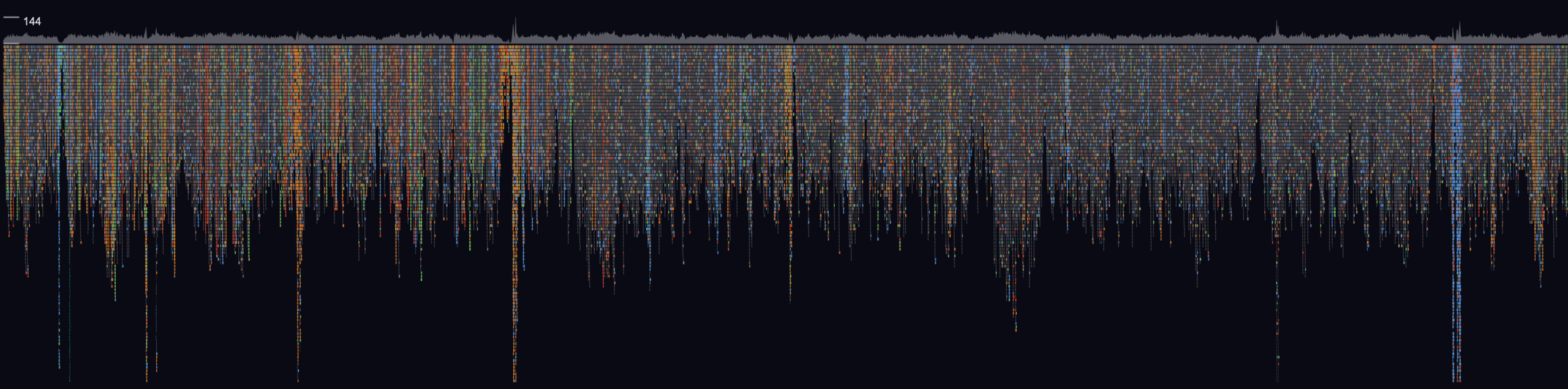
GW is a terminal-based genome browser designed for inspecting sequencing experiments and reviewing variants.
It provides an interactive graphical view for genomic data, supports common alignment and variant formats, and includes tools for tracks, image output, and labelling workflows used in bioinformatics analysis.
This is free and open source software.
Key Features
- Displays genomic sequencing alignments from BAM and CRAM files.
- Opens and annotates variants stored in VCF and BCF files.
- Shows multiple regions and multiple alignment files side by side in the same session.
- Adds extra tracks such as BED, VCF, BCF, LABEL, and image inputs.
- Exports static images in PNG and PDF formats for reports and sharing.
- Includes an interactive command box for navigation, filtering, counting reads, and taking snapshots.
Website: github.com/kcleal/gw
Support:
Developer: Kez Cleal
License: MIT License
GW is written in C++. Learn C++ with our recommended free books and free tutorials.
Related Software
| Desktop Genome Browsers | |
|---|---|
| IGV | High-performance visualization genome browser tool |
| IGB | Integrated Genome Browser |
| JBrowse | Fast, scalable genome browser |
| Tablet | Graphical viewer for sequence assemblies and alignments |
| UGENE | Set of integrated bioinformatics software |
| Artemis | Genome viewer and annotation tool |
| Apollo | Instantaneous, collaborative genomic annotation editor |
| SeqMonk | Visualise and analyse high throughput mapped sequence data |
| GW | Fast browser for genomic sequencing data |
| CutePeaks | Cross platform Sanger Trace file viewer |
| ASCIIGenome | Text only genome browser |
| Genome Workbench | Integrated tools for studying and analyzing genetic data |
Read our verdict in the software roundup.
 Explore our carefully curated directory of recommended free and open source software, covering every major software category. Explore our carefully curated directory of recommended free and open source software, covering every major software category.The directory forms part of our extensive collection of articles for Linux enthusiasts. It includes hundreds of detailed reviews, together with free and open source alternatives to proprietary software from companies such as Google, Microsoft, Apple, Adobe, IBM, Cisco, Oracle, and Autodesk. LinuxLinks also covers interesting projects worth exploring, Linux-compatible hardware, free programming books and tutorials, and much more. Know a useful free and open source Linux application that we haven’t covered? Tell us about it using our submission form. |
Please read our Comment Policy before commenting.