
RGB Lighting and Q Software
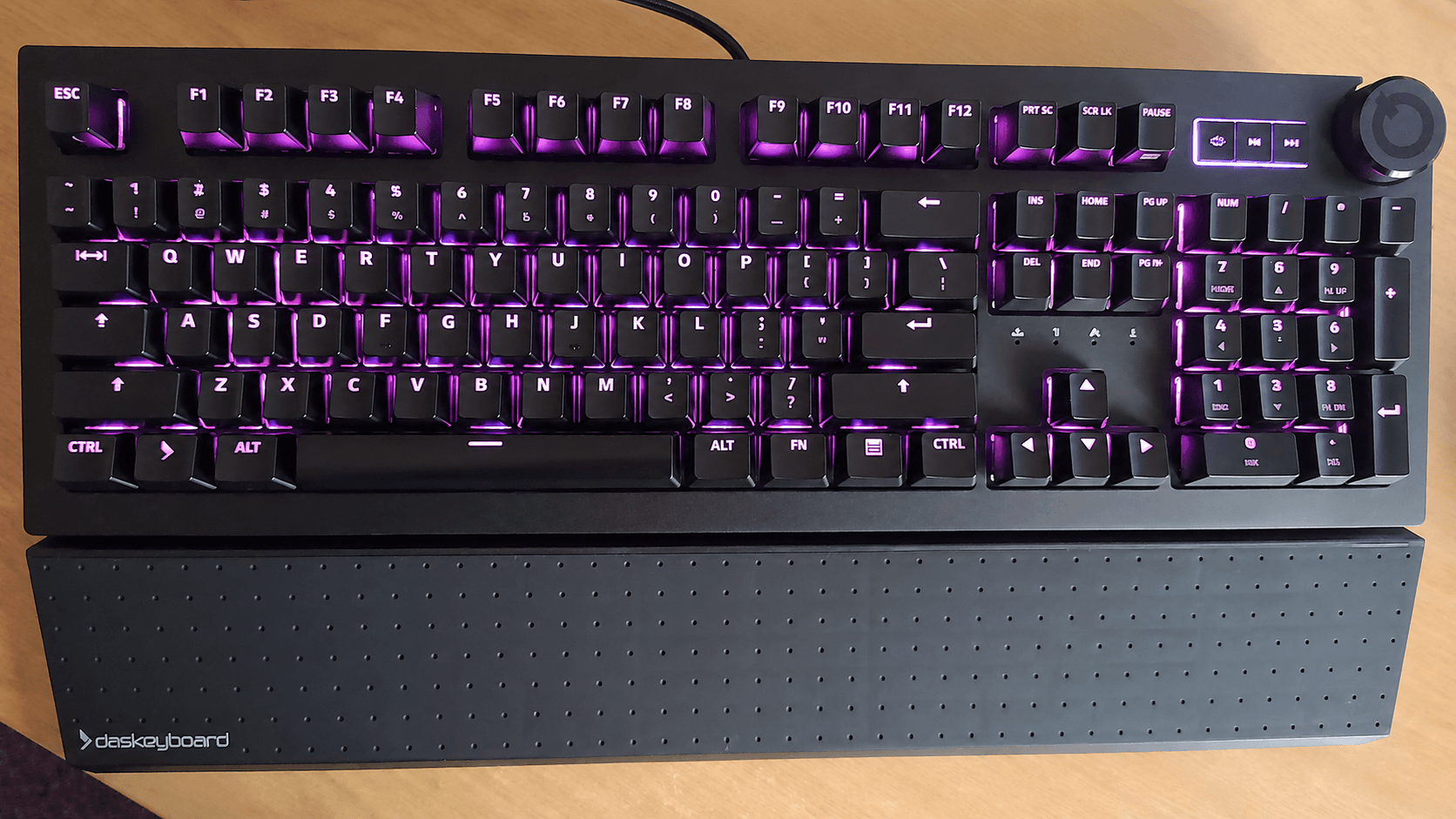
The RGB lighting is bright, clear, and highly visible. There are 10 brightness levels, with level 6 used as the default.
The Q software doesn’t let you change the starting brightness level. I also installed the brightnessctl utility but the 5QS Mark II doesn’t offer native sysfs control over the keyboard backlight.
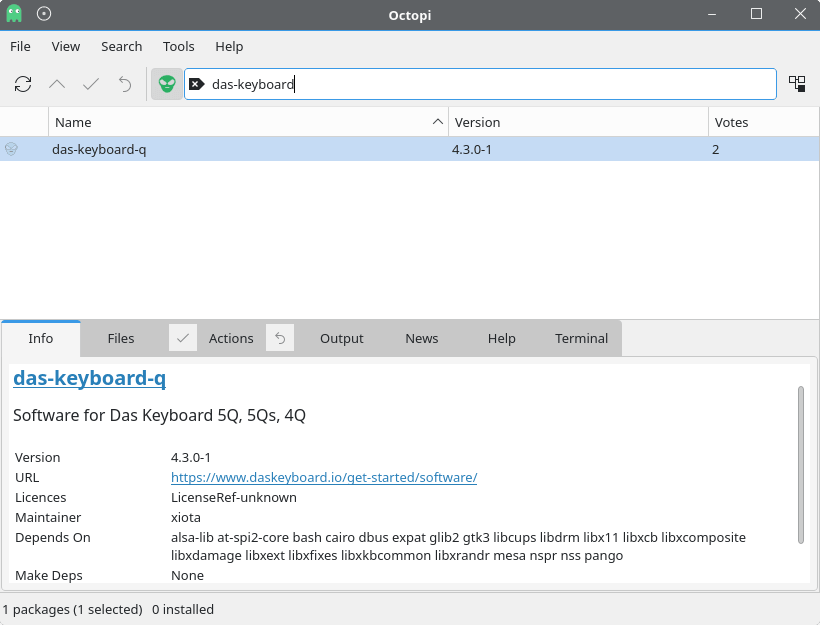
The 5QS Mark II’s distinctive feature is its Q software, which tries to make RGB lighting useful rather than purely decorative. There are Debian/Ubuntu and Fedora packages available on Das Keyboard’s website (as well as macOS and Windows). There’s also wider Linux support. For example, an Arch User Repository package repackages the .deb for Arch-based systems. I tested the software using CachyOS, an Arch-based distro.
Das Keyboard Q software transforms the keyboard into a smart dashboard, letting individual keys light up in different colors to alert you to important events from the services and tools you already use. Keys can be configured as visual indicators for notifications, system activity, timers, stock prices, weather, email, and other applets. It’s an interesting idea, and it gives the keyboard a more purposeful angle than most RGB-equipped models.
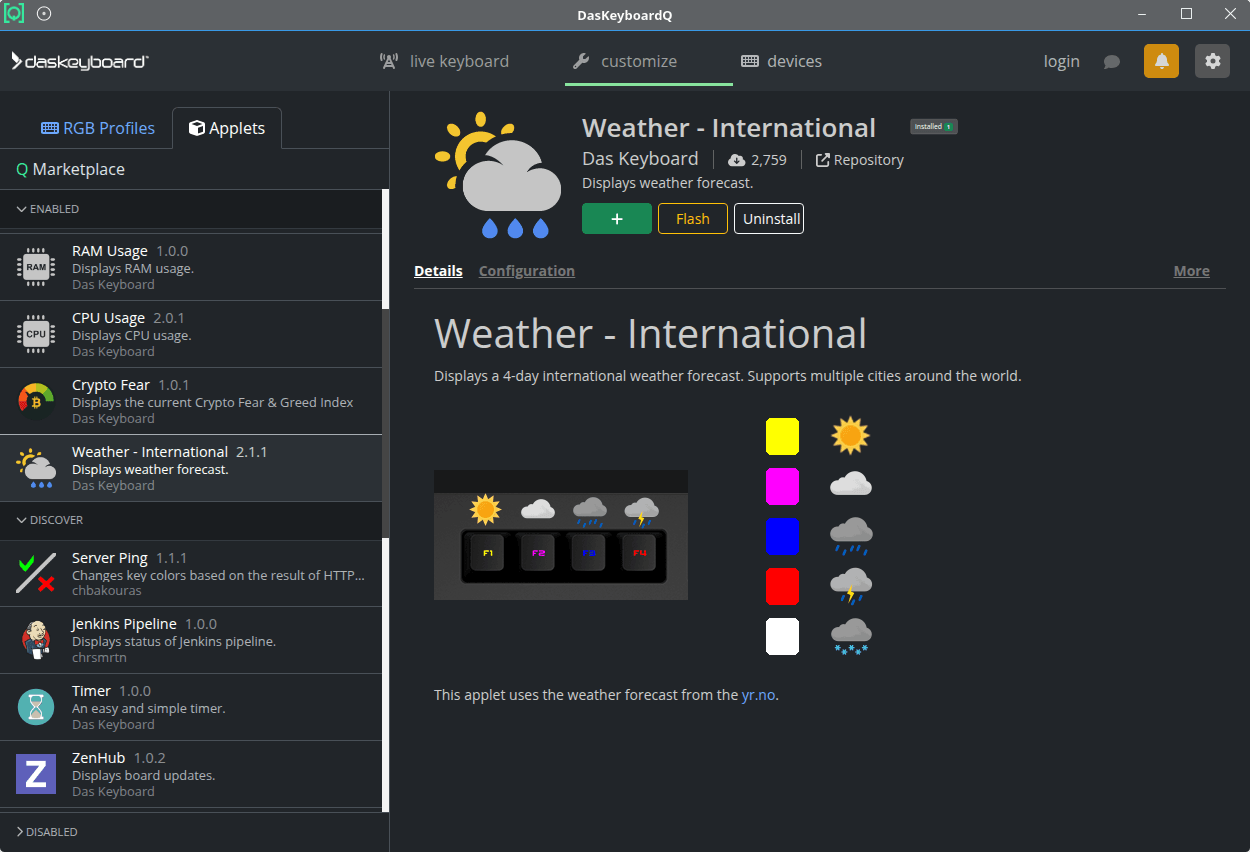
There are applets for system monitoring, DevOps, server management, developer tools, weather, productivity and project management, timers, reminders, health, finance, stock quotes, and lifestyle.
In practice, the usefulness depends heavily on your workflow. A keyboard isn’t something many people stare at while working, so visual alerts on individual keys can be easy to miss. The software is clever, but it won’t appeal to everyone. For users who enjoy automation and visual status indicators, it’s a distinctive feature.
Linux Support
The 5QS Mark II is more interesting than many premium RGB keyboards because Das Keyboard explicitly supports Linux alongside Windows and macOS. That matters, as many keyboard makers still treat Linux as an afterthought, especially when software configuration is involved.
Basic typing and media controls are straightforward, and the presence of Linux-aware software support gives the keyboard extra appeal for Linux users. That alone isn’t enough to justify the price, but it does make the 5QS Mark II stand out from a lot of mainstream mechanical keyboards.
Pages in this article:
Page 1 – Introduction / Typing Experience
Page 2 – Q Software and Linux
Page 3 – Verdict
Please read our Comment Policy before commenting.