

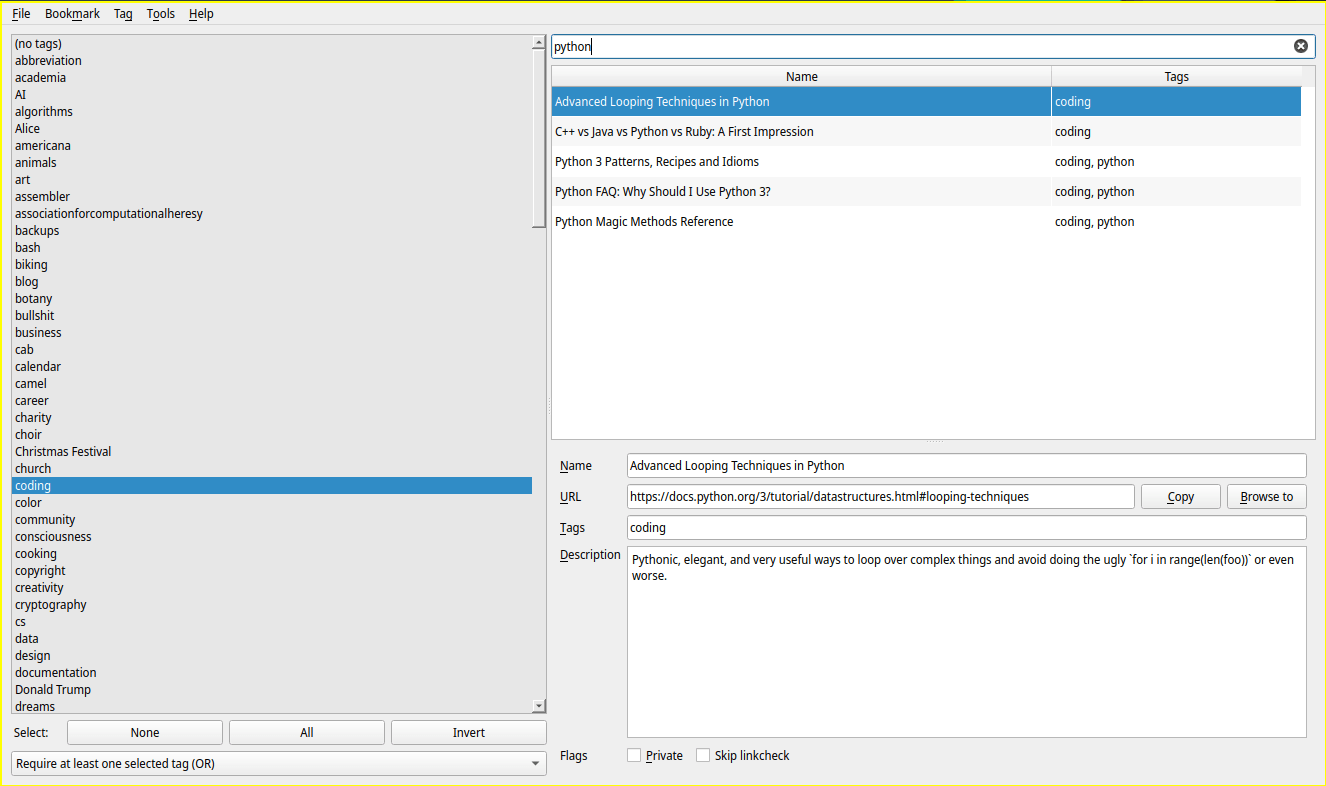
RabbitMark is a desktop bookmark manager built with Qt for people who want to keep large bookmark collections under control.
Instead of forcing everything into rigid folder trees, it focuses on flexible tagging, fast lookup, and long-term maintenance of saved links.
This is free and open source software.
Key Features
- Uses tag-based bookmark organization.
- Offers fast filtering and search.
- Includes a command-line interface for searching and opening bookmarks.
- Provides a link checker for finding broken bookmarks.
- Integrates with the Internet Archive Wayback Machine.
- Supports private bookmarks.
- Uses an SQLite database and supports CSV import and export.
Website: github.com/sobjornstad/rabbitmark
Support:
Developer: Soren Bjornstad
License: GNU General Public License v3.0
RabbitMark is written in Python. Learn Python with our recommended free books and free tutorials.
Related Software
| GUI Bookmark Managers | |
|---|---|
| KEditBookmarks | Organize, edit and tidy KDE bookmarks |
| Cosmicding | COSMIC client for managing linkding bookmarks |
| RabbitMark | Qt desktop app for keeping bookmarks organized |
| Frigoligo | Native client for reading and managing Wallabag content |
| Sitemarker | Simple tool for saving and organizing favourite sites |
| Marca | GTK app for collecting and managing web bookmarks |
Read our verdict in the software roundup.
 LinuxLinks helps you discover the best free and open source software for Linux. Explore our extensive collection of recommended applications, including alternatives to popular proprietary software. We also publish software reviews, Linux tutorials, hardware reviews, free programming books and articles covering the wider open source community. Browse our Linux resources to discover more. Know a useful free and open source Linux application we haven't covered? Suggest a program for inclusion. Has your software been featured on LinuxLinks? Display one of our Featured on LinuxLinks badges on your website or GitHub README. |
Please read our Comment Policy before commenting.