

Other commands
There are other commands already available at your fingertips.
whatis
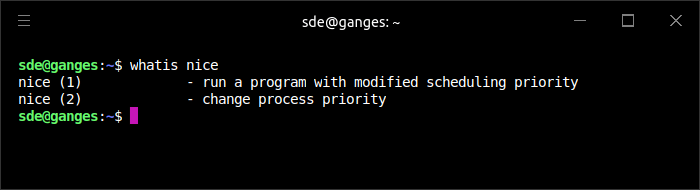
The whatis command displays one-line manual page descriptions. whatis searches the manual page names and displays the manual page descriptions of any name matched.
apropos
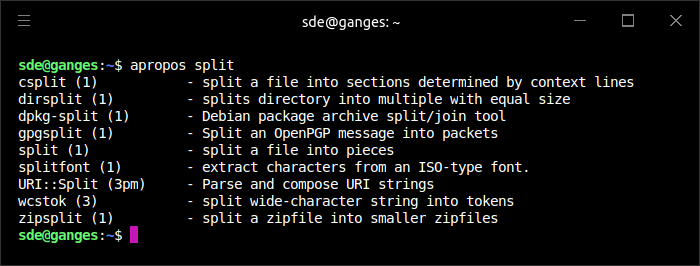
Each manual page has a short description available within it. apropos searches the descriptions for instances of keyword. keyword is usually a regular expression, as if (-r) was used, or may contain wildcards (-w), or match the exact keyword (-e).
info
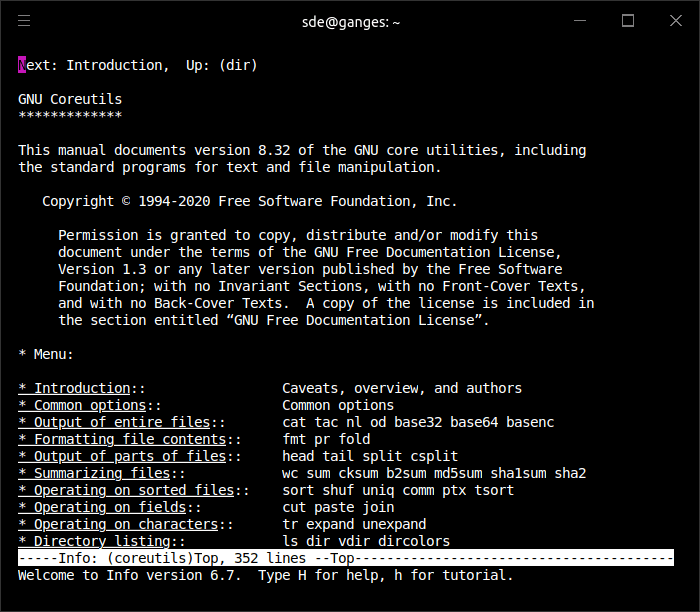
info is a program for reading documentation of GNU programs. Some project provide online manuals in the Info format.
Use the command options -h or --help
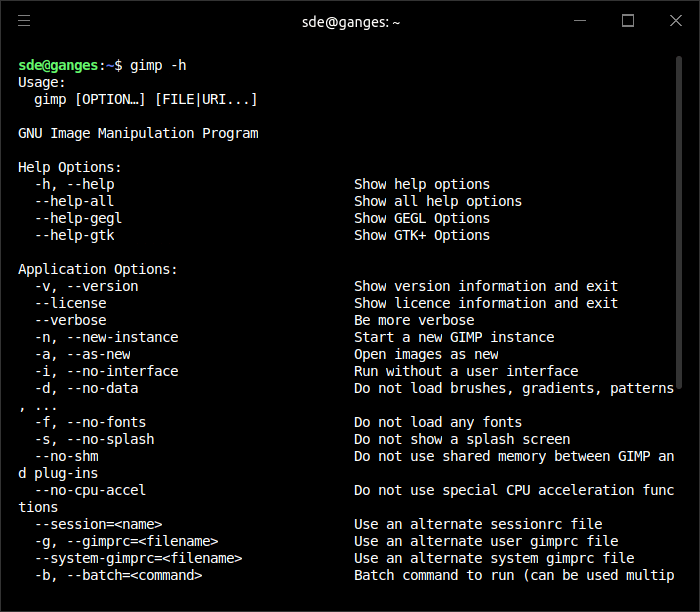
If you need help on a command or program, try entering the command followed by -h or --help. For example, here’s the help from typing at a shell:
$ gimp -h
Pages in this article:
Page 1 – Ubuntu Desktop Guide
Page 2 – Man Pages
Page 3 – tldr
Page 4 – Other commands: whatis, apropos, info, command options
All articles in this series:
Please read our Comment Policy before commenting.
tldr is definitely worth installing. The man pages are often impenetrable to me. As you say Steve, listing every option without any order of importance is baffling to a beginner.
it has over 33,000 stars on GitHub
I suggest you take a look at explainshell
Great call