

In Operation
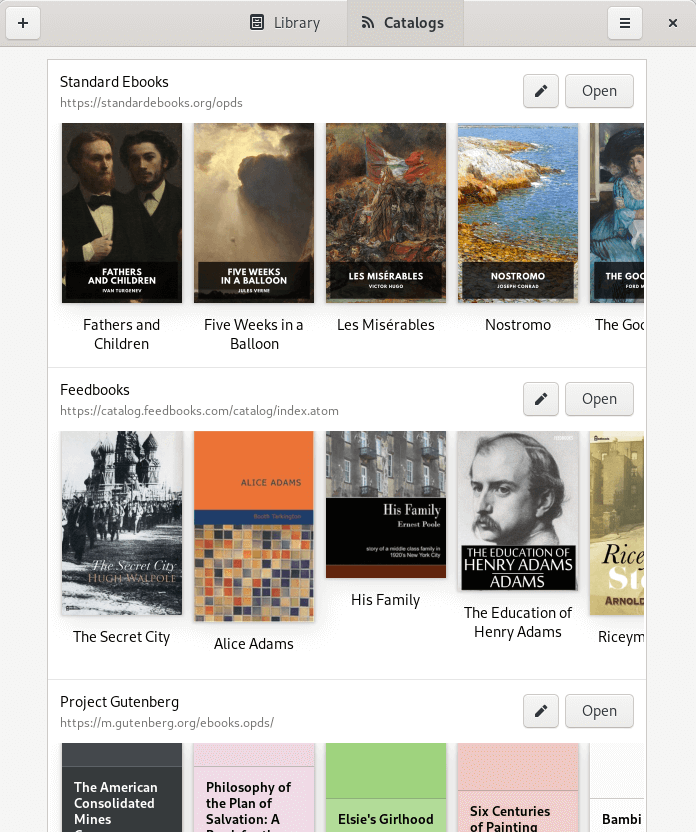
Let’s start with a look at the Catalogs view. There’s three sections: Standard Ebooks, Feedbooks, and Project Guntenberg. Standard Ebooks produces ebook editions of public domain literature and distributes them without cost. Like Standard Ebooks, Project Gutenberg is a volunteer effort with most of its collection offering full texts of books in the public domain.
Feedbooks is a digital library and cloud publishing service for both public domain and original books. You’ll need to create an account with the service if you want to buy books.
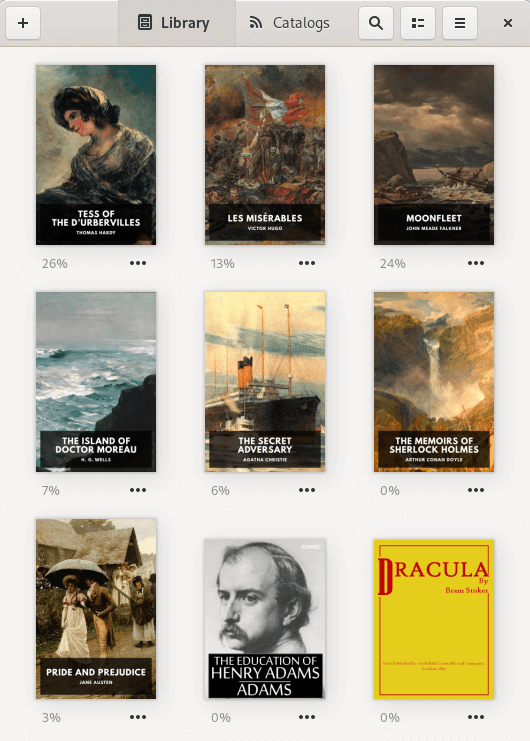
The next image shows books that we’ve added to our library. Besides books listed in the Catalogs, we can add any EPUB, Mobipocket, Kindle, FictionBook to our library. Comic book archive formats are also supported (.cbr, .cbz, .cbt, .cb7). There’s even support for HTML but not PDFs.
For each book, there’s an indicator showing how much of the book has been read.
One of the strengths of Foliate is the effort made to make it easy to navigate around books. Besides a table of contents menu and searches, there’s also a progress slider with chapter marks, the ability to open footnotes in popovers, trackpad gestures, and reading time estimates.
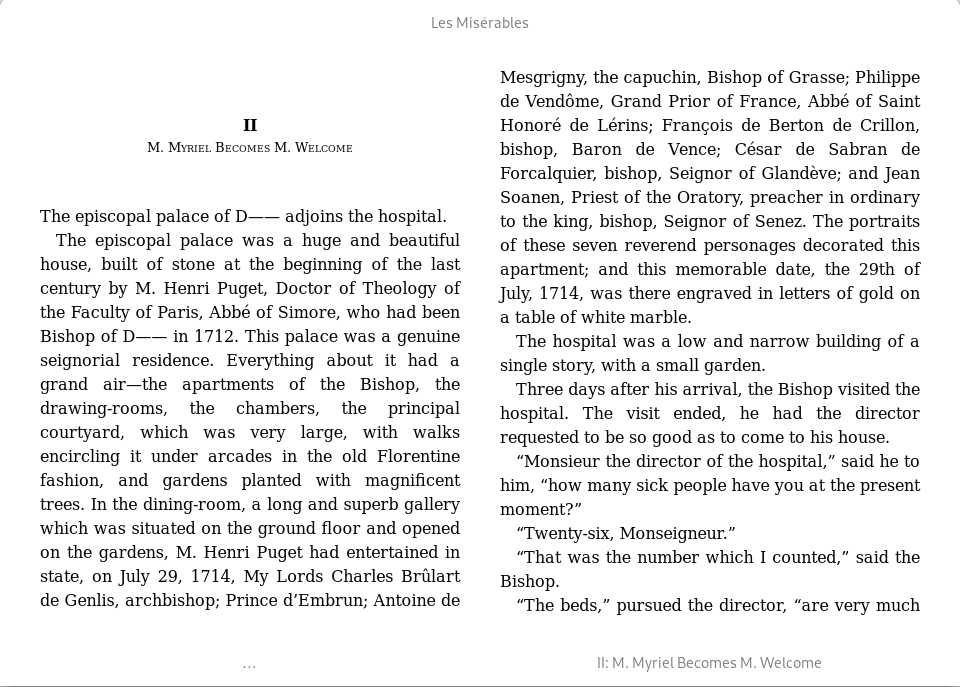
The image below shows the rendering of a book in two-column mode. We can also choose between single column and continuous scrolling layouts. We can adjust the zoom, font, font size, spacing, margins, width, and much more. Full justification and auto-hyphenation are enabled by default but either can be disabled. Other advanced options include realistic shadows, the option to use the publisher font, and auto-hiding the cursor.
As you’d expect from a competent eBook reader, we can select text to add annotations and add bookmarks. Annotations can be exported to plain text, HTML, Markdown, and other formats.
Keyboard shortcuts are well thought out and there’s a handy dialog which lists them within the program. Foliate offers support for text-to-speech software including eSpeak NG and Festival. Personally we prefer Festival over eSpeak NG.
There’s support for themes. You can choose between light, sepia, gray, dark, invert, solarized light, solarized dark, and gruvbox light. And there’s also the ability to create custom themes letting you define the background color, text color, link color as well as invert and dark mode.
Pages in this article:
Page 1 – Introduction / Installation
Page 2 – In Operation
Page 3 – Summary
 Explore our comprehensive directory of recommended free and open source software. Our carefully curated collection spans every major software category. Explore our comprehensive directory of recommended free and open source software. Our carefully curated collection spans every major software category.This directory is part of our ongoing series of informative articles for Linux enthusiasts. It features hundreds of detailed reviews, along with open source alternatives to proprietary solutions from major corporations such as Google, Microsoft, Apple, Adobe, IBM, Cisco, Oracle, and Autodesk. You’ll also find interesting projects to try, hardware coverage, free programming books and tutorials, and much more. Know a useful open source Linux program that we haven’t covered yet? Let us know by completing this form. |
Please read our Comment Policy before commenting.