
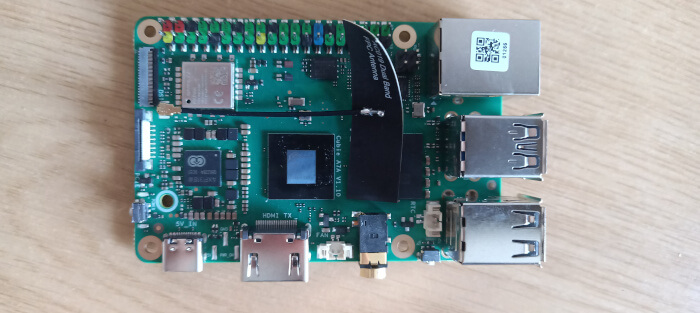
Radxa OS
First, you’ll want to update the system. While Radxa OS is a Debian-based distro, you need to use Radxa’s own Rsetup utility to update the system. It’s a very simple process. At the terminal, issue the command rsetup
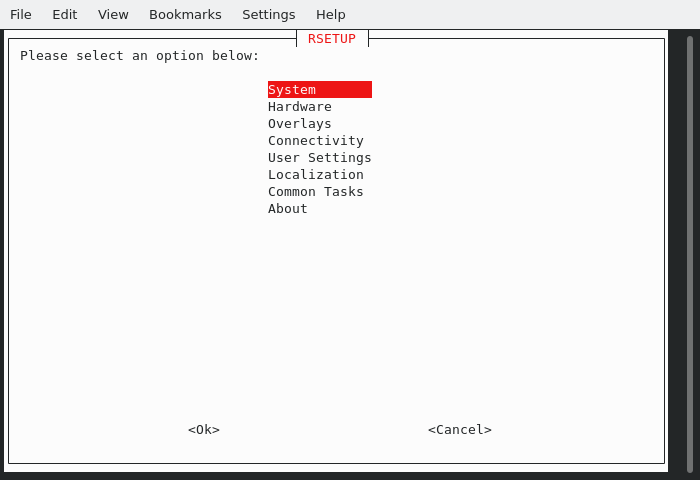
From the menu, select System
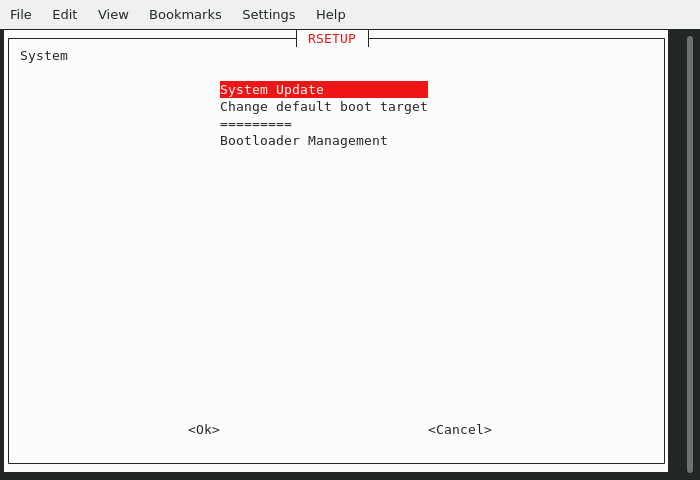
Choose System Update
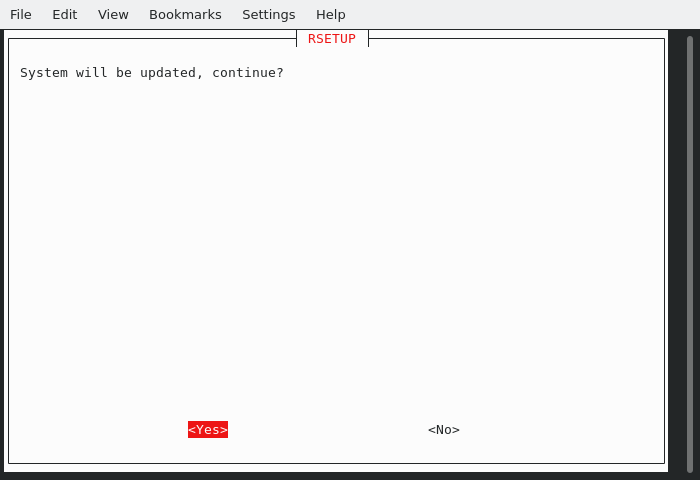
Choose Yes to update the system.
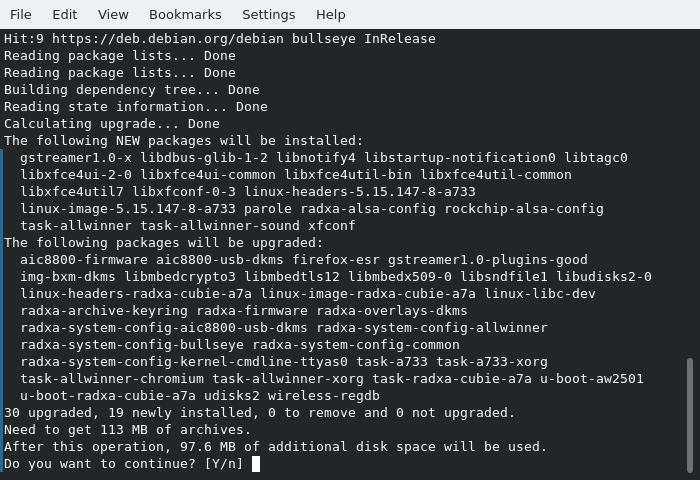
The image below shows that 19 new packages are going to be installed and 30 packages updated.
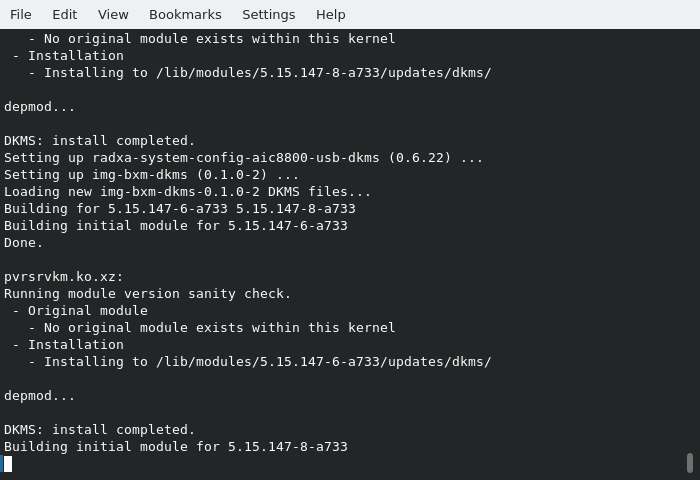
Once the packages are installed, the kernel modules are rebuilt (as there’s also a minor kernel upgrade).
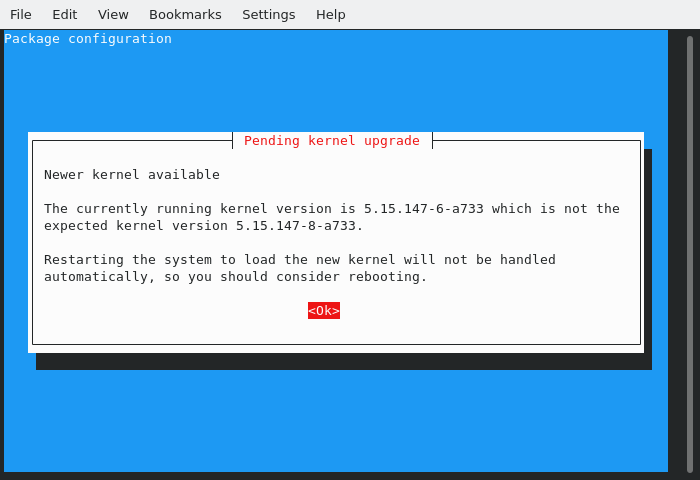
We’re now advised to reboot the system.
Radxa OS automatically boots into X.
Here’s an image of the desktop.
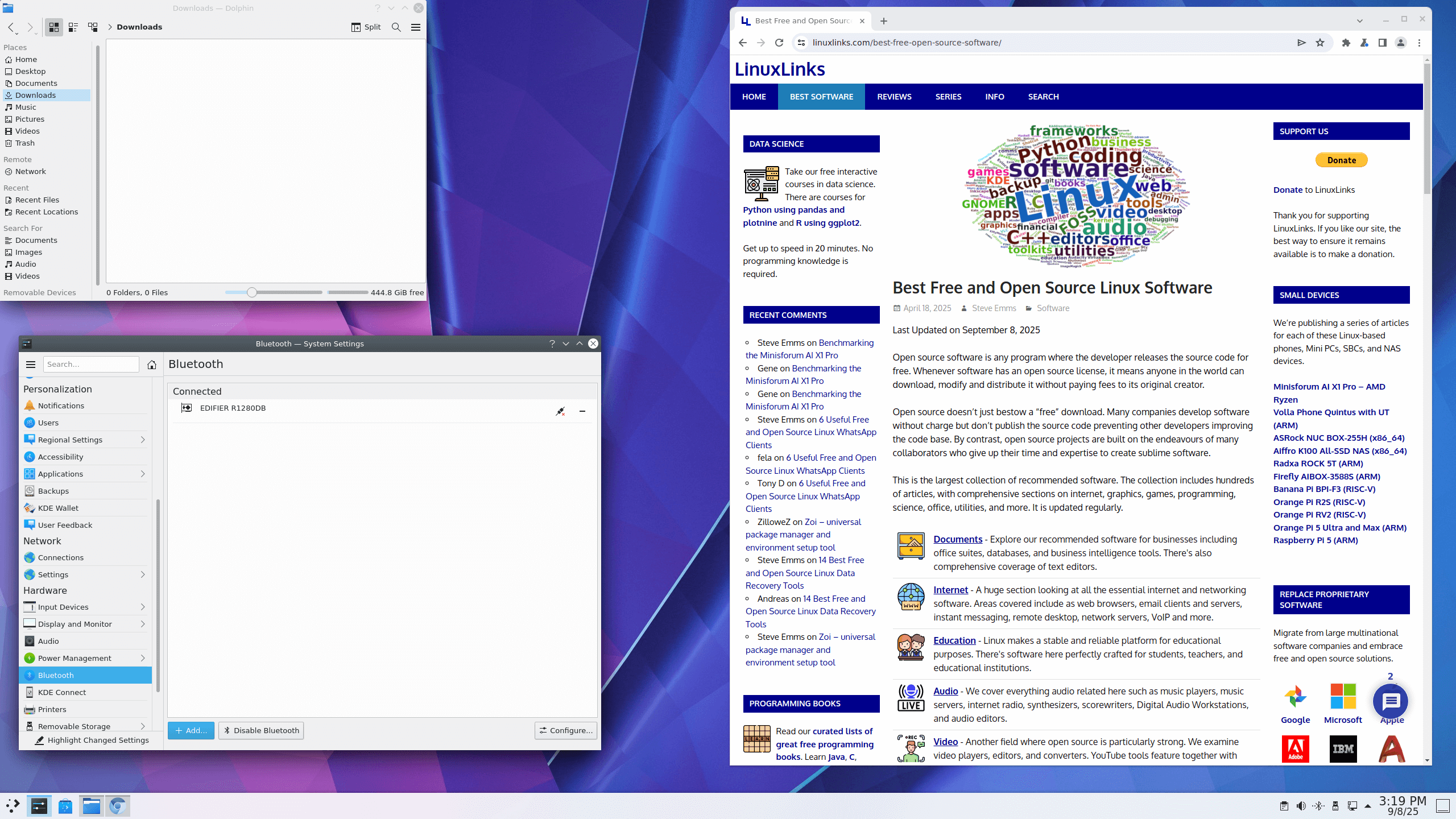
The machine is running Debian 11 with KDE Plasma 5.20.5. KDE reports that the graphics processor is PowerVR B-Series BXM-4-64.
I hope that a Debian 12 image is made available. I find that with Debian 11 and X, the graphics is sub-optimal. The mouse cursor flickers when moving, and I’m unable to get a refresh rate higher than 60 Hz (I tried a variety of different monitors). Maybe my board has a video fault as the display feels flickery even at 60 Hz refresh rate.
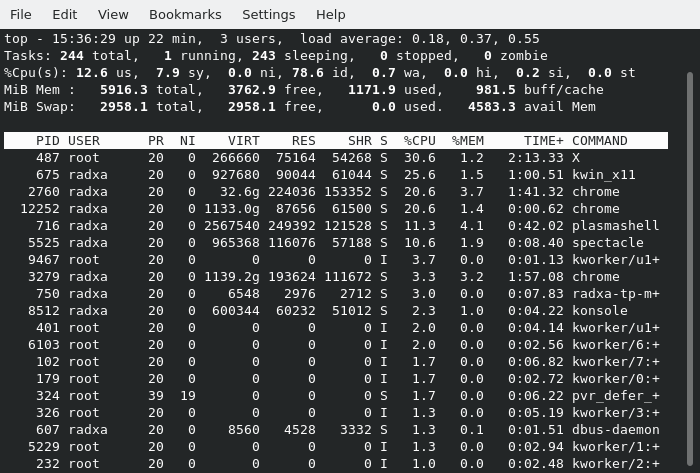
A 3GB swap file has been allocated.
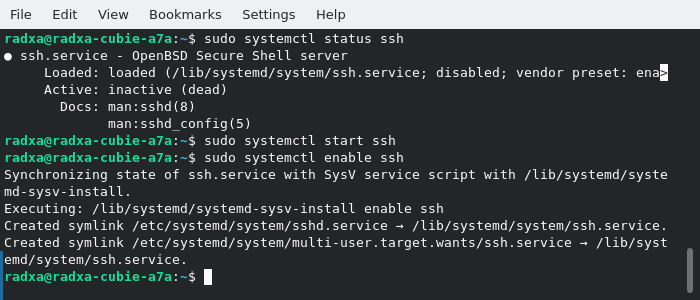
I’ll want to remotely login to the machine. openssh-server is already installed on the system, but the service needs enabling.
Next page: Page 3 – Interrogation of the system
Pages in this article:
Page 1 – Introduction
Page 2 – Radxa OS
Page 3 – Interrogation of the system
Complete list of articles in this series:
| Radxa Cubie A7A | |
|---|---|
| Introduction | Introduction to the series and interrogation of the Cubie A7A |
| Benchmarks | Benchmarking the Cubie A7A |
| Power | I compare the Cubie A7A's power consumption to other machines |
| Radxa OS | A Debian-based Linux distribution with KDE Plasma |
Please read our Comment Policy before commenting.
When intro’d i paid around 50 for the 6gb ram vatiant. Now many months later, with rasp pi 8gb models over $150, i can still get a a7a with 6gb ram around 65 usd (85 for 8gbram).
It has the best cache structure i have used in a allwinner SoC.
The GPU is very basic, not bad but nothing to note about either. On the otherhand headless operations and as anode in a cluster i really like this board. Altho weaker then my rk3588s opi5 nodes, this is 1/3 the price(with 6gb ram) and 3 of these vs. 1 opi5 8gb adds alot more use to my cluster.
I have not used the allwinner a.i. toolkit yet.
This is a great SBC for scaling up a cluster. Cheap and powerful. I would prefer rk3588s boards but with 8gb varients at 200plus now, i can get much more power with 3 of these (3×3+/-mb cache; 3x 6g lpddr5 (24gb), 3x 8cores (24 small a76&a55) for the same price as 1 rk3588(s) cpu with 8gb ramlpddr4x/5.
The rk3588 is a powerhouse for a small sbc, but when dividing tasks up in a cluster, you get alot more bang for the buck with these a7a cubie boards
Price static is probably indicative of dismal sales.