
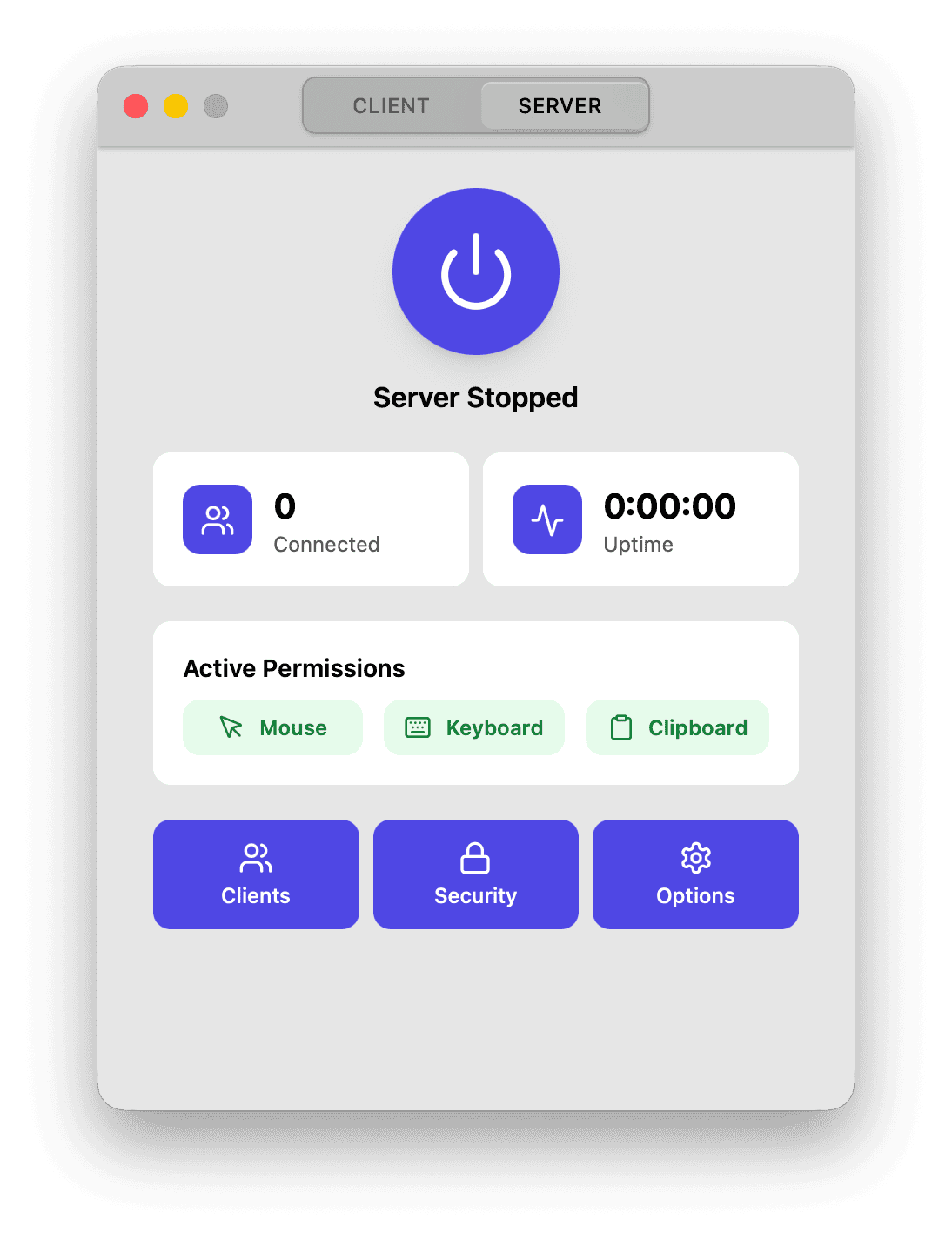
Perpetua is a cross-platform software KVM that lets you control multiple computers with a single keyboard and mouse.
Moving the pointer beyond a configured screen edge transfers mouse and keyboard control to another computer on the local network.
The software provides a graphical layout editor for arranging server and client displays, including multi-monitor configurations. It also synchronizes clipboard contents between connected machines, with the option to use devices solely for clipboard sharing without adding them to the mouse and keyboard layout.
Perpetua supports Linux, macOS and Windows. On Linux, it works with X11 and Wayland sessions running recent versions of GNOME or KDE Plasma. Connections are protected by mutual TLS by default, with one-time password pairing used for the initial certificate exchange.
This is free and open source software.
Key Features
- Shares a single keyboard and mouse between multiple computers.
- Moves the pointer seamlessly between devices at configured screen edges.
- Provides a graphical editor for arranging client and server displays.
- Supports multi-monitor configurations and display hot-plugging.
- Synchronizes clipboard contents between connected computers.
- Supports clipboard-only clients that do not receive mouse or keyboard input.
- Automatically discovers servers on the local network using mDNS.
- Supports manual connections using a hostname or IP address.
- Uses one-time password pairing and mutual TLS authentication.
- Provides configurable keyboard shortcuts for switching between clients.
- Can run in the background as a server or client.
- Offers system tray integration and automatic startup at login.
- Supports X11 and Wayland sessions running GNOME or KDE Plasma.
Website: github.com/fizzi01/Perpetua
Support:
Developer: fizzi01
License: GNU General Public License v3.0
Perpetua is written in Python. Learn Python with our recommended free books and free tutorials.
Related Software
| Software KVM Switches | |
|---|---|
| Deskflow | Cross-platform solution with Wayland, clipboard sharing and TLS encrpytion |
| Input Leap | Fork of Barrier, by Barrier’s active maintainer |
| Lan Mouse | GTK frontend and command-line interface |
| USBKVM | Keyboard, video, and mouse over USB; client app for the USBKVM hardware |
| Barrier | Only works under X11 (No Wayland support) |
| rkvm | Low overhead and doesn't need a display server |
| Perpetua | Share a keyboard and mouse across computers |
| Hydra | Flexible multi-monitor layouts and encrypted communication |
Read our verdict in the software roundup.
 LinuxLinks helps you discover the best free and open source software for Linux. Explore our extensive collection of recommended applications, including alternatives to popular proprietary software. LinuxLinks helps you discover the best free and open source software for Linux. Explore our extensive collection of recommended applications, including alternatives to popular proprietary software.We also publish software reviews, Linux tutorials, hardware reviews, free programming books and articles covering the wider open source community. Browse our Linux resources to discover more. Know a useful free and open source Linux application we haven't covered? Suggest a program for inclusion. Has your software been featured on LinuxLinks? Display one of our Featured on LinuxLinks badges on your website or GitHub README. |
Please read our Comment Policy before commenting.