

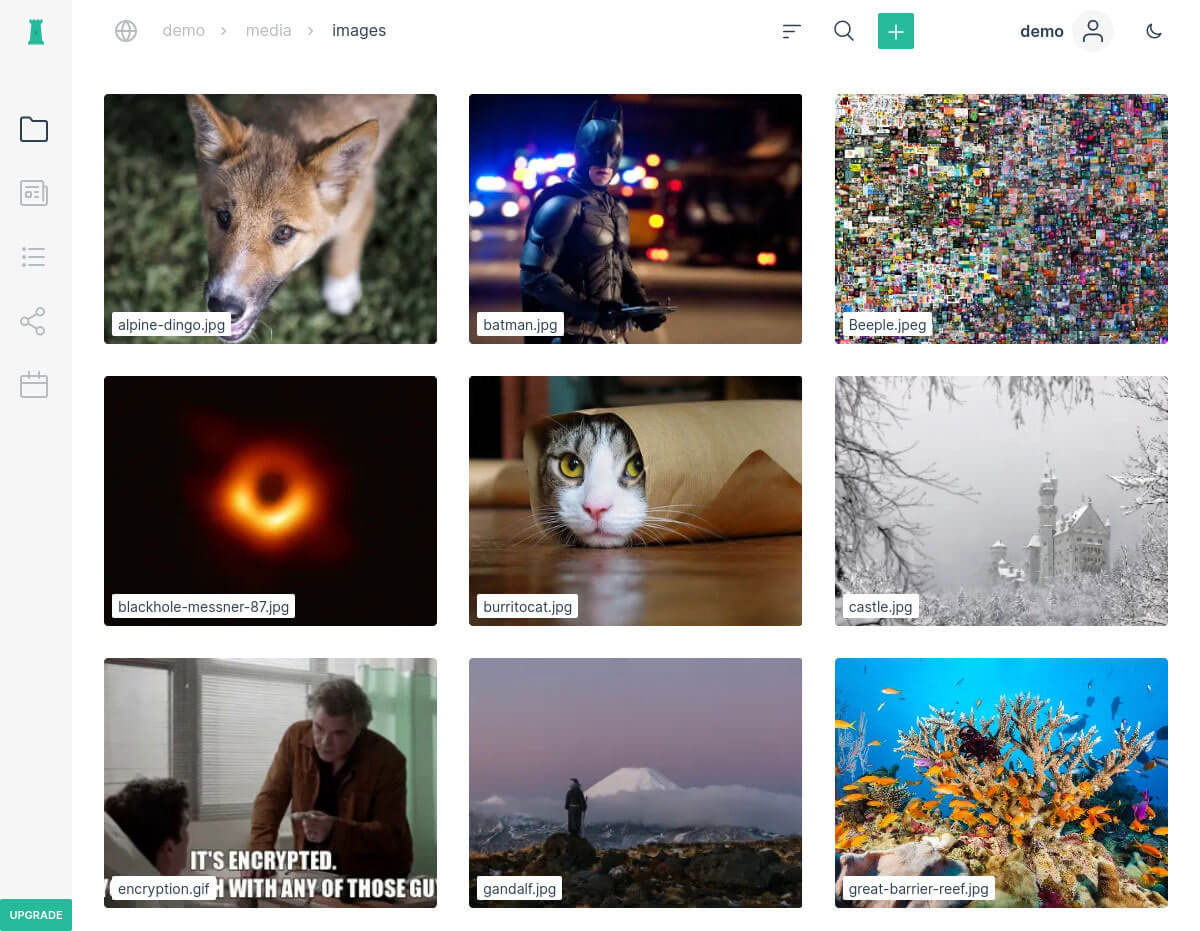
Peergos is a privacy-focused storage and communication platform built around a peer-to-peer encrypted filesystem. Its design protects both the information users store and sensitive details about how that information is shared.
Unlike conventional cloud services, where the provider may have access to stored information or metadata, Peergos uses cryptographic controls to restrict access. The project also combines storage with communication and application hosting, providing a broader environment for private online activity.
This is free and open source software.
Key Features
- End-to-end encryption protects file contents before they leave the user’s device.
- Privacy-preserving filesystem designed to conceal filenames, directory structures and sharing relationships from storage providers.
- Fine-grained permissions determine which individuals can read or modify shared files and folders.
- Encrypted sharing links provide controlled access to documents without exposing their contents to intermediaries.
- Bidirectional file synchronisation keeps local and remote folders aligned, with support for incremental transfers.
- Mount remote storage as a local filesystem using supported desktop integration facilities.
- Client-side search allows users to find documents without disclosing their contents to the server.
- Integrated secure messaging and encrypted email facilities provide private communication between users.
- Private social networking functionality uses cryptographic controls to protect relationships and shared information.
- Sandboxed web applications operate with explicitly granted permissions, restricting access to personal data.
- Two-factor authentication supports additional account protection.
- Self-hosting allows users to maintain their own storage infrastructure while communicating with others on compatible servers.
Website: github.com/Peergos/Peergos
Support:
Developer: Peergos
License: GNU Affero General Public License v3.0
Peergos is written in Java. Learn Java with our recommended free books and free tutorials.
Related Software
| Self-Hosted Cloud Storage Tools | |
|---|---|
| Puter | Privacy-first personal cloud |
| Nextcloud | Personal cloud storage, text editor, photo gallery, file share, calendaring app |
| Cloudreve | Self-hosted file management system with multi-cloud support |
| Seafile | Cloud storage system with privacy protection and teamwork features |
| RustFS | Put S3 and Swift storage on a cluster with healing and replication |
| ownCloud | File sync and sharing platform based on Infinite Scale |
| VersityGW | Make existing filesystems speak the language of S3 |
| Peergos | Secure file storage, social network and application protocol |
| MyDrive | Cloud file storage server |
| Pydio Cells | File sharing platform for organizations |
| OxiCloud | Self-hosted cloud with WebDAV, CalDAV and CardDAV |
| OpenCloud | File sharing and collaboration solution |
| Sync-in | Synchronise files between servers with scheduled, two-way transfers |
| Garage | S3-compatible distributed object storage service |
| Alarik | Spread S3 data across a cluster with erasure coding and a web console |
| Twake Drive | Alternative to Google Drive |
| Flowinity | Image uploader and file storage solution |
| S4 | Store more in less space using append-only volumes and deduplication |
| HS5 | Fast single-node S3 storage with metadata kept apart |
| Trove | Your own file cloud, with full-text search and secure sharing links |
Read our verdict in the software roundup.
 LinuxLinks helps you discover the best free and open source software for Linux. Explore our extensive collection of recommended applications, including alternatives to popular proprietary software. We also publish software reviews, Linux tutorials, hardware reviews, free programming books and articles covering the wider open source community. Browse our Linux resources to discover more. Know a useful free and open source Linux application we haven't covered? Suggest a program for inclusion. Has your software been featured on LinuxLinks? Display one of our Featured on LinuxLinks badges on your website or GitHub README. |
Please read our Comment Policy before commenting.