

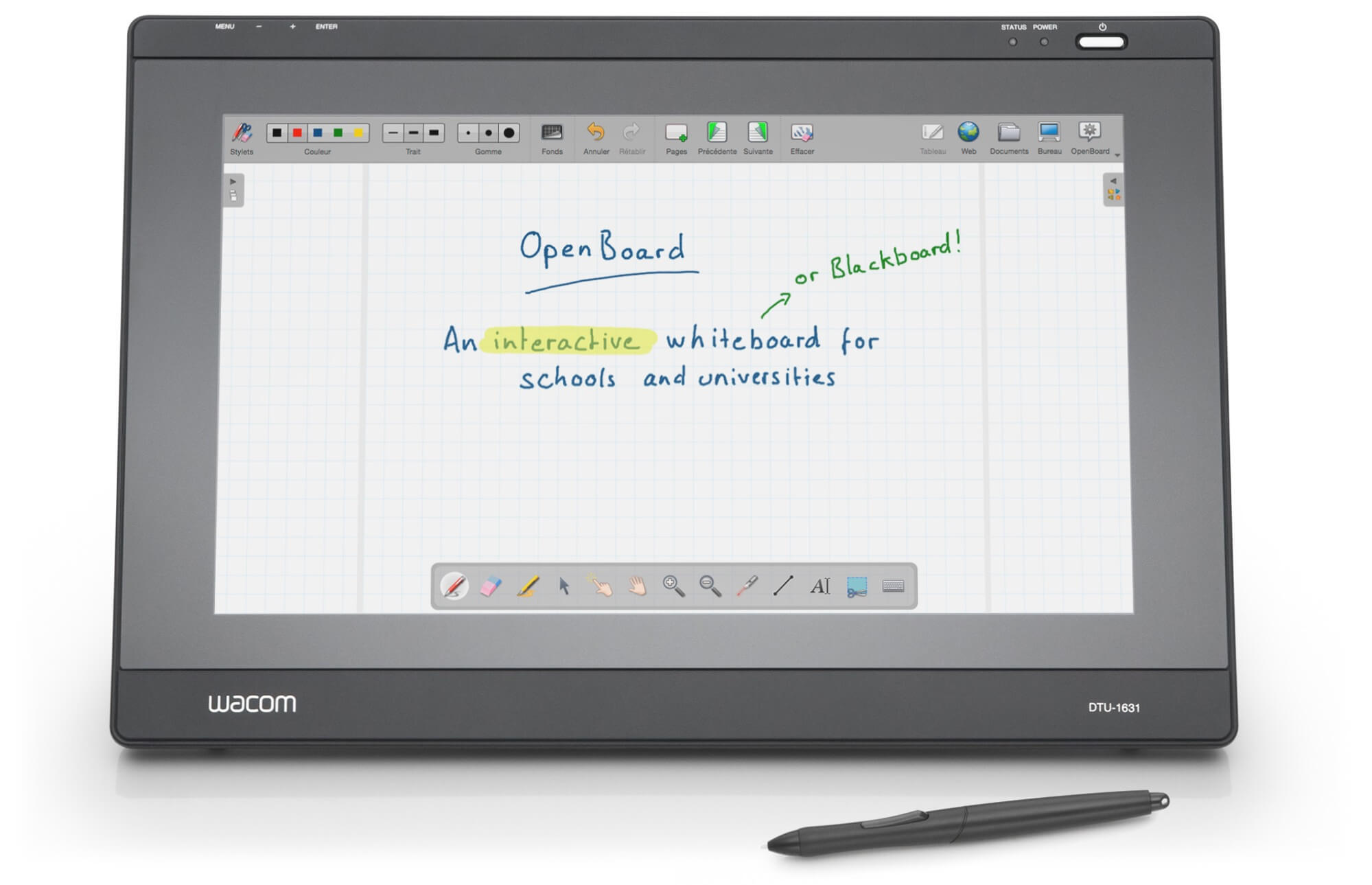
OpenBoard is an interactive whiteboard application designed for teaching in schools and universities. It allows educators to create and present lessons using handwriting, drawings, diagrams, documents and multimedia resources.
The application can be used with an interactive whiteboard, a pen tablet and projector, or an ordinary desktop computer. Its interface is designed to keep the focus on teaching rather than requiring instructors to manage complicated presentation software.
OpenBoard originated as a fork of Open-Sankoré, which was itself derived from Uniboard. Development has concentrated on providing an accessible and practical environment for preparing, delivering and reusing classroom materials.
This is free and open source software.
Key Features
- Interactive drawing surface supporting handwriting, annotations and freehand sketches.
- Works with interactive whiteboards, graphics tablets, mice and touchscreen devices.
- Drawing tools include pens, highlighters, erasers, shapes and geometric instruments.
- Create multipage lesson documents and organise them into folders using the Documents interface.
- Import PDF documents for presentation and annotation during lessons.
- Export whiteboard documents and annotated pages to PDF format.
- Add images, audio, video and other multimedia resources to whiteboard pages.
- Built-in resource library for organising reusable teaching materials and interactive content.
- Web widgets allow interactive activities and applications to run directly on the whiteboard.
- Integrated browser for accessing online resources and incorporating web content into lessons.
- Desktop mode for annotating material displayed outside the whiteboard application.
- Dual-screen operation with separate instructor controls and classroom presentation output.
- Customisable page backgrounds, including grids and ruled layouts for different subjects.
- Page navigation and document organisation tools for moving between sections of a lesson.
- Configurable application preferences, interface settings and drawing behaviour.
- Support for custom interactive widgets created using web technologies.
- Multilingual interface suitable for use in educational institutions internationally.
- Cross-platform support – runs on Linux, macOS, and Windows.
Website: github.com/OpenBoard-org/OpenBoard
Support:
Developer: Education Department (DIP) of the canton of Geneva
License: GNU General Public License v3.0
OpenBoard is written in C++ and JavaScript. Learn C++ with our recommended free books and free tutorials. Learn JavaScript with our recommended free books and free tutorials.
Related Software
| Interactive Whiteboards | |
|---|---|
| Excalidraw | Virtual whiteboard for sketching hand-drawn like diagrams |
| OpenBoard | Interactive whiteboard for schools and universities |
| Xournal++ | Handwriting notetaking software with PDF annotation support |
| AFFiNE | All-in-one workspace |
| pad.ws | Whiteboard as an IDE |
| Drawnix | All-in-one whiteboard tool |
| WBO | Online collaborative whiteboard that is easy to use |
| Lorien | Infinite canvas drawing/note-taking app focused on simplicity |
| Xournal | Notetaking, sketching, keeping a journal using a stylus |
| python-whiteboard | Build and operate a low-cost electronic whiteboard |
| Drawy | Work-in-progress infinite whiteboard tool |
| Mando | Human computer interface using a camera and a projector |
Read our verdict in the software roundup.
 LinuxLinks helps you discover the best free and open source software for Linux. Explore our extensive collection of recommended applications, including alternatives to popular proprietary software. We also publish software reviews, Linux tutorials, hardware reviews, free programming books and articles covering the wider open source community. Browse our Linux resources to discover more. Know a useful free and open source Linux application we haven't covered? Suggest a program for inclusion. Has your software been featured on LinuxLinks? Display one of our Featured on LinuxLinks badges on your website or GitHub README. |
Please read our Comment Policy before commenting.