

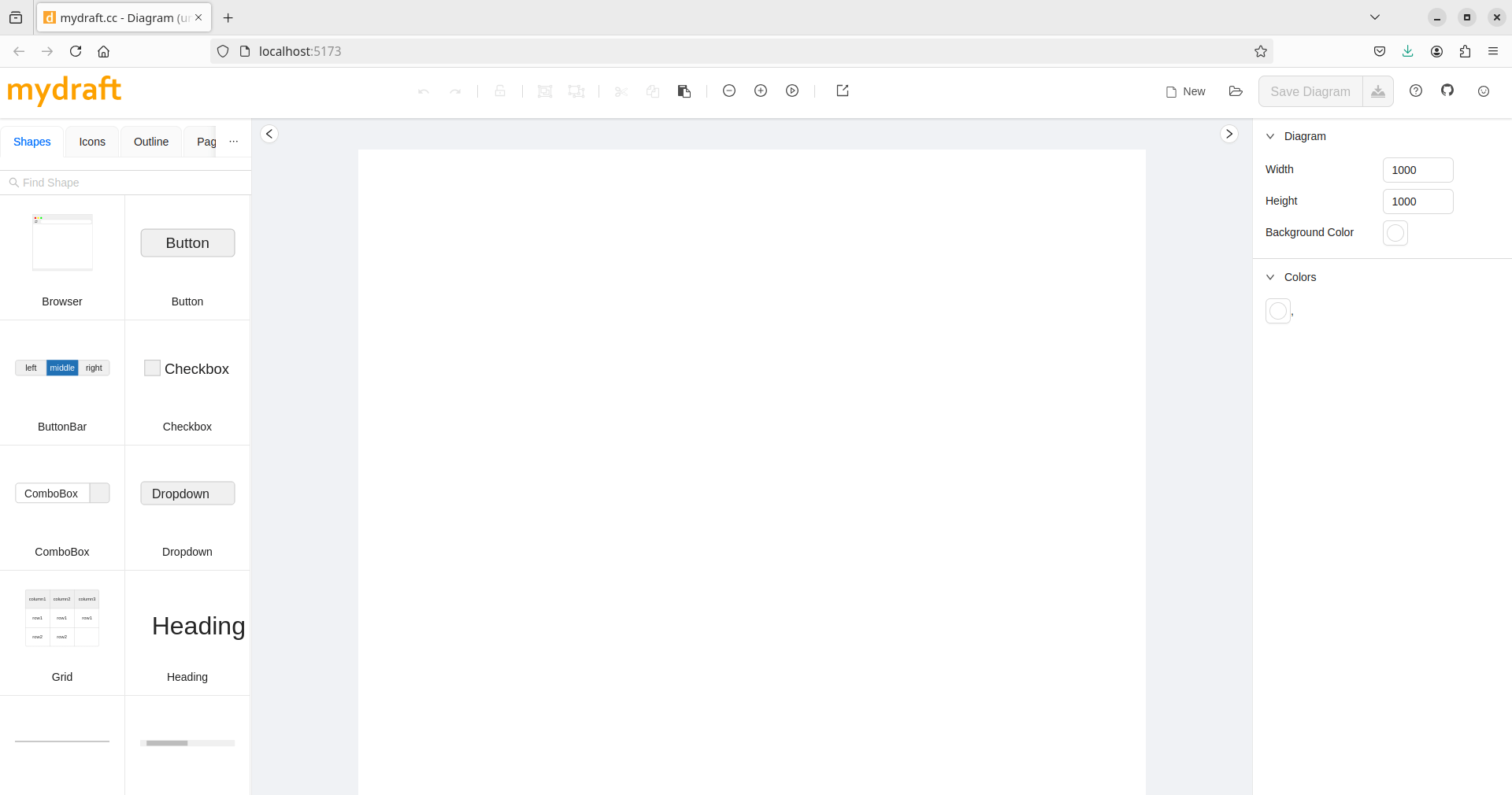
mydraft is a wireframing tool.
It uses React, React Hooks, Redux, TypeScript, Webpack and Ant design.
This is free and open source software.
Key Features
- Wireframing tools for low fidelity mockups. Extend with new features and shapes.
- Wide range of shapes for:
- The most used controls such as buttons and input fields.
- Frames for browsers and mobile phones.
- Complex controls like tables, lists, and button groups.
- Integrated icons – font awesome and material icon are integrated.
- Multiple pages:
- Create an unlimited number of pages.
- Assign master pages to each page individually to manage shared layouts.
- Link buttons to other pages for the presentation mode.
- Intelligent transformer:
- Scale, move and rotate elements.
- Arrange or distribute multiple shapes
- Automatically docks the shapes to other shapes when moving.
- Create shapes with automatically calculated dimensions.
- Easy to install.
- Easy interface for custom shapes
- Automatic properties renderer.
- Undo/redo.
- Grouping and ungrouping.
- Lockable shapes and groups.
- Design is stored with full history.
- Zoom in and out.
- Presentation mode.
- Print mode.
- Keeps track of recently saved diagrams.
- Fast SVG renderer.
- Support for copy and paste.
- Embeddable images.
- High test coverage.
- UI tests with storyboard.
- Cross-platform support – runs under Linux, macOS, and Windows.
Website: github.com/mydraft-cc/ui
Support:
Developer: Qaisar Ahmad, Sebastian Stehle
License: MIT License
mydraft is written in TypeScript. Learn TypeScript with our recommended free books and free tutorials.
Related Software
| GUI Prototyping Tools | |
|---|---|
| Penpot | Design tool that’s web based. Penpot requires a browser, that’s it. |
| Inkscape | Powerful design software with flexible drawing tools |
| Akira | Design application for prototyping |
| Pencil | Easy GUI Prototyping with a good range of built-in shape collections |
| Workbench | Prototype with GNOME technologies |
| mydraft | Wireframing tool |
Read our verdict in the software roundup.
 LinuxLinks helps you discover the best free and open source software for Linux. Explore our extensive collection of recommended applications, including alternatives to popular proprietary software. We also publish software reviews, Linux tutorials, hardware reviews, free programming books and articles covering the wider open source community. Browse our Linux resources to discover more. Know a useful free and open source Linux application we haven't covered? Suggest a program for inclusion. Has your software been featured on LinuxLinks? Display one of our Featured on LinuxLinks badges on your website or GitHub README. |
Please read our Comment Policy before commenting.