

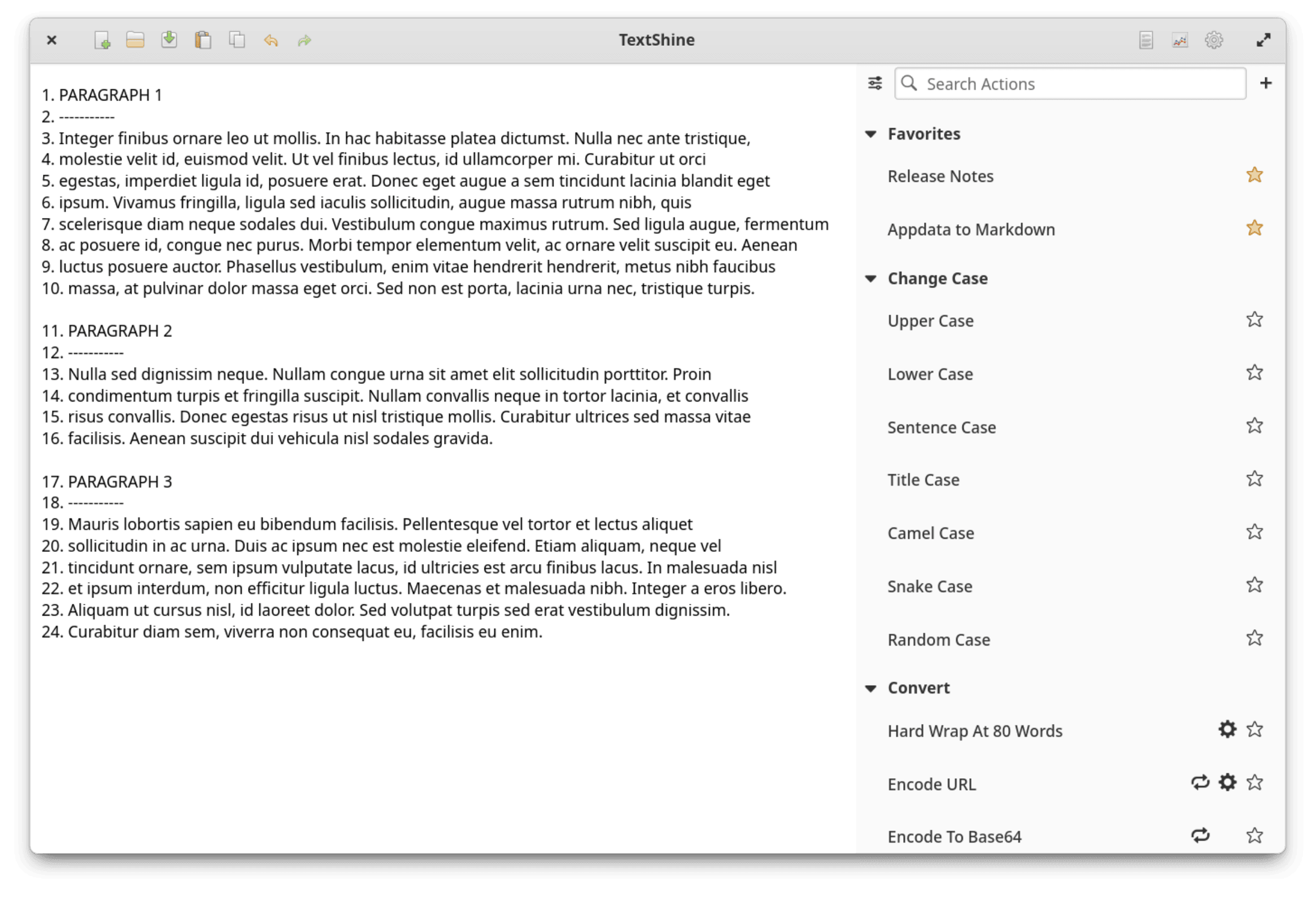
TextShine is a graphical utility for transforming and manipulating text using a collection of predefined operations and custom workflows. It helps users perform repetitive editing tasks without manually applying the same changes across a document.
The application accepts text from the clipboard or files and provides an interactive environment for examining and modifying that content. Results can be copied back to the clipboard, written to the original file or saved separately.
TextShine is particularly useful for cleaning up imported text, standardising formatting, restructuring lines and preparing content for other applications. Users can combine individual transformations into reusable custom actions, making it suitable for both occasional text editing and more elaborate processing tasks.
This is free and open source software.
Key Features
- Extensive collection of predefined text transformation actions organised into categories.
- Convert text between uppercase, lowercase and other capitalisation styles.
- Insert or remove line numbers, blank lines, whitespace and matching text.
- Sort lines and adjust indentation.
- Search and replace text, including regular expression matching.
- Convert quotation marks and automatically repair common text formatting problems.
- Insert predefined text, file contents and Lorem Ipsum placeholder text.
- Create, test, import and export custom text conversion workflows.
- Batch process files by applying a custom action to each file.
- Unlimited undo and redo history.
- Built-in spell checking and statistics covering characters, words, lines, matches and spelling errors.
- Calculate MD5 and SHA hashes and perform Base64 encoding and decoding.
- Markdown processing utilities.
- Search available actions and mark frequently used actions as favourites.
- Adjust the editor’s font size.
Website: github.com/phase1geo/TextShine
Support:
Developer: phase1geo
License: GNU General Public License v3.0
TextShine is written in Vala. Learn Vala with our recommended free books and free tutorials.
 LinuxLinks helps you discover the best free and open source software for Linux. Explore our extensive collection of recommended applications, including alternatives to popular proprietary software. We also publish software reviews, Linux tutorials, hardware reviews, free programming books and articles covering the wider open source community. Browse our Linux resources to discover more. Know a useful free and open source Linux application we haven't covered? Suggest a program for inclusion. Has your software been featured on LinuxLinks? Display one of our Featured on LinuxLinks badges on your website or GitHub README. |
Please read our Comment Policy before commenting.