

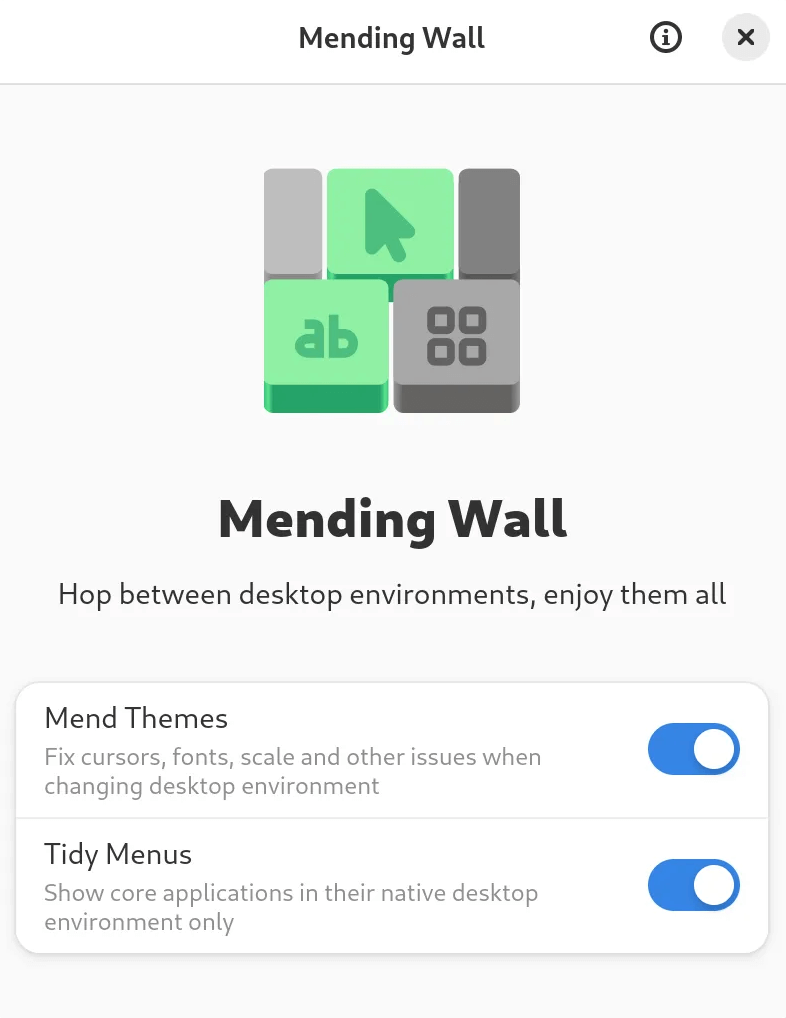
Mending Wall is a Linux application to fix issues when hopping between multiple desktop environments, such as tiny/huge cursors, tiny/huge fonts, light/dark mode switches and scaling issues. It also tidies application menus, showing core applications in their native environment only.
After installing, launch Mending Wall and enable one or both of the features Mend Themes and Tidy Menus. Both are recommended. Once enabled, it will start doing its work, and you can log in to a second desktop environment.
If you have already logged in to a second desktop environment before running Mending Wall, so that your themes may be broken already, you will need to fix your themes manually through the settings of your desktop environment, but can enable Mending Wall to preserve those settings going forward.
This is free and open source software.
Features include:
- Easy to use.
- Use GNOME, KDE Plasma, Xfce, and Cinnamon on the same user account without broken themes and cluttered menus.
- Fixes common issues when hopping between desktop environments, such as tiny cursors, huge cursors, tiny fonts, huge fonts, unintended dark mode changes, icon changes, and scaling issues on HiDPI displays.
- Tidies menus to show core applications in their native desktop environment only. No more six terminals, five file managers, and three text editors.
Website: github.com/lawmurray/mendingwall
Support:
Developer: Lawrence Murray
License: GNU General Public License v3.0
Mending Wall is written in C. Learn C with our recommended free books and free tutorials.
| Explore Linux | |
|---|---|
 | Best Free and Open Source Software - A huge collection of recommended free and open source software covering every major category. |
 | In-depth Linux Software Reviews - Detailed assessments of Linux software covering features, usability and overall quality. |
 | The Big List of Active Linux Distros - An extensive collection of actively developed Linux distributions. |
 | Open Source Alternatives - Alternatives to software and services from Google, Microsoft, Apple, Adobe, IBM, Autodesk, Oracle and others. |
 | Essential Linux System Tools - Indispensable utilities for monitoring, maintaining and managing Linux systems. |
 | Linux Productivity Tools - Useful utilities for improving productivity and streamlining everyday tasks. |
 | Alternatives to Popular CLI Tools - Modern alternatives to familiar command-line utilities supplied with Linux systems. |
 | Awesome Free Linux Game Tools - Tools, utilities and companion software that improve gaming on Linux. |
 | Machine Learning on Linux - Machine learning and deep learning software, self-hosted applications and practical tools. |
 | Saving Money with Linux - Practical ways to reduce electricity consumption and lower computing costs with Linux. |
 | Linux Candy - Fun, entertaining and sometimes delightfully quirky software from the lighter side of Linux. |
Please read our Comment Policy before commenting.