

Cutefish File Manager is billed as a simple to use, beautiful file manager which retains the classic PC interactive design (whatever that means).
This is a navigational file manager.
Cutefish File Manager is free and open source software.
Website: github.com/cutefishos/filemanager
Support:
Developer: Reion Wong
License: GNU General Public License v3.0
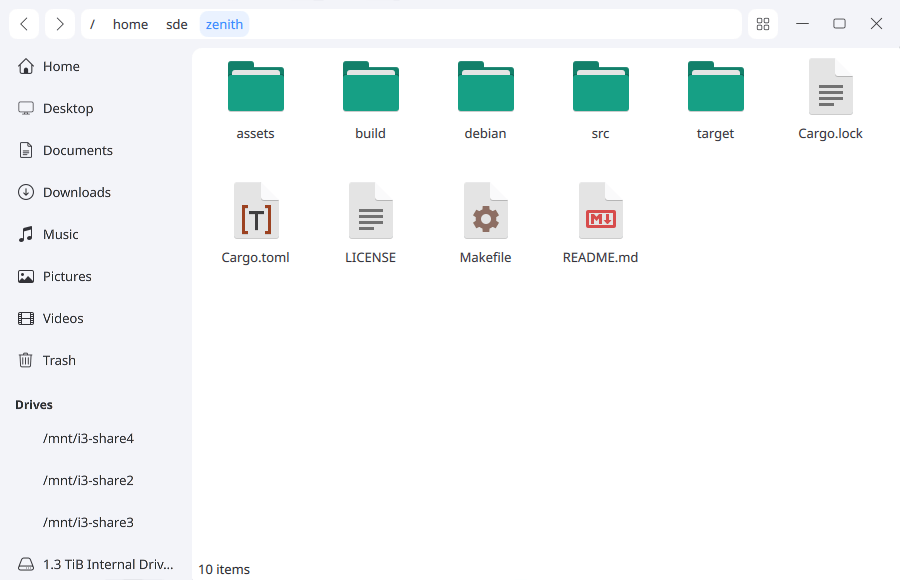
Cutefish File Manager is written in C++. Learn C++ with our recommended free books and free tutorials.
Related Software
| Qt File Managers | |
|---|---|
| Krusader | Advanced, twin-panel (commander-style) file manager |
| Dolphin | Simple to use and dedicated file manager |
| Double Commander | Inspired by Total Commander |
| PCManFM-Qt | Started as the Qt port of PCManFM |
| Konqueror | File manager, web browser, and universal viewer |
| CoreFM | Simple, lightweight, and easy to use file manager |
| File Commander | Total Commander-like orthodox (dual-panel) file manager |
| Deepin FM | File manager for deepin desktop environment |
| Index | Qt-based file manager that's part of the Maui ecosystem |
| SplitCommander | Dual-pane KDE tool for efficient copying moving and organisation |
| Rootlink | Native Wayland browser offering a clean focused desktop experience |
| HyprFM | Modern Qt 6 and QML browser designed for Wayland desktops |
| Dentry | Keyboard-driven TUI for fast browsing and filesystem navigation |
| Cutefish File Manager | Another simple file manager |
Read our verdict in the software roundup.
 LinuxLinks helps you discover the best free and open source software for Linux. Explore our extensive collection of recommended applications, including alternatives to popular proprietary software. We also publish software reviews, Linux tutorials, hardware reviews, free programming books and articles covering the wider open source community. Browse our Linux resources to discover more. Know a useful free and open source Linux application we haven't covered? Suggest a program for inclusion. Has your software been featured on LinuxLinks? Display one of our Featured on LinuxLinks badges on your website or GitHub README. |
Please read our Comment Policy before commenting.