

Chess is a recreational and competitive board game played between two players. It’s a very popular game, played by millions across the world, in clubs, online, by correspondence, and in tournaments.
The game is played on a square chessboard with 64 squares arranged in an eight-by-eight grid. Each player controls 16 pieces, and the object of the game is to checkmate the opponent’s king.
Chess has the virtue of being suitable for people of all ages. It has many positive attributes helping players develop their memory, improve and enhance their concentration, as well as enhance logical thinking. It also promotes and improves imagination and creativity. Chess is one of those games that takes a few days to learn and the rest of your life to master, with the game being a never ending learning process, even for the top players.
ChessMD is a free and open source lightweight PGN database viewer and analysis tool. There’s also the ability to play games against chess engines.
Installation
I evaluated ChessMD with Ubuntu 25.04.
The developer provides a compressed archive to download. This provides a good chess engine (Stockfish), a very small opening book, and an AppImage for the program itself.
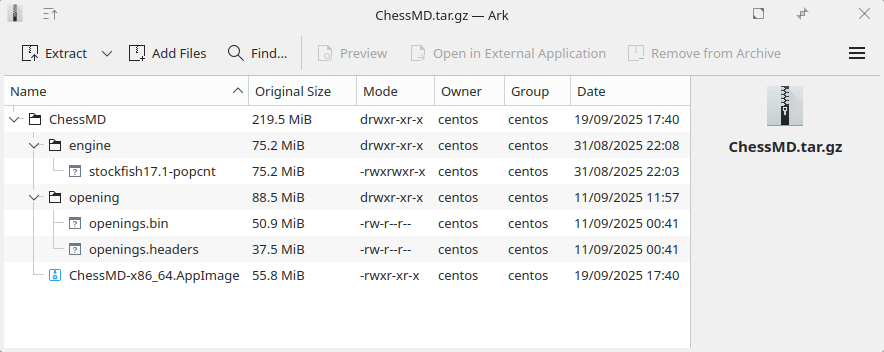
I’ll use Ark to extract the files.
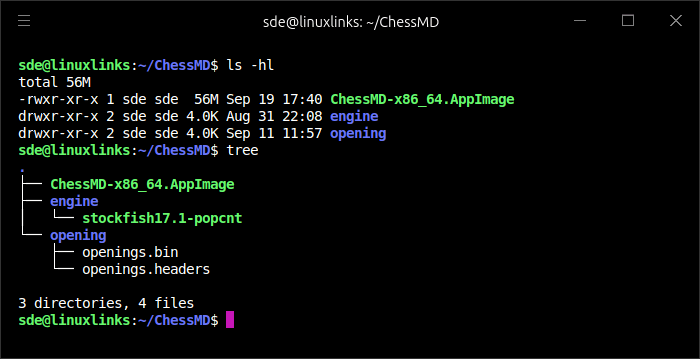
In Operation
This is what you’ll see when starting the program for the first time.
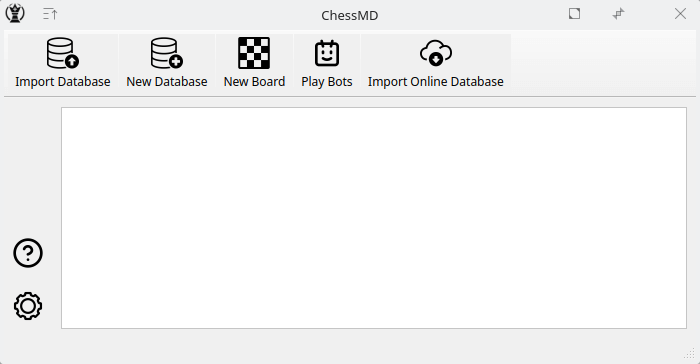
The toolbar lets you import a database, create a new database, open a new board, play a game of chess against a chess computer, and import an online database.
The bottom left icon accesses the program’s settings options. Here we can choose the chess engine. The software doesn’t automate downloading a different chess engine. The settings section gives a link to download a much larger opening book database (lumbras-gigabase) with over 1 million games. This needs 3GB of disk space. We can also choose between light, dark, or system theme.
The program is primarily a tool to view PGN files and analyze them with a chess engine.
The program lets you import PGN files including PGN files from a specific Chess.com username. In the images below, I’ve chosen to download 30 recent games from the player LileKoridze, a Woman FIDE Master.
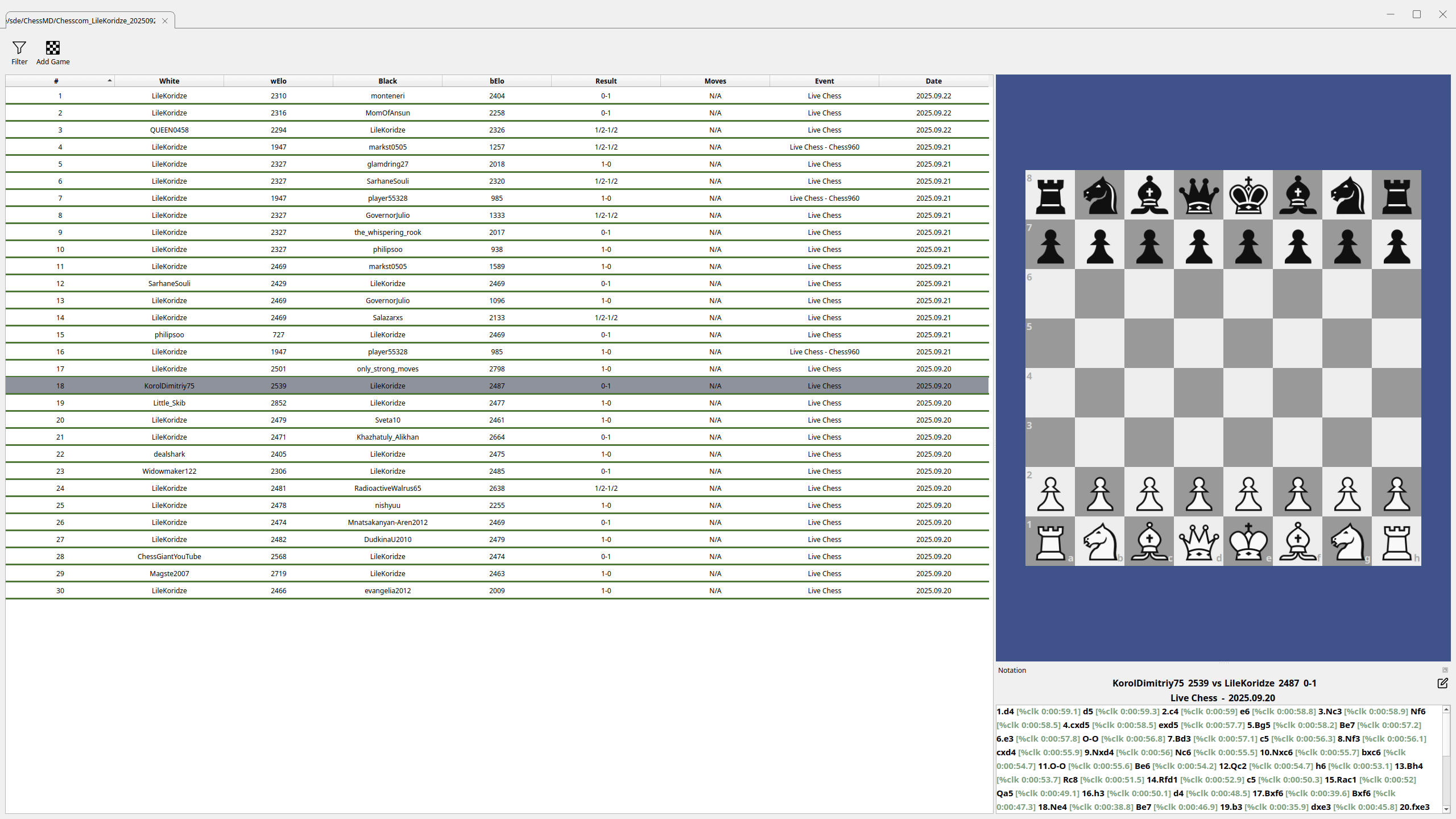
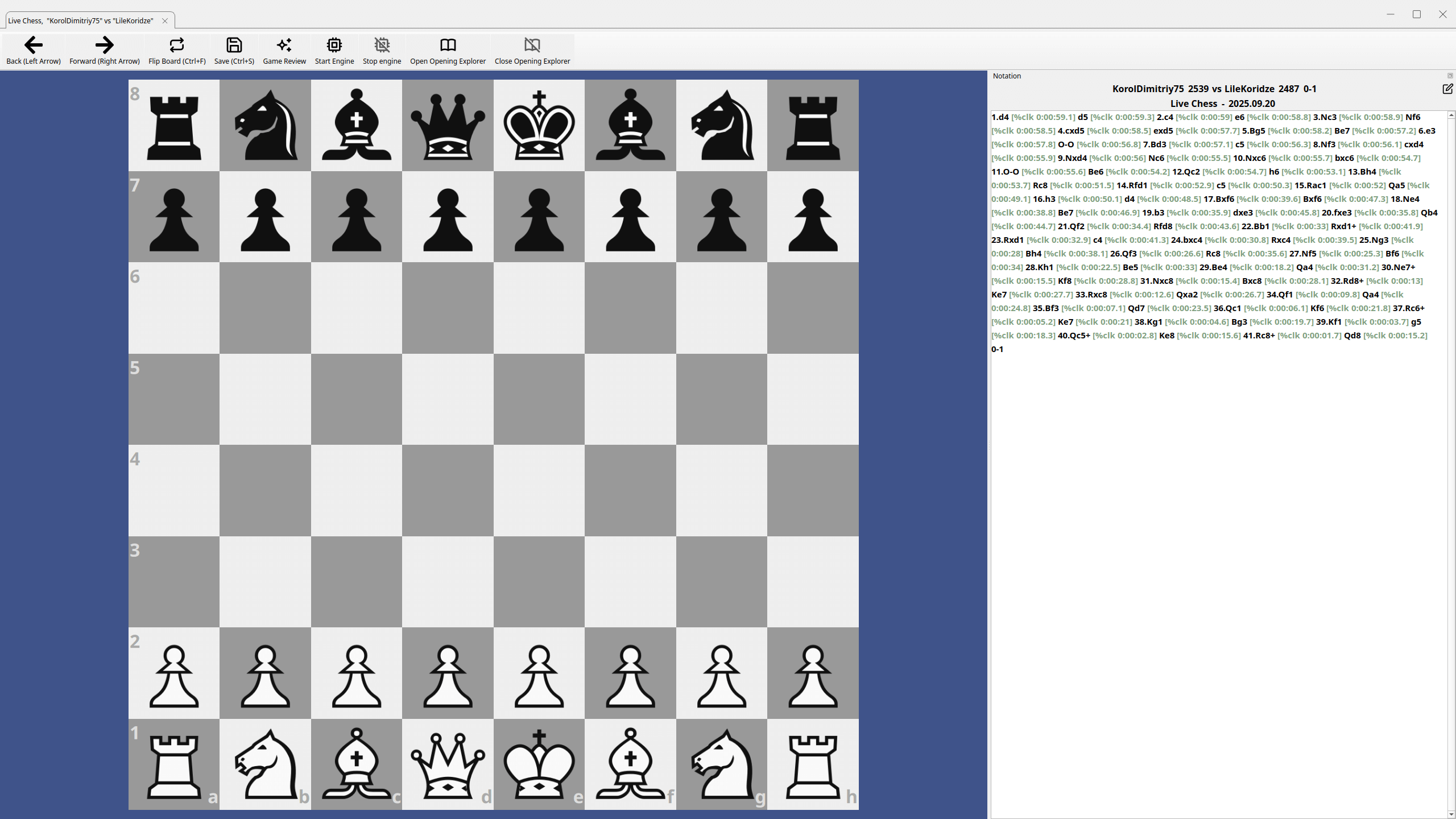
We can then use Stockfish (or another UCI chess engine) to review the game. In the image below, you’ll see the bottom right hosts a game review section with a chart showing the chess engine’s evaluation after each move, with its interpretation including mistakes and blunders by each player.
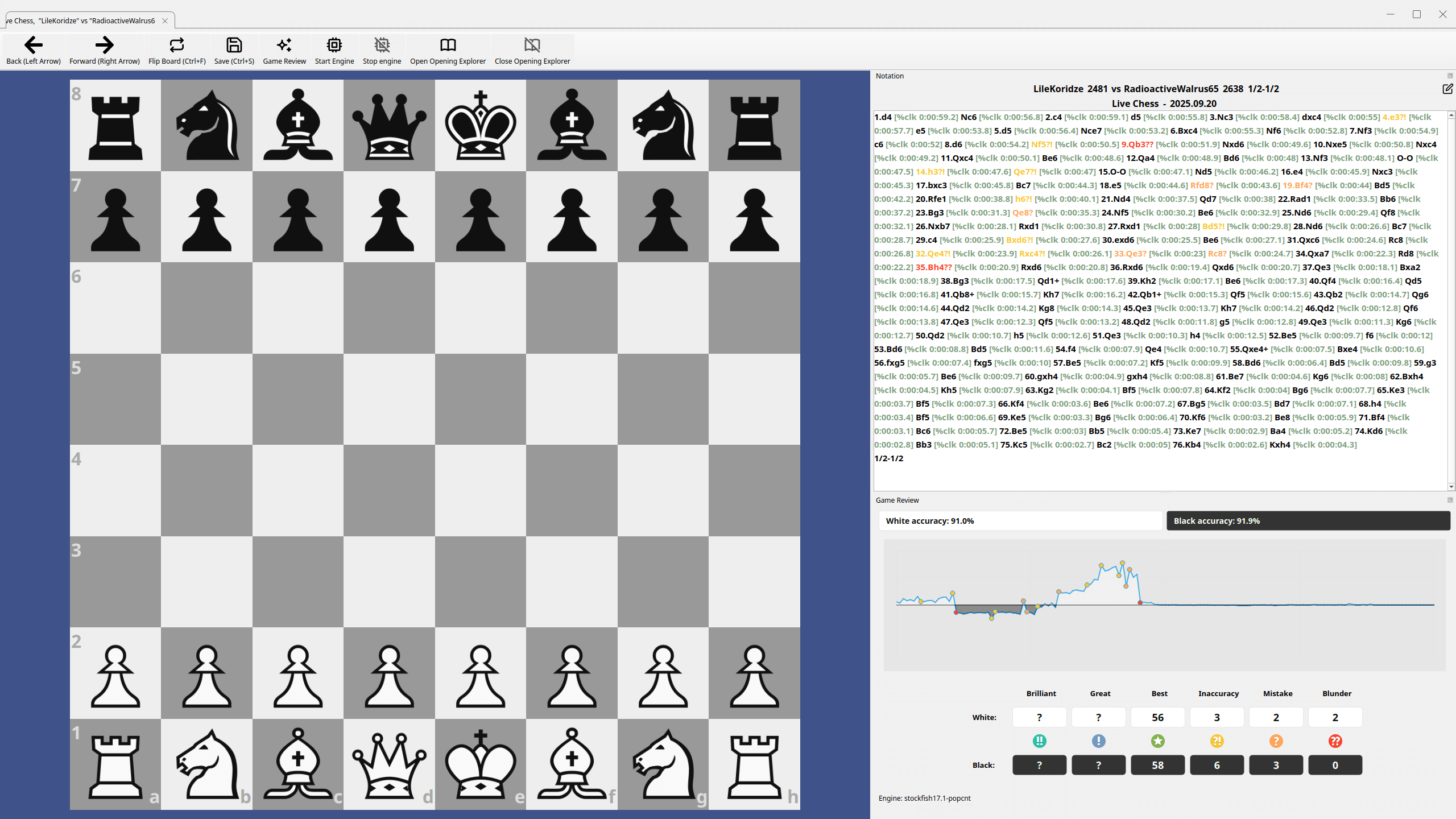
From any move, we can also use the chess engine to investigate lines.
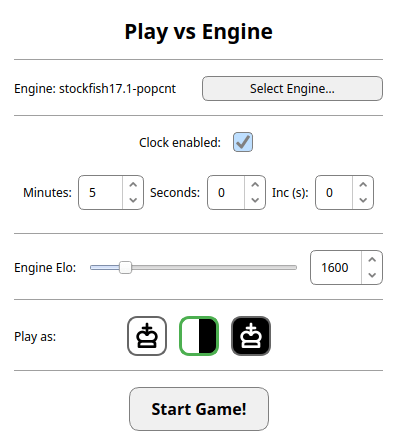
I can also play games against the chess engine. Here are the options available.
Summary
ChessMD is very impressive software particularly given it only saw its first release in May 2025.
There’s lots of good functionality provided including the ability to browse and manage multiple chess databases, UCI engine support for real-time position analysis, as well as its game review.
The integration with Chess.com is useful. I’d like to see this functionality extend to other online chess servers.
There are many simple formatting improvements I’d like to see which would really improve the program’s polish. For example, there’s room for improvement when displaying the chess moves.
There’s a good user guide too! If you want to improve your chess performance, give ChessMD a whirl.
Website: chessmd.org
Support: GitHub Code Repository
Developer: ChessMD
License: GNU Affero General Public License v3.0
ChessMD is written in C++. Learn C++ with our recommended free books and free tutorials.
Related Software
| Chess Apps | |
|---|---|
| Lucas Chess | Highly polished chess app with superb training facilities |
| En Croissant | Modern chess GUI for play, analysis and study |
| PyChess | Feature-rich GTK chess client |
| Scid | Powerful chess database and analysis application |
| Knights | Chess game for the KDE desktop environment |
| ChessX | Chess database and FICS client |
| ChessMD | PGN database viewer and analysis tool |
| XBoard | Graphical chessboard for engines and online play |
| Cute Chess | GUI, CLI and library for chess and engine tournaments |
| Nibbler | Chess analysis GUI for UCI engines |
| GNOME Chess | Simple chess client for the GNOME desktop |
| JFXChess | JavaFX chess GUI centred around Stockfish |
| Python Easy Chess GUI | Play UCI chess engines, analyse positions and review saved games |
| Obsidian Chess Studio | Modern chess analysis and training platform |
| CoreChess | Chess GUI for UCI and CECP engines |
| SlugChess | Chess with Fog-of-War and shuffled officers |
| Pawn Appétit | Chess analysis, game management and opening repertoire training |
| Focalors | Offline chess coaching with game reviews and personalised puzzles |
Read our verdict in the software roundup.
 LinuxLinks helps you discover the best free and open source software for Linux. Explore our extensive collection of recommended applications, including alternatives to popular proprietary software. We also publish software reviews, Linux tutorials, hardware reviews, free programming books and articles covering the wider open source community. Browse our Linux resources to discover more. Know a useful free and open source Linux application we haven't covered? Suggest a program for inclusion. Has your software been featured on LinuxLinks? Display one of our Featured on LinuxLinks badges on your website or GitHub README. |
Please read our Comment Policy before commenting.