

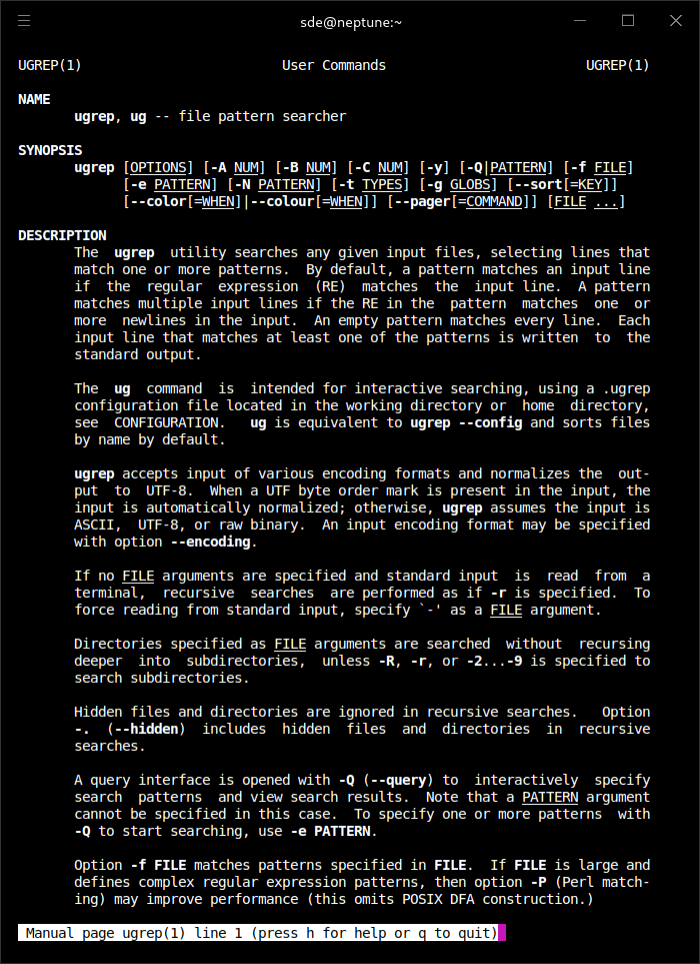
The ugrep utility searches any given input files, selecting lines that match one or more patterns.
By default, a pattern matches an input line if the regular expression (RE) matches the input line. A pattern matches multiple input lines if the RE in the pattern matches one or more newlines in the input. An empty pattern matches every line. Each input line that matches at least one of the patterns is written to the standard output.
This is free and open source software.
Features include:
- Ultra fast with new match algorithms and features beating grep, ripgrep, silver searcher, ack, sift, etc.
- Cross-platform support – runs under Linux, macOS, Windows, and more.
- Supports all GNU/BSD grep standard options; ugrep is a faster compatible replacement for GNU/BSD grep.
- Matches Unicode patterns by default in UTF-8, UTF-16, UTF-32 encoded files.
- Matches multiple lines with \n and \R regex patterns.
- Built-in help: ugrep –help WHAT displays options related to WHAT you are looking for
- User-friendly with sensible defaults and customizable configuration files used by the ug command intended for interactive use that loads a .ugrep configuration file with your preferences.
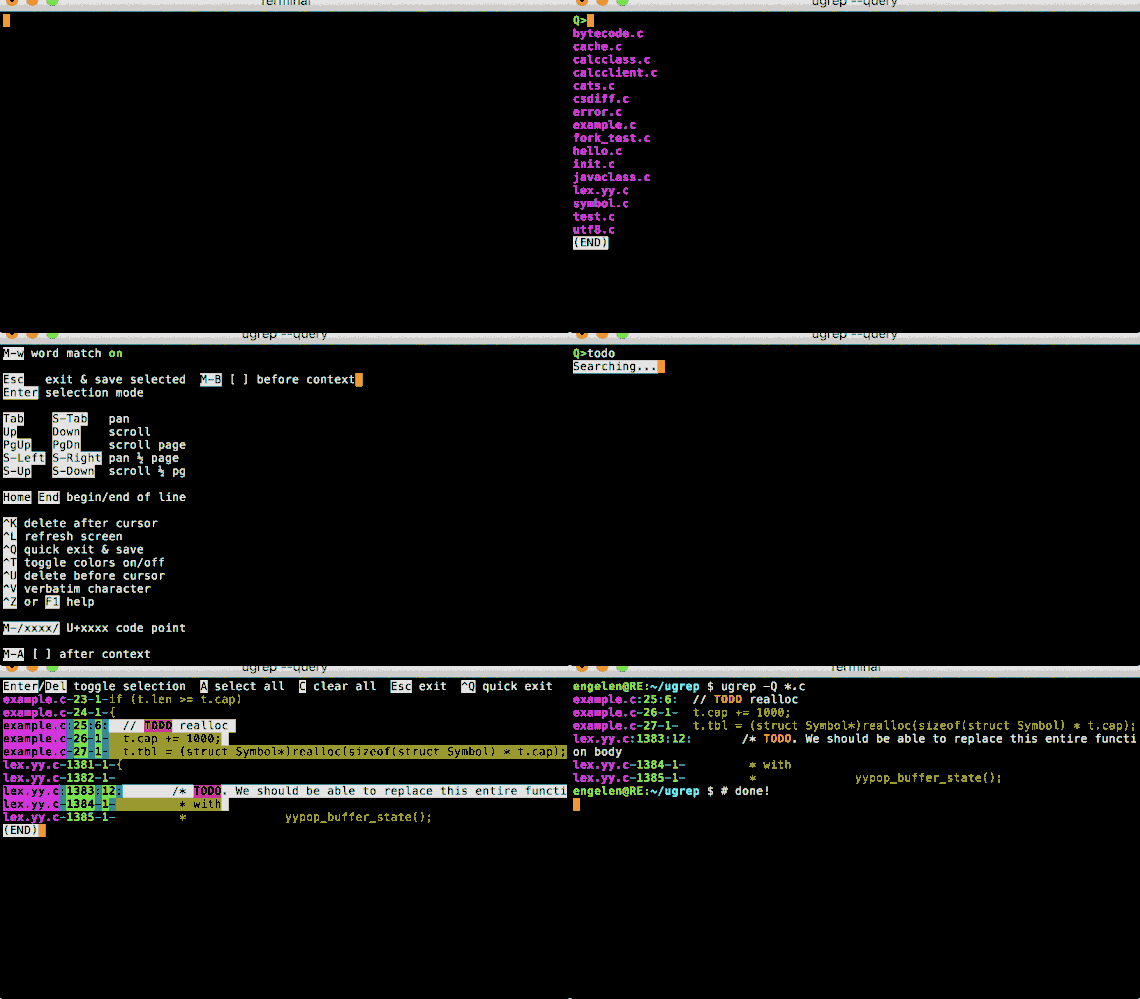
- Interactive query TUI, press F1 or CTRL-Z for help and TAB/SHIFT-TAB to navigate to dirs and files.
- Find approximate pattern matches with fuzzy search, within the specified Levenshtein distance.
- Search with Google-like Boolean query patterns using
--boolpatterns. - Fzf-like search with regex (or fixed strings with -F), fuzzy matching with up to 4 extra characters.
- Search the contents of archives (cpio, jar, tar, pax, zip) and compressed files (zip, gz, Z, bz, bz2, lzma, xz, lz4, zstd).
- Search pdf, doc, docx, xls, xlxs, and more using filters.
- Search binary files and display hexdumps with binary pattern matches (Unicode text or -U for byte patterns).
- Include files to search by filename extensions or exclude them.
- Include files to search by file types or file “magic bytes” or exclude them.
- Include files and directories to search that match gitignore-style globs or exclude them.
- Include hidden files (dotfiles) and directories to search (omitted by default).
- Exclude files specified by .gitignore etc.
- Search patterns excluding negative patterns (“match this but not that”).
Website: github.com/Genivia/ugrep
Support:
Developer: Robert van Engelen
License: BSD 3-Clause “New” or “Revised” License
ugrep is written in C++. Learn C++ with our recommended free books and free tutorials.
| Explore Linux | |
|---|---|
 | Best Free and Open Source Software - A huge collection of recommended free and open source software covering every major category. |
 | In-depth Linux Software Reviews - Detailed assessments of Linux software covering features, usability and overall quality. |
 | The Big List of Active Linux Distros - An extensive collection of actively developed Linux distributions. |
 | Open Source Alternatives - Alternatives to software and services from Google, Microsoft, Apple, Adobe, IBM, Autodesk, Oracle and others. |
 | Essential Linux System Tools - Indispensable utilities for monitoring, maintaining and managing Linux systems. |
 | Linux Productivity Tools - Useful utilities for improving productivity and streamlining everyday tasks. |
 | Alternatives to Popular CLI Tools - Modern alternatives to familiar command-line utilities supplied with Linux systems. |
 | Awesome Free Linux Game Tools - Tools, utilities and companion software that improve gaming on Linux. |
 | Machine Learning on Linux - Machine learning and deep learning software, self-hosted applications and practical tools. |
 | Saving Money with Linux - Practical ways to reduce electricity consumption and lower computing costs with Linux. |
 | Linux Candy - Fun, entertaining and sometimes delightfully quirky software from the lighter side of Linux. |
Please read our Comment Policy before commenting.