

NetPeek is a graphical network scanner for discovering devices and examining services on local networks. It provides a GNOME-oriented interface for identifying active hosts, checking open ports, and collecting information about devices connected to the network.
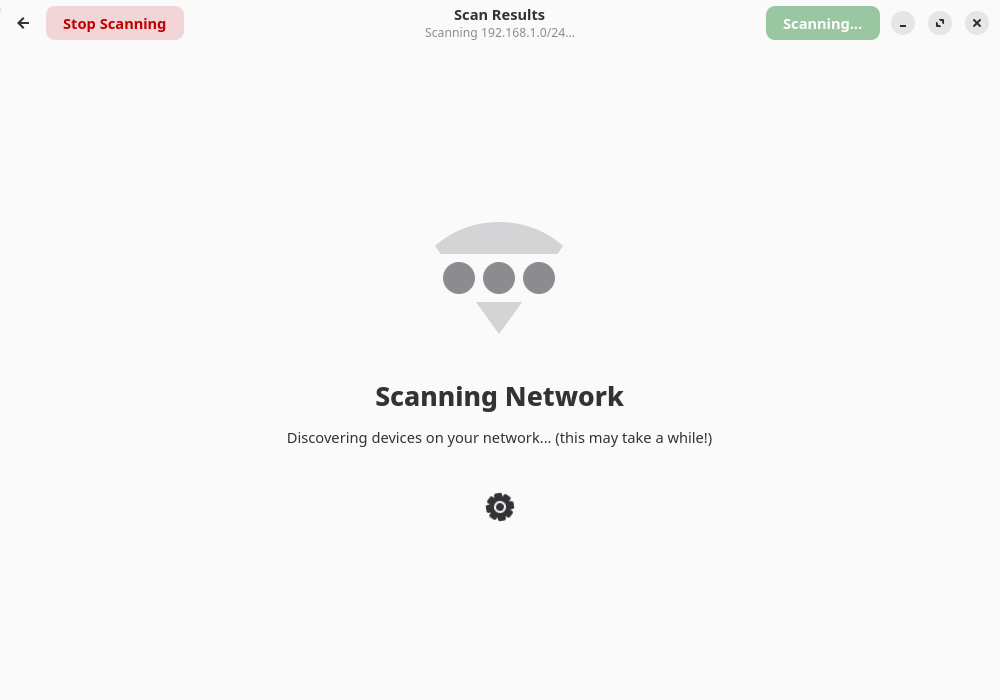
The application supports both quick discovery scans and more detailed network analysis. A basic scan identifies reachable devices, while deeper scanning can retrieve additional information such as operating system estimates and service versions. NetPeek displays its findings in a graphical interface, allowing users to examine individual devices without working directly with Nmap commands.
NetPeek also maintains a history of previous scans, making it possible to revisit earlier results and examine networks over time. Devices can be assigned custom names, while sorting and filtering controls help users locate particular hosts and services. The interface adapts to different window sizes and offers configurable appearance settings, keyboard shortcuts, and scanning preferences.
This is free and open source software.
Key Features
- Discovers active devices and open ports on local networks.
- Quick scans and deeper scans with additional host information.
- Operating system identification and service version detection.
- Identifies common services including SMB, Cockpit, MySQL, PostgreSQL, Redis, Plex, and Home Assistant.
- Accepts individual IP addresses, address ranges, and CIDR notation.
- Automatic detection of the local network address range.
- Concurrent scanning with configurable thread counts.
- Scan history with date filtering and paginated results.
- Assign custom names to discovered devices.
- Search and filter devices within scanning results.
- Sortable results by IP address, hostname, open ports, services, and other attributes.
- Card and list views for displaying discovered hosts.
- Detailed scan information for current and previous scans.
- Export scan results to CSV files.
- Light and dark appearance settings with system theme integration.
- Keyboard shortcuts for common application functions.
Website: github.com/zingytomato/netpeek
Support:
Developer: ZingyTomato
License: GNU General Public License v3.0
NetPeek is written in Python. Learn Python with our recommended free books and free tutorials.
Related Software
| Graphical Port Scanners | |
|---|---|
| Zenmap | The Network Mapper Front End |
| IVRE | Network recon framework written in Python |
| Angry IP Scan | Scans IP addresses and ports |
| L0p4Map | Network monitoring, discovery and interactive topology visualization |
| NmapSI4 | Qt5-based GUI for Nmap |
| NetPeek | Discover devices on your local network |
| Umit | Network tool and port scanner developed in PyGTK. |
| GNOME Nettool | GNOME interface for various networking tools |
Read our verdict in the software roundup.
 LinuxLinks helps you discover the best free and open source software for Linux. Explore our extensive collection of recommended applications, including alternatives to popular proprietary software. We also publish software reviews, Linux tutorials, hardware reviews, free programming books and articles covering the wider open source community. Browse our Linux resources to discover more. Know a useful free and open source Linux application we haven't covered? Suggest a program for inclusion. Has your software been featured on LinuxLinks? Display one of our Featured on LinuxLinks badges on your website or GitHub README. |
Please read our Comment Policy before commenting.