
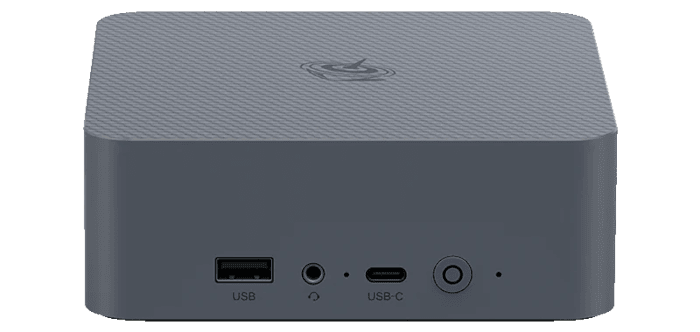
First Impressions Running Linux
To test the hardware under Linux, I installed two popular distributions: CachyOS on the integrated flash storage and Fedora on an external NVMe SSD.
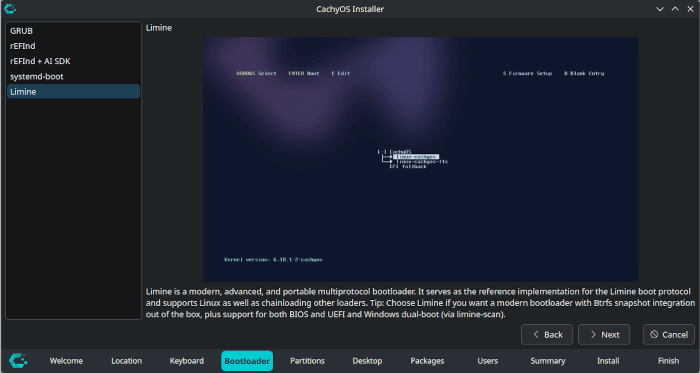
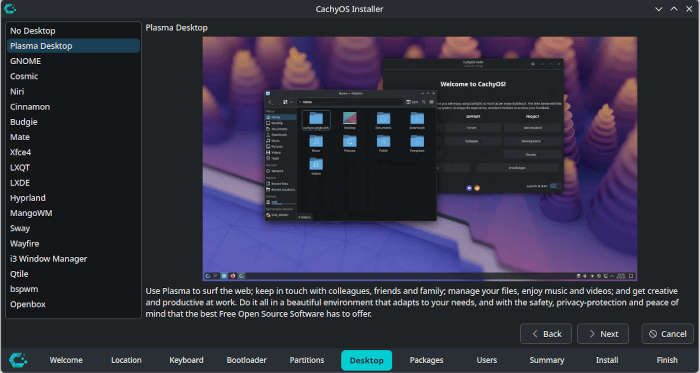
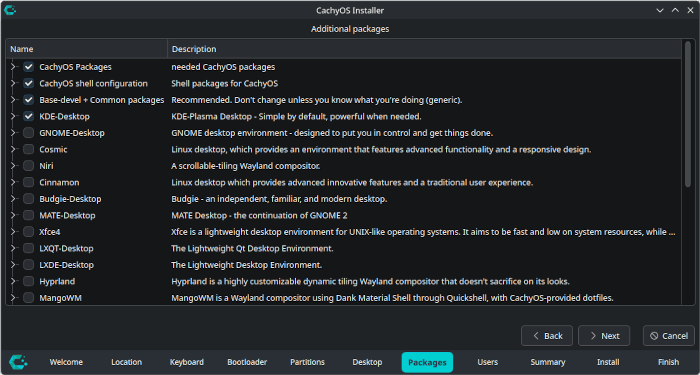
The CachyOS installer offers a wide choice of bootloaders, desktop environments and optional packages. I selected Limine, KDE Plasma and the default package set.
Both distributions installed flawlessly, with all hardware detected and working without additional drivers or configuration.
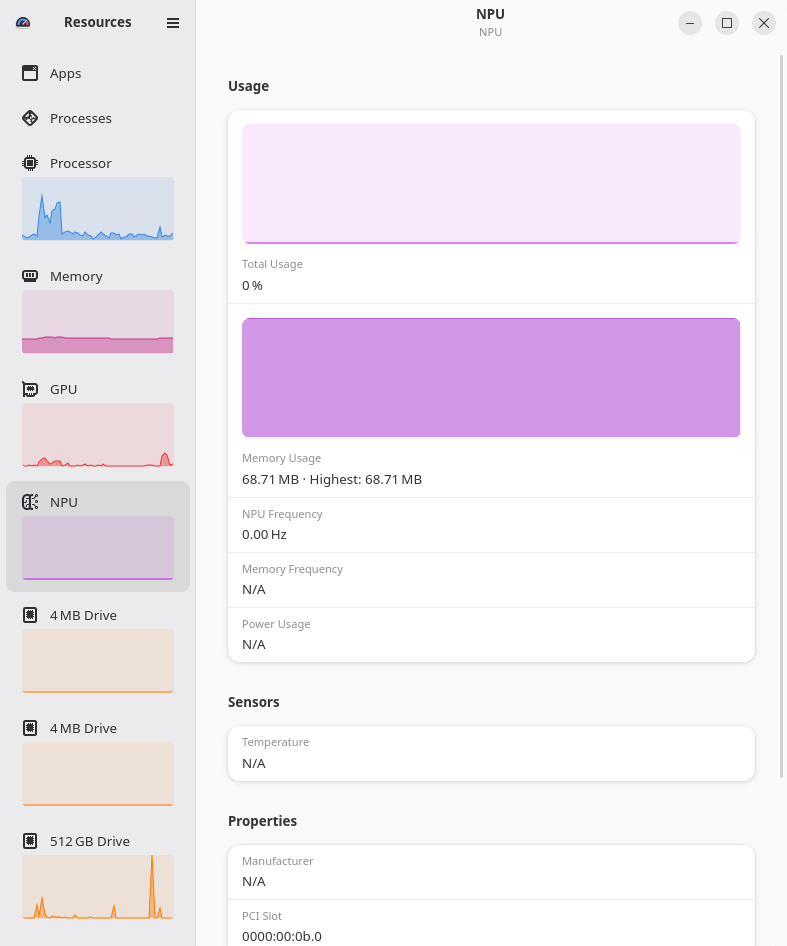
The intel_vpu driver loaded successfully, including the required NPU 50xx firmware, and exposed the accelerator through /dev/accel/accel0. No additional driver installation or configuration was necessary.
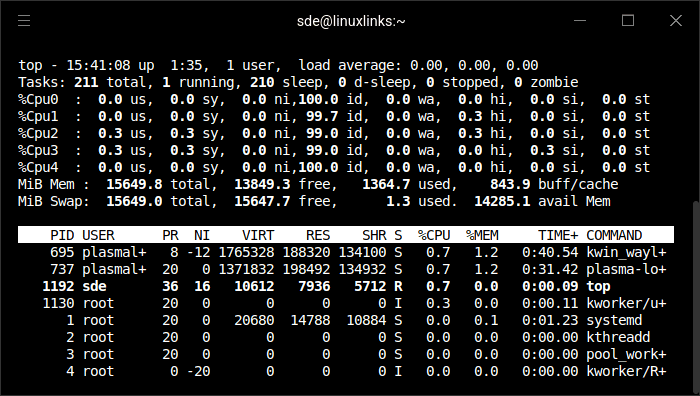
I ran top under both CachyOS and Fedora. CachyOS configured approximately 15.3GiB of swap, matching the machine’s usable RAM, whereas Fedora allocated a much smaller 8GiB. CachyOS’s approach seems more sensible, particularly for heavier workloads.
I’ve only been testing the machine for a few days. From my initial testing, desktop performance is decent, helped considerably by the strong performance of the single P-core. Web browsing felt responsive, although the limited core count means that compiling software takes significantly longer than on many of the machines I have reviewed. This is particularly relevant for Arch-based distributions, where installing packages from the Arch User Repository often involves compiling them from source.
In the next article, I’ll put the machine through a series of benchmarks.
Pages in this article:
Page 1 – Introduction and Design
Page 2 – Interrogation of the System
Page 3 – First Impressions Running Linux
Complete list of articles in this series:
| Beelink EQi 304 Mini PC | |
|---|---|
| Introduction | Introduction to the series and interrogation of the machine |
| Benchmarks | Benchmarking the Beelink EQi 304 Mini PC |
| Power | Testing and comparing the power consumption |
| BIOS | The BIOS, which stands for Basic Input/Output System, plays a crucial role |
| Cores | P-core and LP Efficient-cores examined |
| Noise | How quiet is this mini PC? |
| NPU and Llama | Testing the NPU with Llama models |
| Scheduling | Can Linux use its one fast CPU core efficiently? |
Please read our Comment Policy before commenting.
Is the Core 3 304 like a modern N95?
I would describe it as the spiritual successor to the N95/N100 class, but with a clever twist: Intel has sacrificed balanced multicore performance to provide one extremely capable foreground core. That makes it much better suited to a responsive Linux desktop than the core count alone suggests.
Thanks
Why do the NVMes only have x2 and x1 links?
The Core 3 304 offers a modest PCIe allocation, with six PCIe 4.0 lanes that can be configured as one ×4 connection, three ×2 connections, or six ×1 connections. That is far more limited than the lane provision typically found on desktop-class processors.
Then factor that the 10GbE and 2.5GbE will each use 1 lane, and the Wi-Fi will use another. That leaves only 3 lanes for the NVMes.
What about the UFS storage?
The UFS storage uses a dedicated UFS controller and therefore doesn’t use a PCIe lane.
I’m not keen on UFS as its not replaceable
I don’t have specs for the TBW for the UFS, but the 2 NVMes are always available.
How responsive does the unusual one P-core and four E-core design feel during everyday Linux desktop use?
I’m going to do a head-to-head with an N100 machine to test this.
Interesting
I’m looking forward to this too