

Alchemy is non-orthodox painting software experimenting with alternative ways of drawing.
Alchemy isn’t software for creating finished artwork, but rather a sketching environment that focuses on the absolute initial stage of the creation process. Experimental in nature, Alchemy lets you brainstorm visually to explore an expanded range of ideas and possibilities in a serendipitous way.
This is free and open source software. It is not under active development.
Key Features
- Drawing canvas has an intentionally reduced level of functionality. No undo, no selecting, and no editing. Interaction focuses instead on the output of a great number of good, bad, strange and beautiful shapes.
- Growing number of ‘modules’ that can be added or removed.
- Record a drawing ’session’. Automatically save the contents of the canvas to a page in a PDF file at set intervals.
- Auto-clear the canvas. Start drawing on a clean slate at set intervals. Force yourself to start over fresh.
- Switch the canvas. Automatically open your sketch in a more ‘conventional’ drawing application, either as a bitmap or vector file.
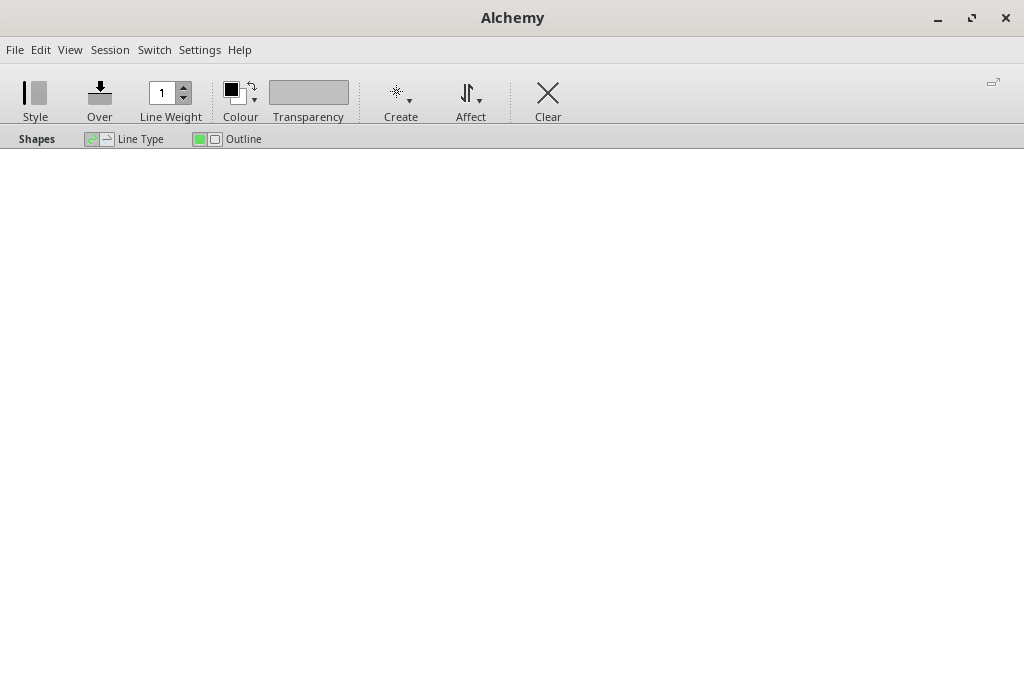
- Avoid distraction. Alchemy has a very minimal interface, just a simple toolbar that disappears magically, and a full screen mode to block everything else out.
Website: al.chemy.org
Support:
Developer: Karl D. D. Willis, Jacob Hina
License: GNU General Public License v3.0
Alchemy is written in Java. Learn Java with our recommended free books and free tutorials.
Related Software
| Painting Tools | |
|---|---|
| Krita | Edit and paint images; part of the KOffice office suite |
| MyPaint | Paint program with dynamic brushes for graphic tablets |
| GIMP | GNU Image Manipulation Program |
| Drawpile | Draw, paint, sketch and animate |
| AzPainter | Full color painting software |
| Pinta | Mimics the usability of Paint.Net |
| GrafX2 | Inspired by the Amiga programs Deluxe Paint and Brilliance |
| Photoflare | Cross-platform image editor |
| LazPaint | Image editor with layers and transparency |
| Tux Paint | Drawing and painting software designed for children |
| CinePaint | Tools for painting, manipulation and image processing |
| dibuja | Simple to use paint program like Paintbrush for Mac or classic MS Paint |
| VPaint | Experimental prototype based on the Vector Graphics Complex |
| Milton | Infinite-canvas paint program |
| Drawing | Basic raster image editor similar to Microsoft Paint |
| Vara | Minimalist digital painting tool |
| Textual Paint | MS Paint in your terminal |
| CorePaint | Paint app for C Suite |
| InfiniPaint | Collaborative, infinite space, infinite zoom, canvas note-taking/drawing app |
| Brushshe | Simple and user-friendly raster graphics editor |
| BlockPaint | Terminal-based painting tool |
| KolourPaint | Easy-to-use paint program by KDE |
| Alchemy | Non-orthodox painting tool experimenting with alternative ways of drawing |
Read our verdict in the software roundup.
 Explore our comprehensive directory of recommended free and open source software. Our carefully curated collection spans every major software category. Explore our comprehensive directory of recommended free and open source software. Our carefully curated collection spans every major software category.This directory is part of our ongoing series of informative articles for Linux enthusiasts. It features hundreds of detailed reviews, along with open source alternatives to proprietary solutions from major corporations such as Google, Microsoft, Apple, Adobe, IBM, Cisco, Oracle, and Autodesk. You’ll also find interesting projects to try, hardware coverage, free programming books and tutorials, and much more. Discovered a useful open source Linux program that we haven’t covered yet? Let us know by completing this form. |
Please read our Comment Policy before commenting.