

zwm is a minimal and opinionated tiling window manager for X11.
It uses XCB to communicate with the X server and manages windows with a customized binary space partitioning tree.
This is free and open source software.
Key Features
- Default, master, stack, grid, monocle, three-column and deck layouts.
- Multiple virtual desktops and per-desktop layouts.
- Multi-monitor support with independent workspaces for each monitor.
- Keyboard control with mouse support for moving and resizing windows.
- Customizable settings and window rules with on-the-fly configuration reloading.
Website: github.com/yazeed1s/zwm/
Support:
Developer: Yazeed Alharthi
License: BSD 2-Clause “Simplified” License
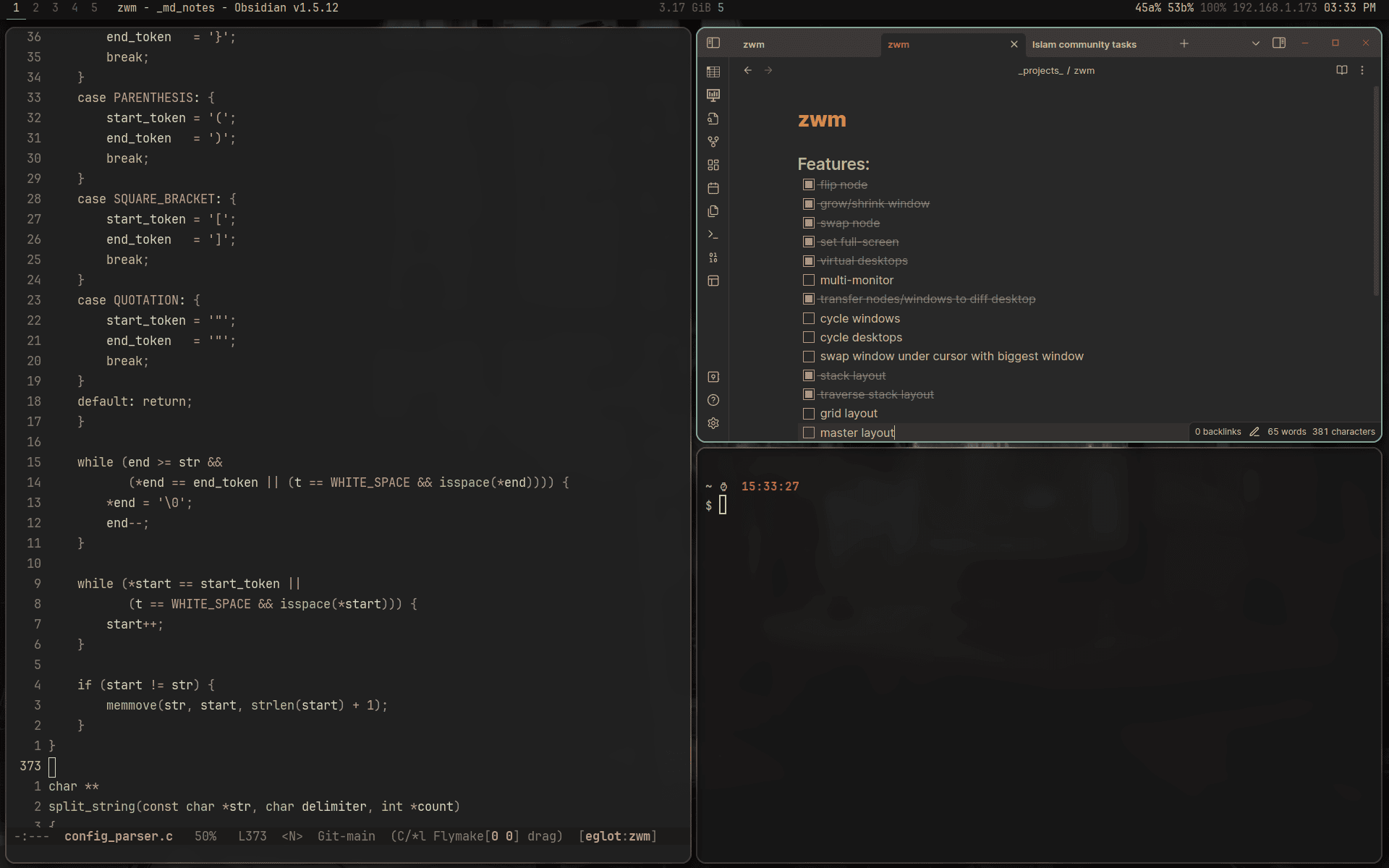
zwm is written in C. Learn C with our recommended free books and free tutorials.
Related Software
| X11 Tiling Window Managers | |
|---|---|
| i3 | Improved tiling window manager |
| StumpWM | Common Lisp window manager |
| bspwm | Based on binary space partitioning |
| EXWM | Full-featured tiling X window manager for Emacs |
| herbstluftwm | Basic tiling concept is that the layout is represented by a binary tree |
| wmderland | Offers no bloated features, an easy-to-use config, and a very small footprint |
| Notion | Originally a fork of Ion |
| zwm | Minimal, opinionated window manager with a keyboard-driven workflow |
| Ratpoison | Keyboard-only window manager |
| NWM | Lightweight window manager with a simple, efficient workflow |
Read our verdict in the software roundup.
 LinuxLinks helps you discover the best free and open source software for Linux. Explore our extensive collection of recommended applications, including alternatives to popular proprietary software. We also publish software reviews, Linux tutorials, hardware reviews, free programming books and articles covering the wider open source community. Browse our Linux resources to discover more. Know a useful free and open source Linux application we haven't covered? Suggest a program for inclusion. Has your software been featured on LinuxLinks? Display one of our Featured on LinuxLinks badges on your website or GitHub README. |
Please read our Comment Policy before commenting.