

Specter Desktop is a graphical application for managing Bitcoin wallets through a local Bitcoin Core node, with a particular focus on hardware wallets, multisignature setups, and airgapped signing workflows.
It offers a friendlier interface around Bitcoin Core’s more technical features, helping users create wallets, manage signing devices, inspect transactions, and coordinate secure spending without relying on a hosted wallet service.
This is free and open source software.
Key Features
- Creates and manages single-signature and multisignature Bitcoin wallets.
- Works with major hardware wallets including Coldcard, Trezor, Ledger, BitBox02, Blockstream Jade, SeedSigner, Passport, Keystone, and KeepKey.
- Supports airgapped signing workflows using QR codes or SD cards where supported by the signing device.
- Provides wallet views for transactions, UTXOs, receive addresses, change addresses, and sending funds.
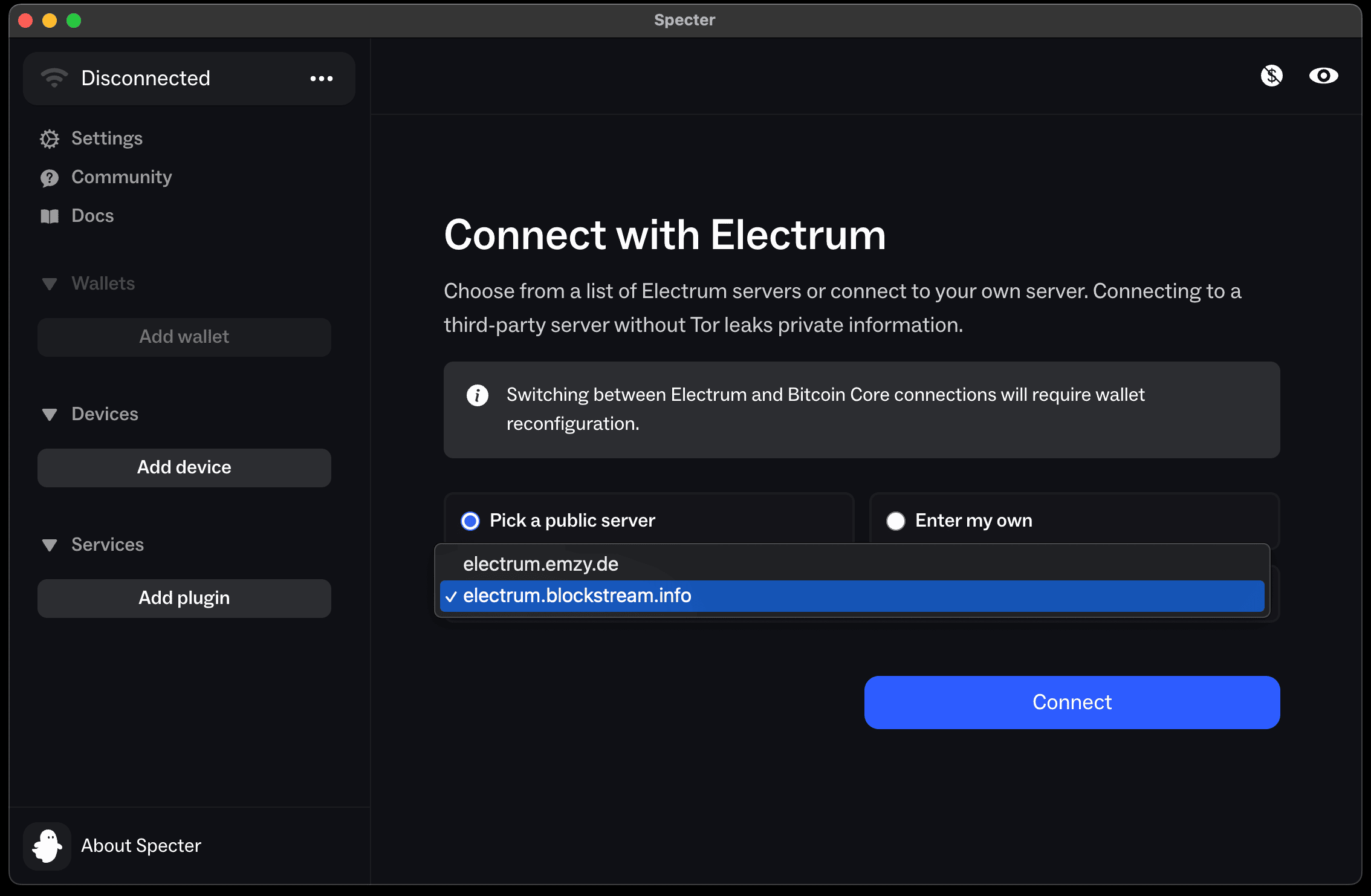
- Can connect to Bitcoin Core and includes options for Tor, HTTPS, and service-based deployment.
Website: github.com/cryptoadvance/specter-desktop
Support:
Developer: Crypto Advance
License: MIT License
Specter Desktop is written in Python and JavaScript. Learn Python with our recommended free books and free tutorials. Learn JavaScript with our recommended free books and free tutorials.
Related Software
| Bitcoin Clients | |
|---|---|
| Electrum | Lightweight, easy to use, open source client |
| Sparrow | Desktop Bitcoin wallet application supporting most hardware wallets |
| Bitpay Wallet | Bitcoin and other crypto currencies wallet platform |
| Specter Desktop | Multisig wallet manager for hardware devices |
| Liana | Recovery-focused wallet with inheritance controls |
| Bitcoin Safe | Self-custody wallet built around vault safeguards |
| Bitcoin Knots | Run your own node on your own wallet |
| Armory | Wallet management with cold storage and multi-signature support |
| Nunchuk Desktop | Collaborative signing wallet for shared custody |
| Blockstream | Secure desktop wallet with Liquid network support |
| Ginger Wallet | Privacy-focused wallet with coin control tools |
Read our verdict in the software roundup.
 Explore our carefully curated directory of recommended free and open source software, covering every major software category. Explore our carefully curated directory of recommended free and open source software, covering every major software category.The directory forms part of our extensive collection of articles for Linux enthusiasts. It includes hundreds of detailed reviews, together with free and open source alternatives to proprietary software from companies such as Google, Microsoft, Apple, Adobe, IBM, Cisco, Oracle, and Autodesk. LinuxLinks also covers interesting projects worth exploring, Linux-compatible hardware, free programming books and tutorials, and much more. Know a useful free and open source Linux application that we haven’t covered? Tell us about it using our submission form. |
Please read our Comment Policy before commenting.