
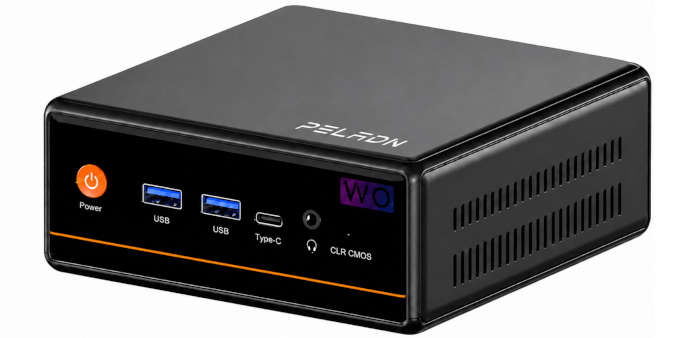
Installing Linux
I installed CachyOS on the machine. Installation was much quicker than the initial Windows 11 setup and update process.
As the machine has 16GB of RAM, I first checked to see if a swap file has been set up.
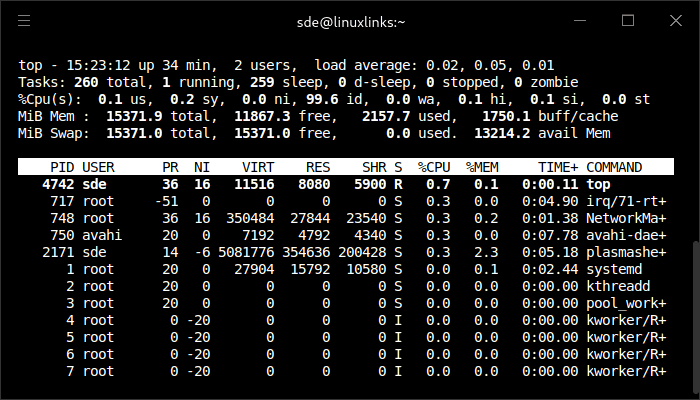
As you can see, there’s a 16GB swap file. That’s sensible and shouldn’t need changing for the majority of users.
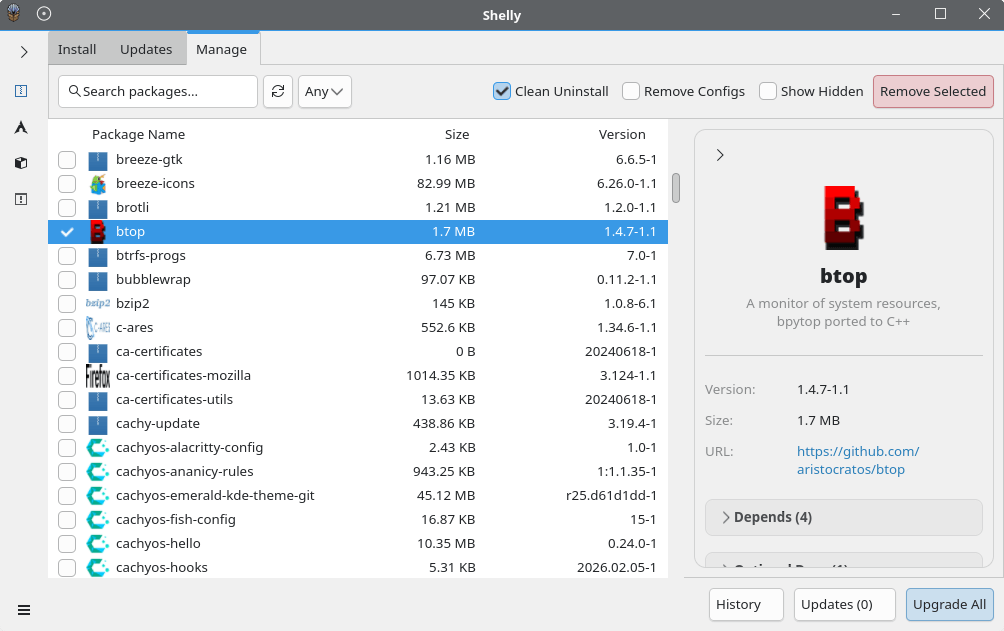
Here’s Shelly in action. It’s the package manager for CachyOS.
The WO4’s CPU is based on AMD’s Zen 3 architecture, and Zen 3 supports the instruction set required for x86-64-v3, including AVX2.
CachyOS suits the WO4 well, but the Ryzen 5 5600H is a Zen 3 processor, so it won’t benefit from CachyOS’s Zen 4- or Zen 5-specific optimizations. Any advantage comes instead from CachyOS’s newer kernel, newer Mesa stack, tuned package choices, and general x86-64-v3 optimizations where applicable. These can make the system feel responsive and may help some CPU-bound workloads, but they don’t overcome the WO4’s main hardware limits, particularly its single-channel DDR4 memory and older Radeon Vega integrated graphics.
I also installed Ubuntu 26.04 LTS. For most WO4 buyers, Ubuntu is probably the safer fit, while CachyOS is the better option for enthusiasts who want newer software and possibly a bit more performance.
Here’s a summary of what I’ve found in the first week of testing.
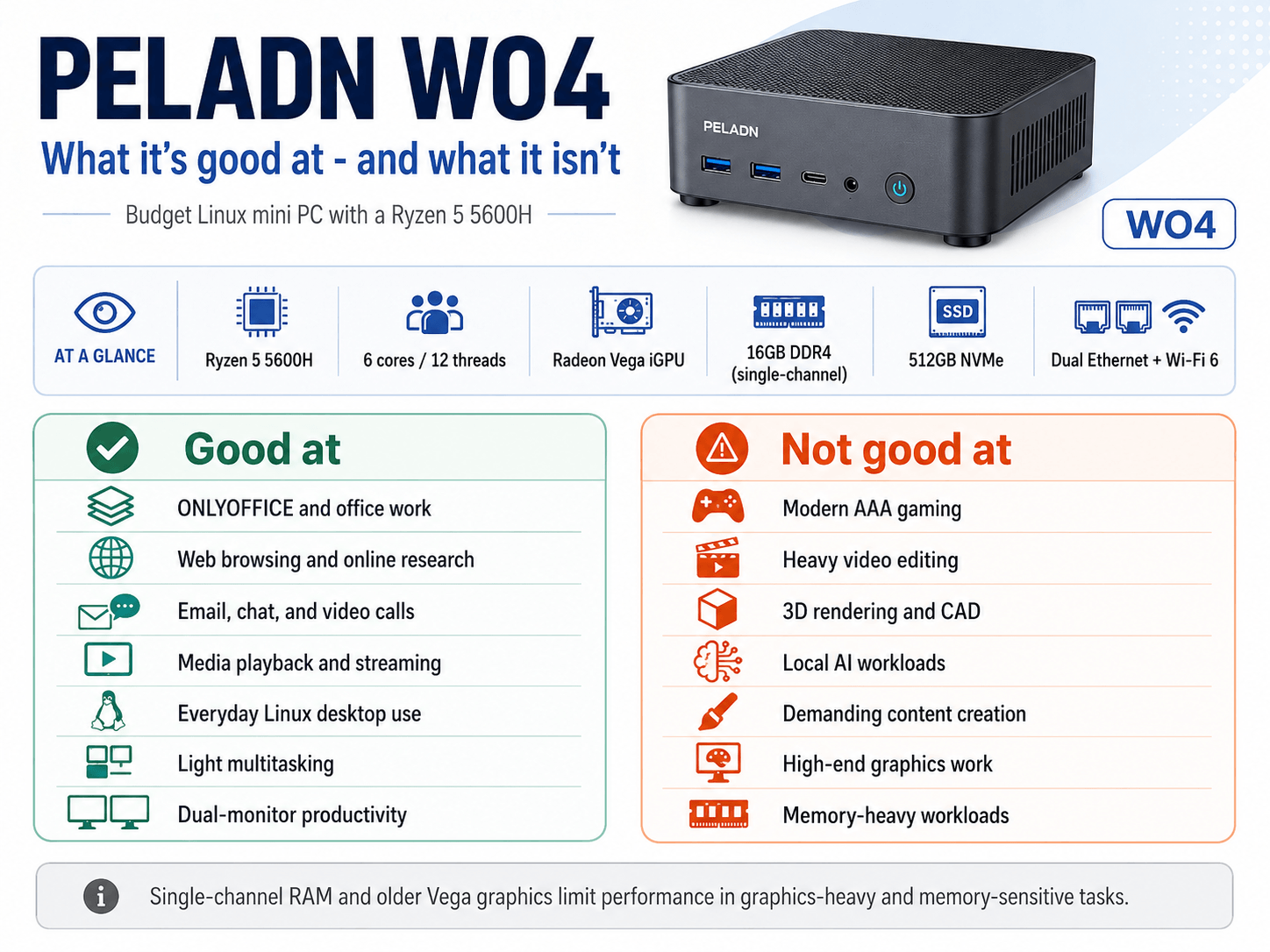
The WO4 doesn’t include a dedicated NPU. AI workloads have to run on the Ryzen 5 5600H CPU or, where software support allows, the older Radeon Vega integrated graphics. That makes it unsuitable for serious local AI acceleration compared with newer mini PCs built around Ryzen AI or Intel Core Ultra processors.
Next page: Page 3 – Interrogation of the system
Pages in this article:
Page 1 – Introduction to the series
Page 2 – Installing Linux
Page 3 – Interrogation of the system
Complete list of articles in this series:
| PELADN WO4 5600H Mini PC | |
|---|---|
| Introduction | Introduction to the series and interrogation of the machine |
| Benchmarks | Benchmarking the PELADN WO4 5600H Mini PC |
| Power | Testing and comparing the power consumption |
| Noise | How quiet is this mini PC? |
| BIOS | In the world of computing, BIOS, which stands for Basic Input/Output System, plays a crucial role |
| Wi-Fi | Measuring WiFi Performance |
Please read our Comment Policy before commenting.