
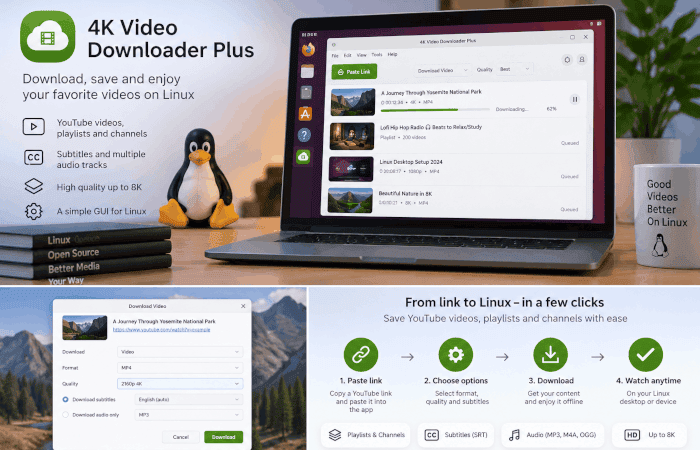
YouTube downloading on Linux is often associated with command-line tools. Utilities such as yt-dlp offer extensive control and flexibility, but a terminal-based workflow is not necessarily the most convenient option for every user. This is particularly true when working with playlists, entire channels, subtitles, different video resolutions, or repeated downloads.
For Linux users who prefer a graphical desktop application, 4K Video Downloader Plus offers an alternative approach. It combines a straightforward GUI with support for individual videos, playlists, channels, subtitles, audio extraction, and high-resolution downloads.
The application is available for Linux alongside Windows and macOS, with support for Ubuntu 22.04 64-bit with GNOME and newer versions.
Downloading YouTube Videos on Linux
The basic process of downloading a YouTube video with 4K Video Downloader Plus does not require command-line commands or additional configuration.
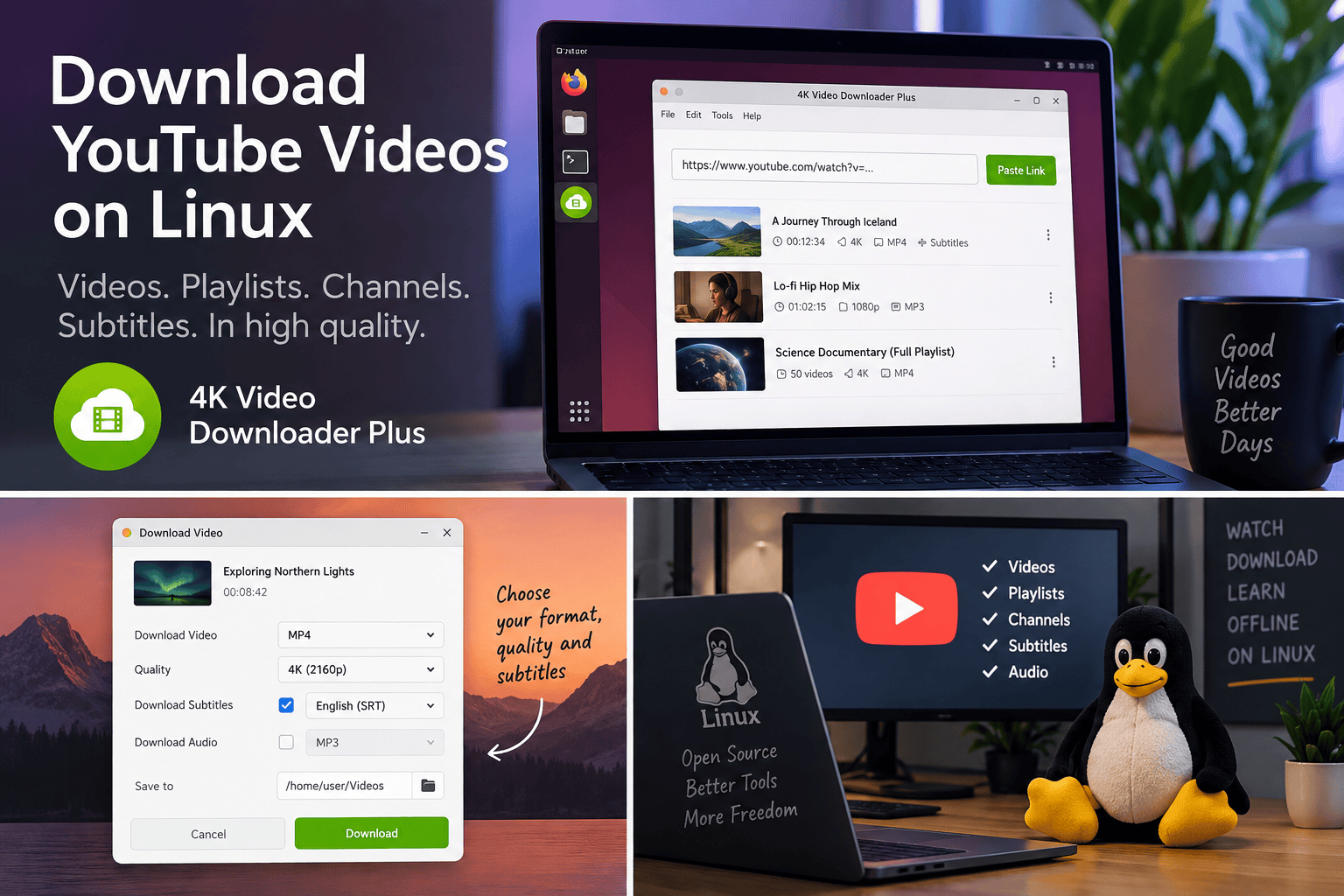
Users copy the URL of a YouTube video and paste it into the application. 4K Video Downloader Plus analyzes the link and presents the available download options. From there, users can select the desired format, resolution, and download location.
Depending on the original video, downloads can be saved in resolutions ranging from standard HD through 4K and 8K. Common video formats including MP4 and MKV are supported.
The application can also extract audio from YouTube content and save it in formats such as MP3, M4A, and OGG. This is useful when the video itself is not required, for example when saving a lecture, interview, podcast, or other audio-focused material for offline use.
For users who regularly apply the same settings, Smart Mode can reduce the number of steps involved. Preferred parameters such as format, quality, and destination can be configured once and automatically applied to subsequent downloads.
Beyond Individual Videos: Playlists and Channels
Downloading videos individually works well for occasional use, but it becomes inefficient when working with larger collections.
4K Video Downloader Plus supports downloading complete YouTube playlists and channels. This makes it possible to save a collection of related videos without copying and processing each URL separately.
The application can also handle YouTube search results, Watch Later collections, and Liked videos when the relevant account access is available.
Another useful option is automatic downloading from YouTube channels and playlists. Users can subscribe to a source within the application so that newly published videos are downloaded automatically.
For Linux users maintaining an offline educational library, research archive, media collection, or other regularly updated local repository, this provides a more persistent workflow than manually checking YouTube for new uploads.
Subtitles and Audio Tracks
Video is only part of the material available on YouTube. Subtitles can be particularly important for educational content, interviews, tutorials, and videos in other languages.
4K Video Downloader Plus can download YouTube subtitles and save them as separate SRT files. More than 50 languages are supported, and subtitles can be retrieved for individual videos as well as playlists and channels.
Multiple audio tracks can also be downloaded where they are available. This is useful for videos published with alternative language tracks or other audio variants.
Together with audio extraction, these features make the application useful for more than simply maintaining a collection of video files.
4K Video Downloader Plus at a Glance
4K Video Downloader Plus is a cross-platform desktop application designed to make downloading and managing online video content accessible through a graphical interface.
Its main features include:
- downloading individual YouTube videos in resolutions up to 4K and 8K;
- downloading complete YouTube playlists and channels;
- extracting audio as MP3, M4A, and OGG;
- downloading subtitles in more than 50 languages;
- support for multiple audio tracks;
- Smart Mode for applying preferred download settings automatically;
- automatic downloads from subscribed YouTube channels and playlists;
- a built-in browser for accessing content available through a user account;
- proxy support;
- tools for organizing and managing downloads.
Although YouTube is one of its main use cases, the application also works with a range of other video and media platforms, including Vimeo, TikTok, SoundCloud, Facebook, Twitch, Bilibili, and Dailymotion.
For Linux users, the main distinction is the GUI-based workflow. Rather than replacing the flexibility of command-line utilities, 4K Video Downloader Plus offers an option for users who would rather manage common downloading tasks from a desktop application.
Downloading Private YouTube Content
Some YouTube content cannot be accessed through a simple public URL. Users may want to save their own private uploads, private playlists, Watch Later content, or other material that requires authentication.
4K Video Downloader Plus includes a built-in browser that allows users to sign in to supported platforms from within the application. Once authenticated, content that the account has permission to access can be processed without having to transfer authentication information manually between separate tools.
This can also make managing account-specific YouTube collections more convenient from a single desktop interface.
As with any downloading software, users should ensure that they have the appropriate rights or permission to download and use the content concerned.
Batch Downloads and Repeated Tasks
One of the advantages of a desktop application becomes more apparent when downloading is a repeated rather than occasional task.
Instead of configuring each download individually, Smart Mode lets users define common preferences in advance. For example, someone who normally wants MP4 video at a particular quality can configure those settings once and reuse them.
Playlist and channel support provides a similar advantage at a larger scale. Rather than treating every URL as a separate task, groups of videos can be processed together.
The application also provides options for sorting and filtering downloads and importing or exporting download data in JSON format.
These features are particularly relevant to users who treat downloaded media as an organized local collection rather than a set of unrelated files.
Free and Premium Use
4K Video Downloader Plus is available with a permanent free tier, so the basic application can be used without purchasing a license or entering payment details.
The free version includes the core downloading functionality but applies limits to the number of certain downloads and actions. Premium licenses increase those limits and unlock additional functionality intended for more frequent use.
This makes it possible for Linux users to try the standard workflow first and determine whether the application suits their needs before considering the paid options.
A GUI Alternative for YouTube Downloads on Linux
Linux users already have access to extremely capable command-line video downloading tools, and users who prefer terminal workflows have little reason to abandon them.
But not every Linux workflow needs to begin at a command prompt.
For users who want to download a YouTube video occasionally, maintain an offline playlist, archive videos from a channel, retrieve subtitles, extract audio, or automate repeated downloads without working directly with command-line options, 4K Video Downloader Plus provides a desktop-oriented alternative.
Its combination of a graphical interface, playlist and channel support, high-resolution downloads, subtitles, audio extraction, Smart Mode, and automatic channel downloads makes it particularly suited to users who value convenience and repeatability over configuring a downloader manually.
Please read our Comment Policy before commenting.