

Odyssey Linux is a Void Linux-based rolling-release distribution that aims to make a systemd-free environment accessible to desktop users.
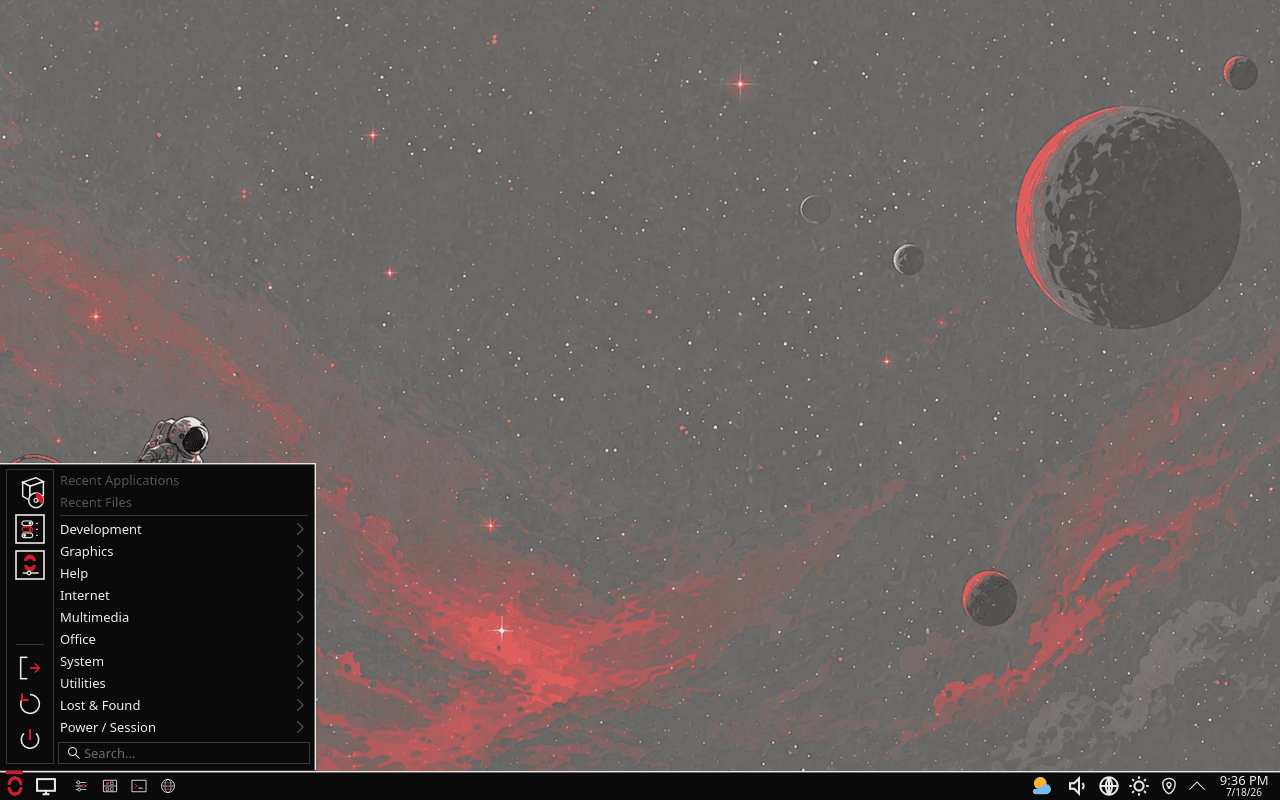
The distribution uses the runit init system and provides a graphical Calamares installer, desktop-oriented administration tools, and a choice of traditional desktop environments and Wayland compositors. Its custom Control Center offers graphical access to services, firewall settings, AppArmor, kernel tuning, and other system functions.
Odyssey also maintains its own supplementary package repository. The project places particular emphasis on package provenance and supply-chain verification, using reproducible packaging, two signing mechanisms, public transparency logging, and automated package scanning.
Key Features
- Provides a Calamares graphical installer patched for runit, with support for full-disk encryption.
- Includes a graphical Control Center for managing services, security settings, and system configuration.
- Provides a native Qt 6 graphical frontend for the XBPS package manager.
- Includes simplified XBPS command wrappers and parallel package downloads through aria2.
- Ships a performance-tuned kernel with the BORE scheduler, BBR3, a 1,000Hz timer frequency, and x86-64-v3 optimisations.
- Enables AppArmor and a firewall from the first boot.
- Includes an optional hardened LibreWolf configuration that runs browser data in RAM.
- Uses signed packages, reproducible packaging, public transparency logging, and automated package scanning.
- Collects no telemetry.
| Working state: | Active |
| Desktop: | KDE Plasma, Xfce, Niri, Hyprland, Mango, Labwc |
| Init Software: | runit |
| Package Management: | XBPS |
| Release Model: | Rolling |
| Platforms: | x86_64 |
| Home Page: | odysseylinux.org |
| Developer: | pseudonym nobody |
| This article is part of our Big List of Active Linux Distributions and Open Source Operating Systems. |
What's a Linux distribution ("distro")? |
| A distro provides the user with a desktop environment, preloaded applications, and ways to update and maintain the system. Each distro makes different choices, deciding which open source projects to install and provides custom written programs. They can have different philosophies. Some distros are intended for desktop computers, some for servers without a graphical interface, and others for special uses. Because Linux is an open source operating system, combinations of software vary between Linux distros. |
Please read our Comment Policy before commenting.