
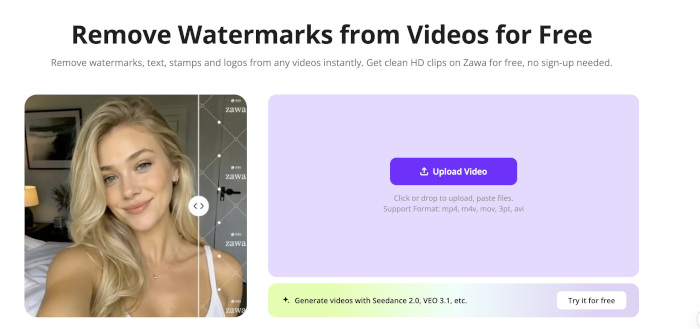
People have different grudges against watermarked content.
It could be branding-related or platform-specific.
The common denominator is the need to remove the watermark.
To remove these marks, users have turned to free AI tools that can detect and erase them.
Unlike editing software that comes with outlandish subscription fees, many AI watermark-removal tools delete these marks for free.
This piece looks at the best free AI watermark-removal tools.
Choosing a Good, Free AI Watermark Remover
Since AI became a trend, the watermark remover market has become saturated.
As the number of free AI tools continues to rise, your knowledge of what makes a good, free AI watermark remover is crucial.
Deciding on which free AI watermark removers deserve your attention is often down to their capabilities.
These tools differ in many ways, including:
- Quality Watermark Removal
Free AI watermark removal tools differ in their overall quality.
Some deliver excellent watermark-free results, while others blur images and videos, ruining the media.
You have to choose AI tools that offer quality watermark removal.
Fortunately, you don’t need a subscription to assess these tools.
- Speed
If you’re in a hurry to remove watermarks from your videos or photos, you need the right tools.
The average free AI tool is quick at removing simple watermarks from videos.
But most struggle when it’s a complicated, moving watermark.
The sort of watermarks in your video will often be the decider of the tool you settle for.
If the watermarks in your video are static and simple, it’s often easy to remove them.
- User Interface
When selecting a good AI video watermark remover, you need to consider the user interface.
If it’s simple enough, removing those marks becomes easier.
A complicated interface takes time to learn, which leads to delayed work output.
- Batch Processing
Sometimes you need to remove watermarks from many videos or images.
The right AI watermark remover can handle multiple watermarked videos at once.
Only a few free AI watermark removers are built for batch processing.
No need to repeat the process several times.
You can save enough time using remover tools with this capability.
- Video Support
Although many AI watermark remover tools can remove logos from videos, they differ in the length of videos they can handle.
The ideal video length allowed ranges between 10 seconds and 5 minutes.
The free AI watermark remover you use determines the video length allowed.
- Free Limitations
Not all free AI watermark remover tools are truly free.
Most are limited in their solutions.
Some limit the watermark-free videos that can be exported.
Others restrict the runtime of the edited video, requiring a subscription for full access.
A few AI watermark removal tools let you test the waters by offering free credits, then charge for the marks’ erasure down the line.
Picking the right tool means you need to look at your options, then pick one with non-destructive limitations.
Best AI Watermark Remover Tools
1. Zawa
Free AI watermark removers don’t get better than Zawa.
Erasing watermarks from videos is just a few clicks away using the platform.
On Zawa, you don’t have to subscribe to remove watermarks.
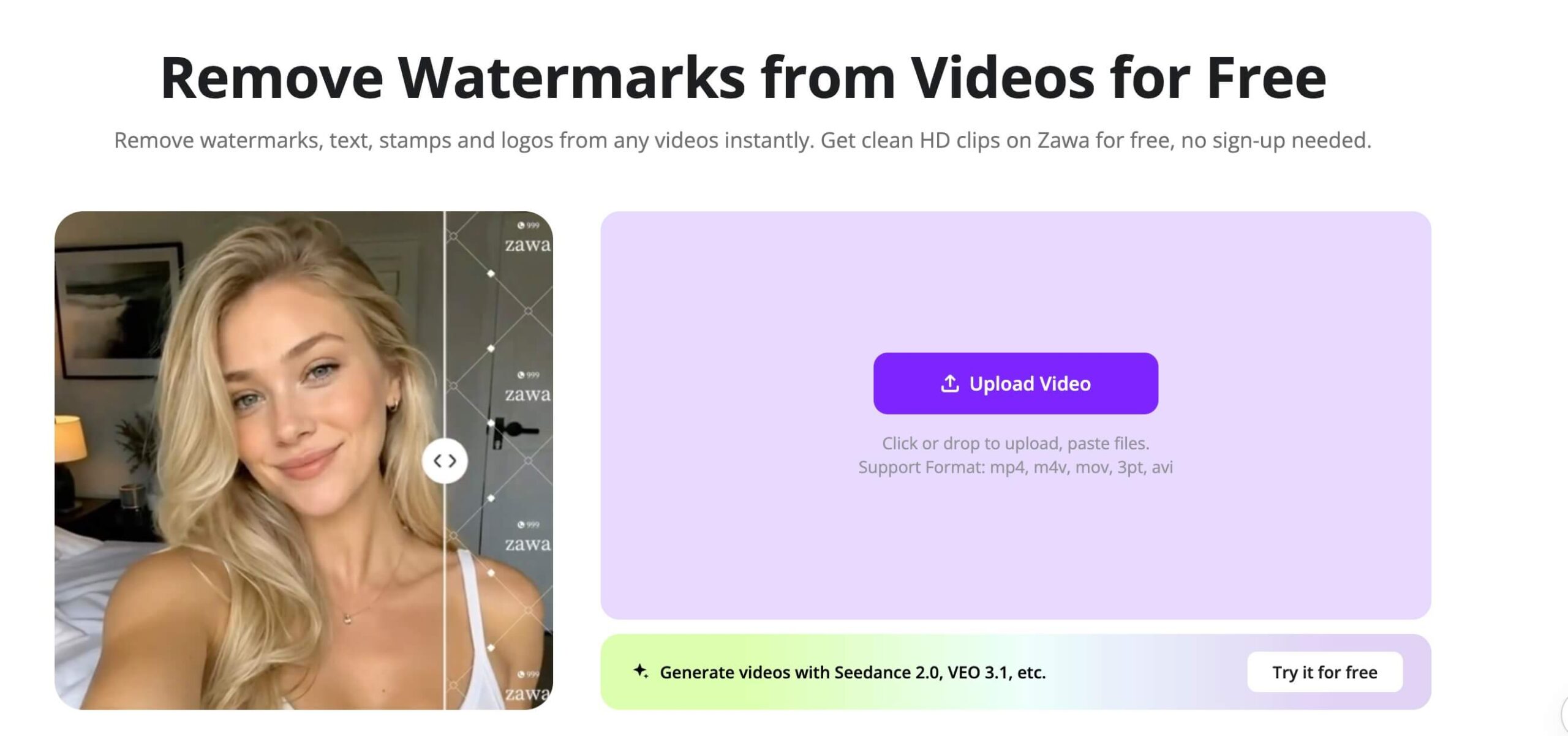
Its free AI tool that allows you to upload your watermarked videos to the platform and download the clean video without any subscription.
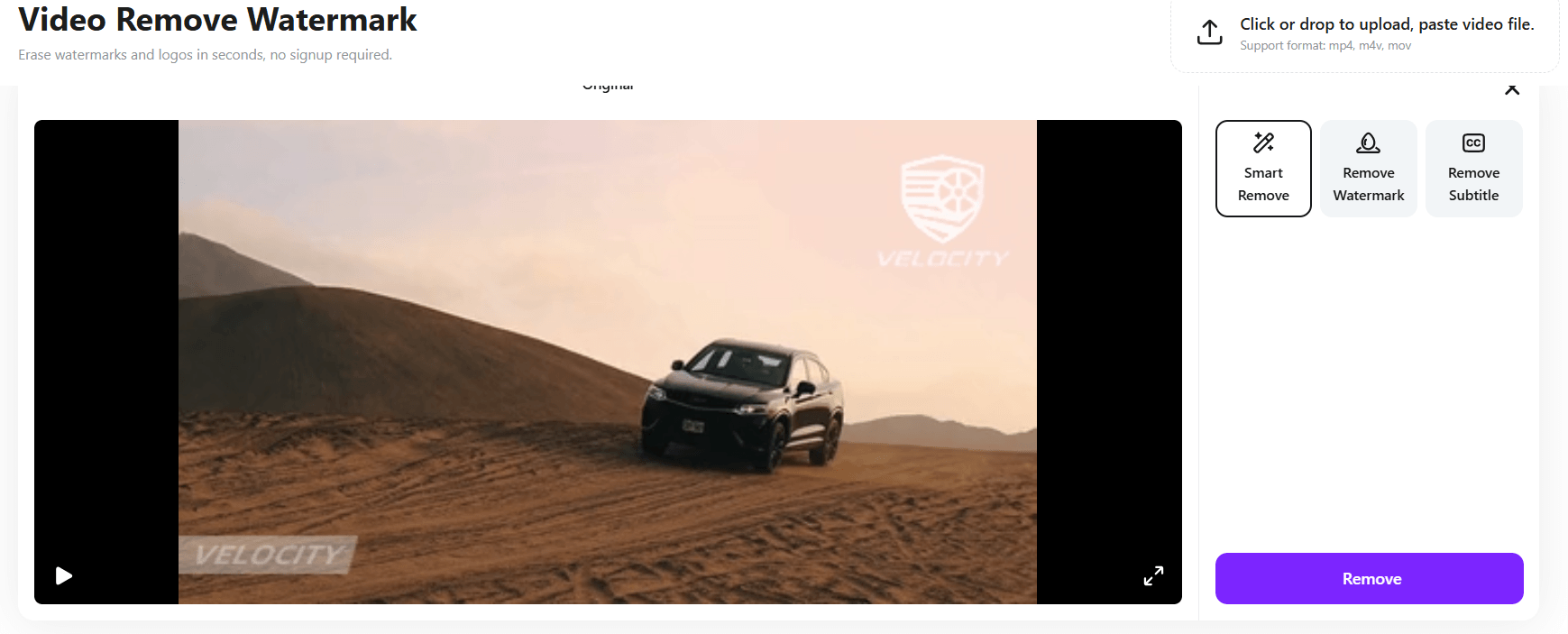
Though Zawa lets you remove watermarks freely, it has premium features that require a top-up of your credit.
Also, its freemium benefits are limited to a few uses per day.
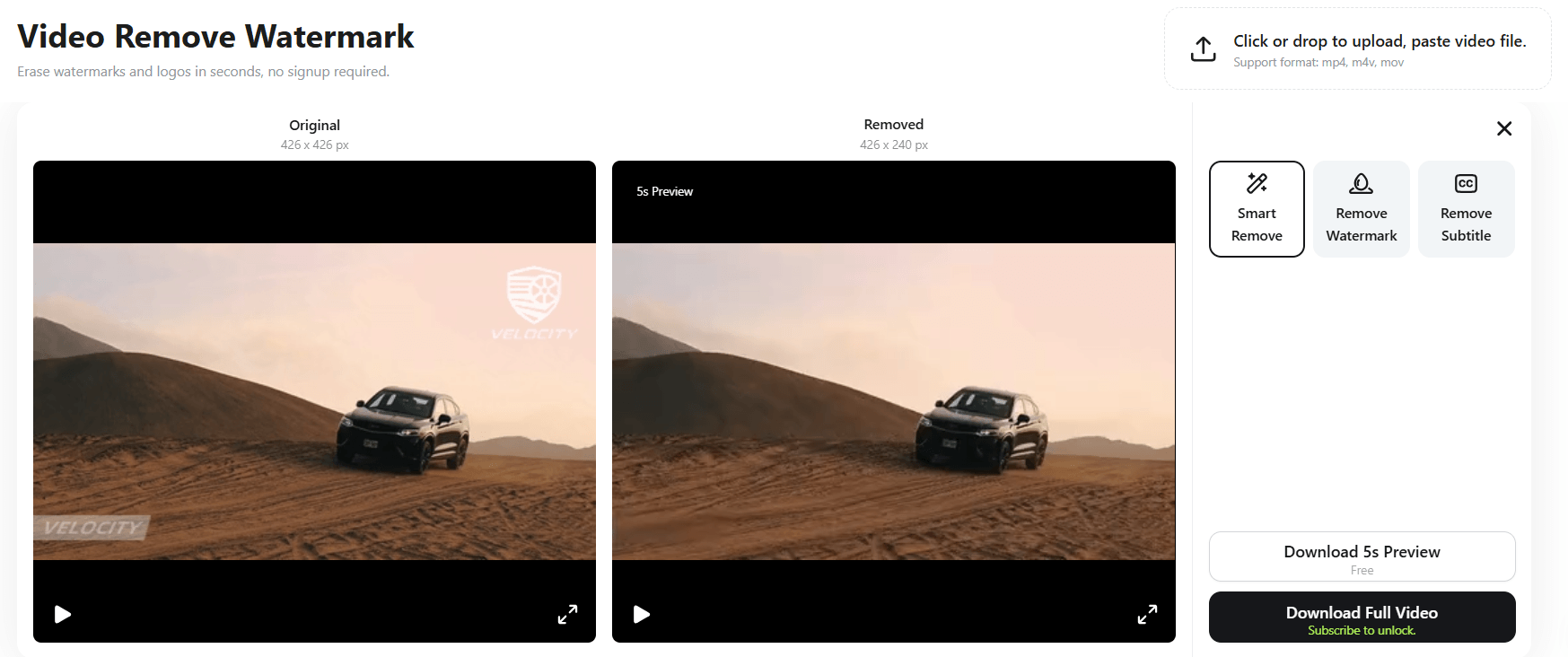
Using this free AI video watermark remover, you can delete unwanted logos and subtitles from multiple videos at once.
Zawa supports batch processing, which most creators and brands need for repurposing their large content load.
2) AniEraser
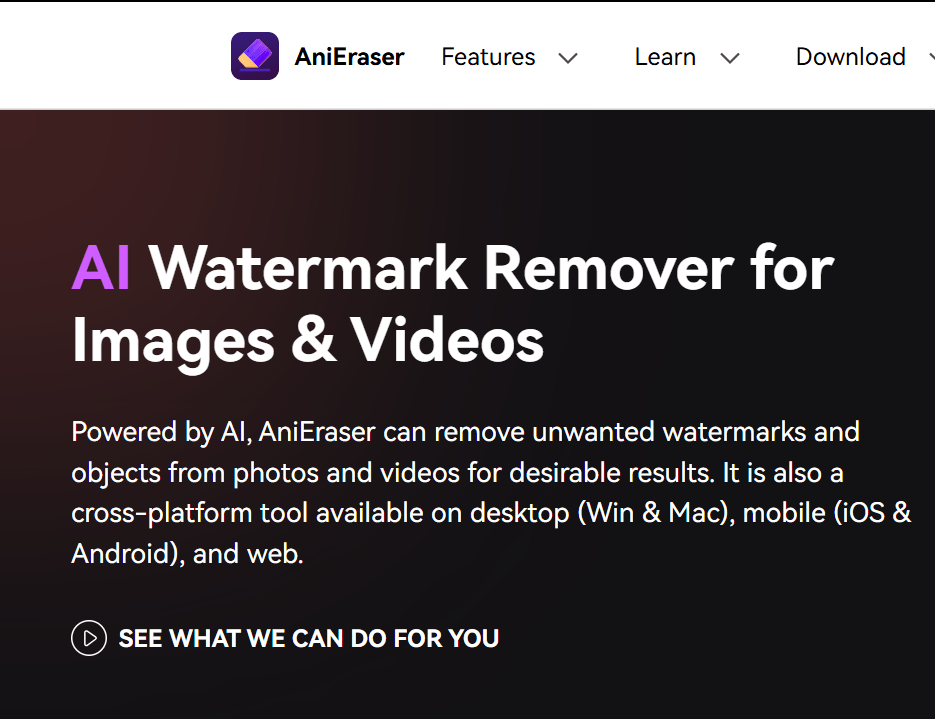
This is another free AI watermark remover.
AniEraser uses AI to remove different watermarks.
AniEraser requires little manual input.
You can simply remove these watermarks by using its ‘select area’ feature to detect and erase them.
You can access AniEraser on mobile, PC, and web.
Each platform serves different users.
For instance, desktop users can batch process multiple watermarked videos and photos, but mobile and web users can’t do that.
3) Apowersoft
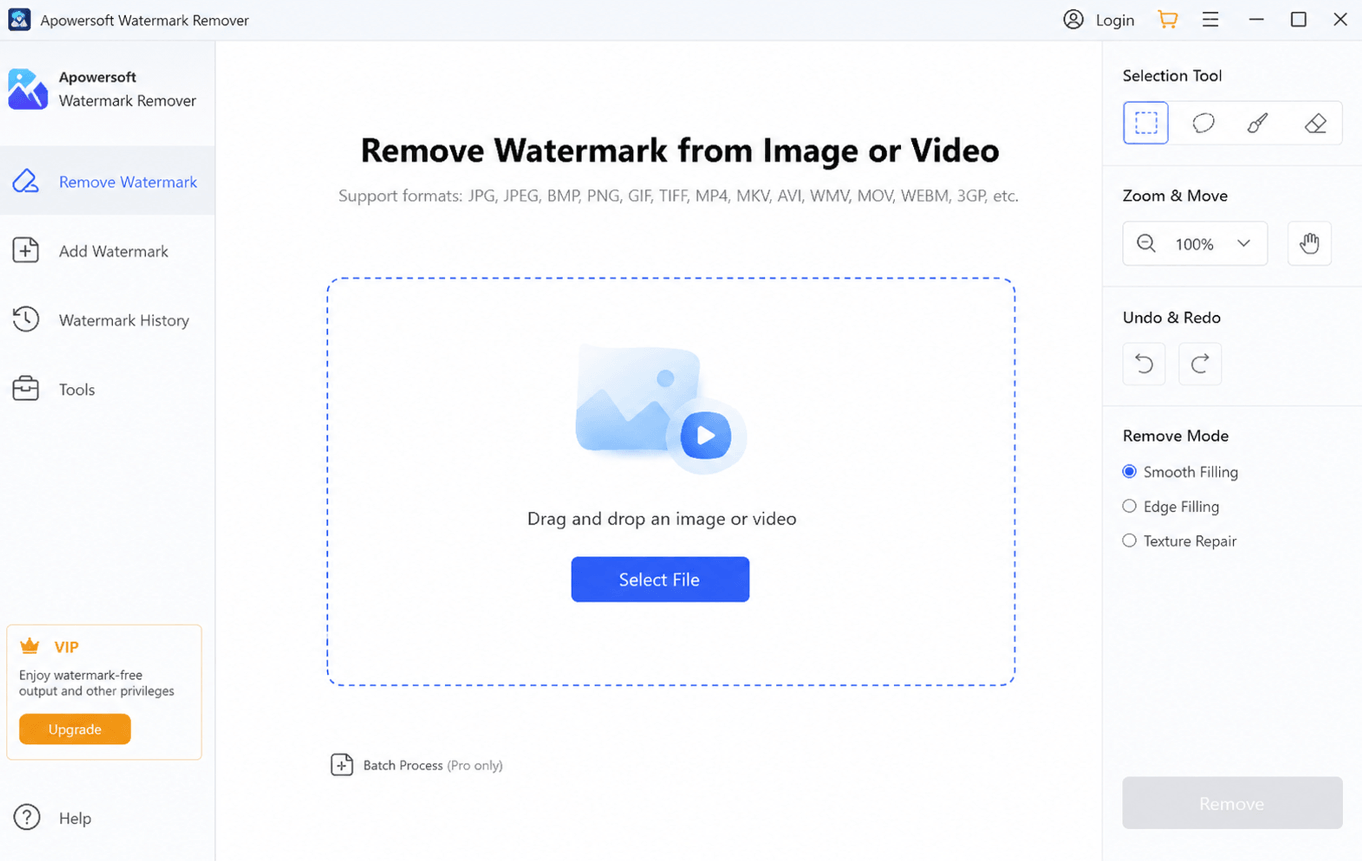
This is an AI-based software that gets rid of watermarks.
Apowersoft excels at removing marks of different kinds using its unique watermark selection tools.
Apowersoft has a simple interface that is suited for beginners.
You don’t have to spend time learning the ropes of the platform.
This AI tool lets you remove watermarks from multiple videos and photos.
You can upload lots of files to Apowersoft at once, then delete the marks from these media, saving you valuable time.
However, bulk processing is limited to pro users.
For videos with dynamic watermarks, this tool struggles to remove them.
It works mostly for simple watermarks that are not moving.
Apowersoft isn’t completely free. Its premium features are locked behind a paywall.
4) Vmake
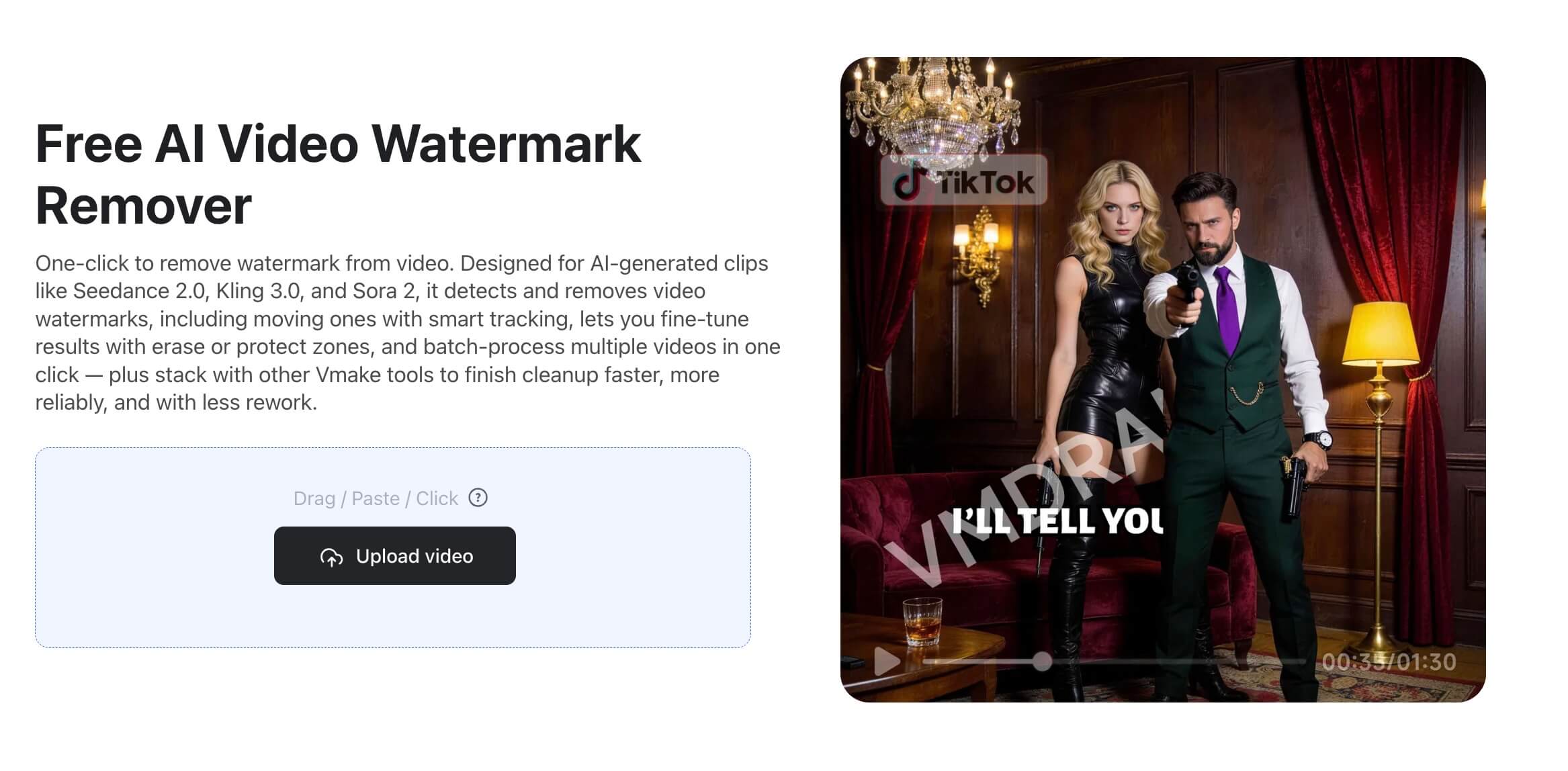
Vmake is a browser-based video editing tool that supports watermark removal. Vmake allows you to remove watermarks from videos automatically or manually select the objects to remove from the videos. The tool is user-friendly to use and it offers many other video editing tools such as ai video enhancement, ugc video generation, auto caption , and more. The Video tool lets you delete anything from your video, whether it’s a logo, an object,logo or people.
5) Wink
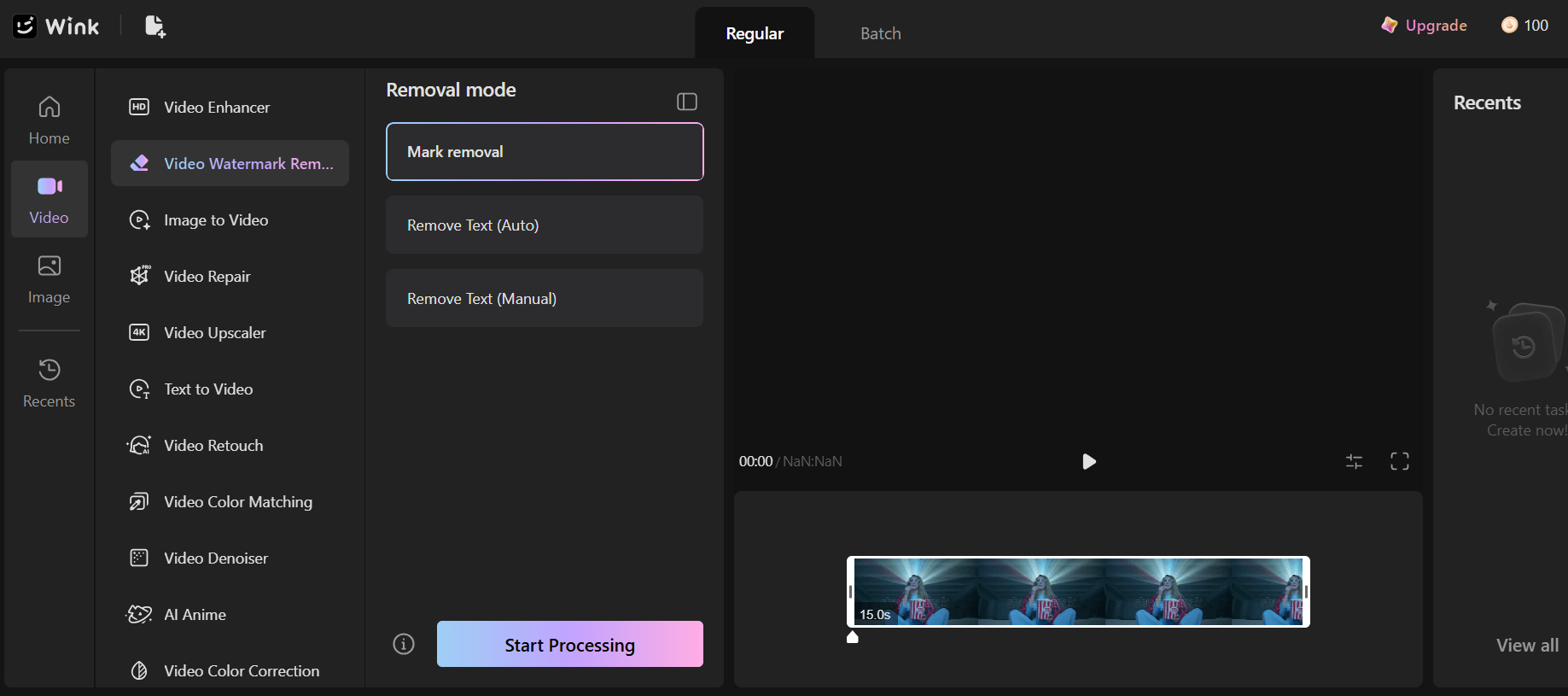
This free AI tool lets you erase watermarks from videos without disrupting the quality of the video.
Wink uses AIGC inpainting technology to achieve a consistent video layout.
The result is a minimal chance of a change in video quality due to the watermark removal.
On Wink, you can delete watermarks using the Remove Mark, Remove Text (auto), or Remove Text (manual) mode.
With the auto option, the AI tool detects the watermark and removes it.
The manual option requires selecting the watermarked area and deleting the mark.
Wink supports removing watermarks from multiple files. You can either use its Batch Uploads or the folder upload.
Please read our Comment Policy before commenting.