

 Our Machine Learning in Linux series focuses on apps that make it easy to experiment with machine learning. All the apps covered in the series can be self-hosted.
Dia is a 1.6B parameter text to speech model which is capable of generating ultra-realistic dialogue in one pass. It’s free and open source software.
Installation
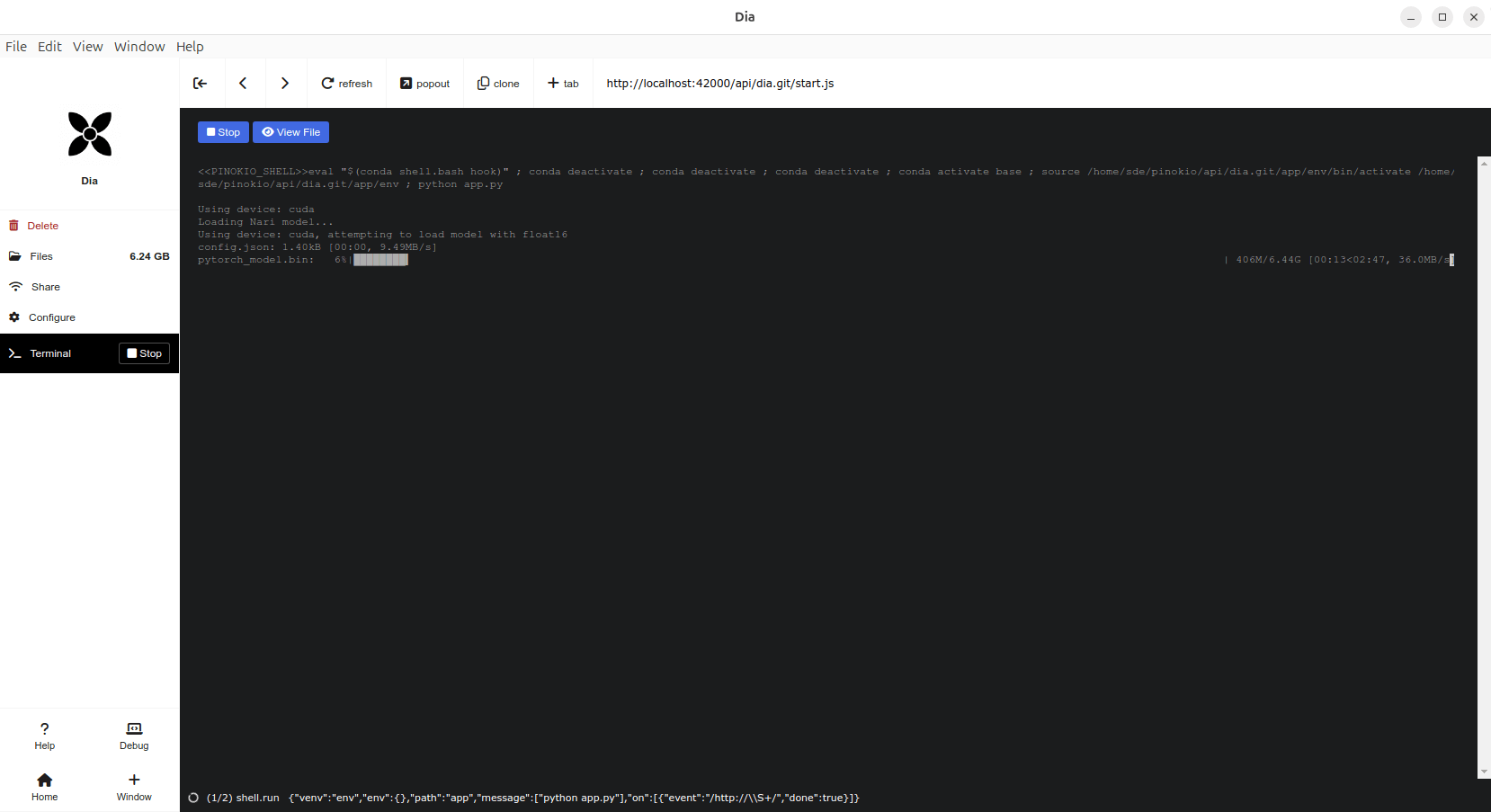
The easiest way to install Dia is courtesy of Pinokio, a browser that lets you install, run, and manage any server application, on your local machine. These applications are AI software. Pinokio is not a browser in the traditional sense.
Pinokio literally makes installation a single click affair.
In Operation
Dia directly generates highly realistic dialogue from a transcript. You can condition the output on audio, enabling emotion and tone control. The model can also produce nonverbal communications like laughter, coughing, clearing throat, etc.
Features include:
- Generate dialogue via [S1] and [S2] tag.
- Generate non-verbal like (laughs), (coughs), etc.
- Below verbal tags will be recognized, but might result in unexpected output.
(laughs), (clears throat), (sighs), (gasps), (coughs), (singing), (sings), (mumbles), (beep), (groans), (sniffs), (claps), (screams), (inhales), (exhales), (applause), (burps), (humming), (sneezes), (chuckle), (whistles)
- Below verbal tags will be recognized, but might result in unexpected output.
- Voice cloning.
Enter some text and you can quickly convert that to extremely realistic speech.
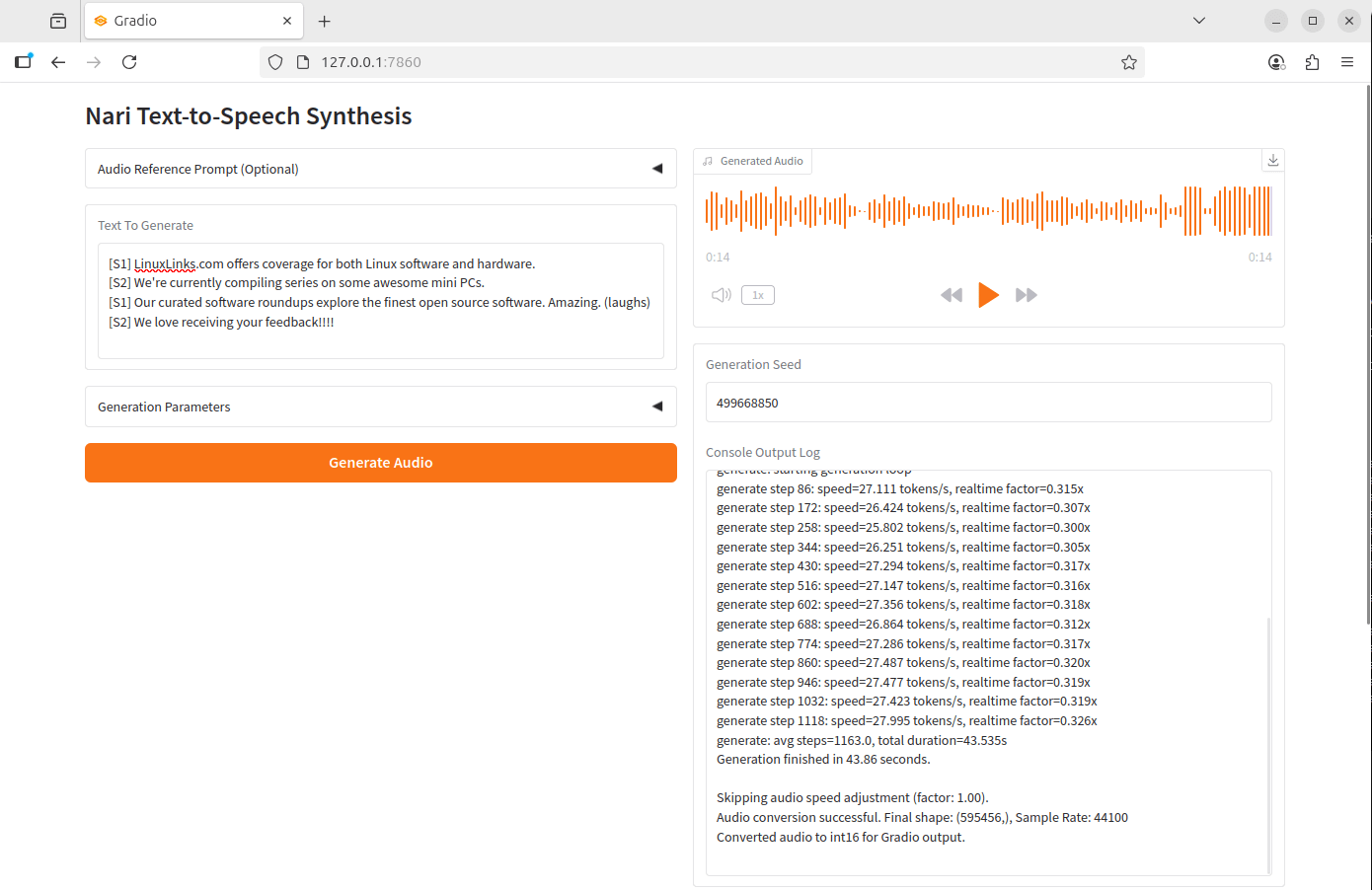
Here’s example output.
Here’s output with the same text prompt and settings. You get different voices every time you run the model.
The wav files each took about 40 seconds to generate with an NVIDIA GeForce RTX 3060 Ti graphics card.
Summary
Dia can generate remarkably realistic dialogue with very little effort.
It’s definitely worth installing and gets our recommendation. Currently only English generation is supported, but there are plans to support other languages.
At the moment only GPU support is available, but there are plans to support CPU.
Website: github.com/nari-labs/dia
Support:
Developer: Nari Labs
License: Apache License 2.0
Dia is written in Python. Learn Python with our recommended free books and free tutorials.
For other useful open source apps that use machine learning/deep learning, we’ve compiled this roundup.
Related Software
| Speech Tools | |
|---|---|
| Piper | Fast, local neural text to speech system |
| Bark | Transformer-based text-to-audio model. |
| sherpa-onnx | Speech-to-text and text-to-speech software |
| Coqui TTS | Offers pretrained models in more than 1,100 different languages |
| Dia | 1.6B parameter text to speech model |
| Tortoise | Multi-voice text-to-speech system trained with an emphasis on quality |
| Festival | General multi-lingual speech synthesis system |
| PraatSpeechAnalyser | Software for speech analysis and synthesis |
| Chatterbox | Family of text-to-speech models |
| Speech Note | Speech to Text, Text to Speech and Machine Translation |
| Mimic 3 | Lightweight Text to Speech engine |
| OrcaScreenReader | Scriptable screen reader |
| MeloTTS | High-quality multi-lingual text-to-speech library |
| Parler-TTS | Lightweight text-to-speech (TTS) model |
| Flite | Small, fast run time text to speech synthesis engine |
| RHVoice | Gives the visually impaired a synthesis voice with their screen reader |
| eSpeak NG | Continuation of the eSpeak project |
| eSpeak | Speech synthesizer using a formant synthesis method |
| Orpheus-TTS-FastAPI | High-performance self-hosted text-to-speech server |
| Gespeaker | GTK-based frontend for eSpeak |
| VoiceGen | Simple text-to-speech application |
| Glate | Google Translator and Text To Speech Service |
Read our verdict in the software roundup.
 Explore our comprehensive directory of recommended free and open source software. Our carefully curated collection spans every major software category. Explore our comprehensive directory of recommended free and open source software. Our carefully curated collection spans every major software category.This directory is part of our ongoing series of informative articles for Linux enthusiasts. It features hundreds of detailed reviews, along with open source alternatives to proprietary solutions from major corporations such as Google, Microsoft, Apple, Adobe, IBM, Cisco, Oracle, and Autodesk. You’ll also find interesting projects to try, hardware coverage, free programming books and tutorials, and much more. Discovered a useful open source Linux program that we haven’t covered yet? Let us know by completing this form. |
Please read our Comment Policy before commenting.
Those sound clips sound pretty authentic. Nice.