

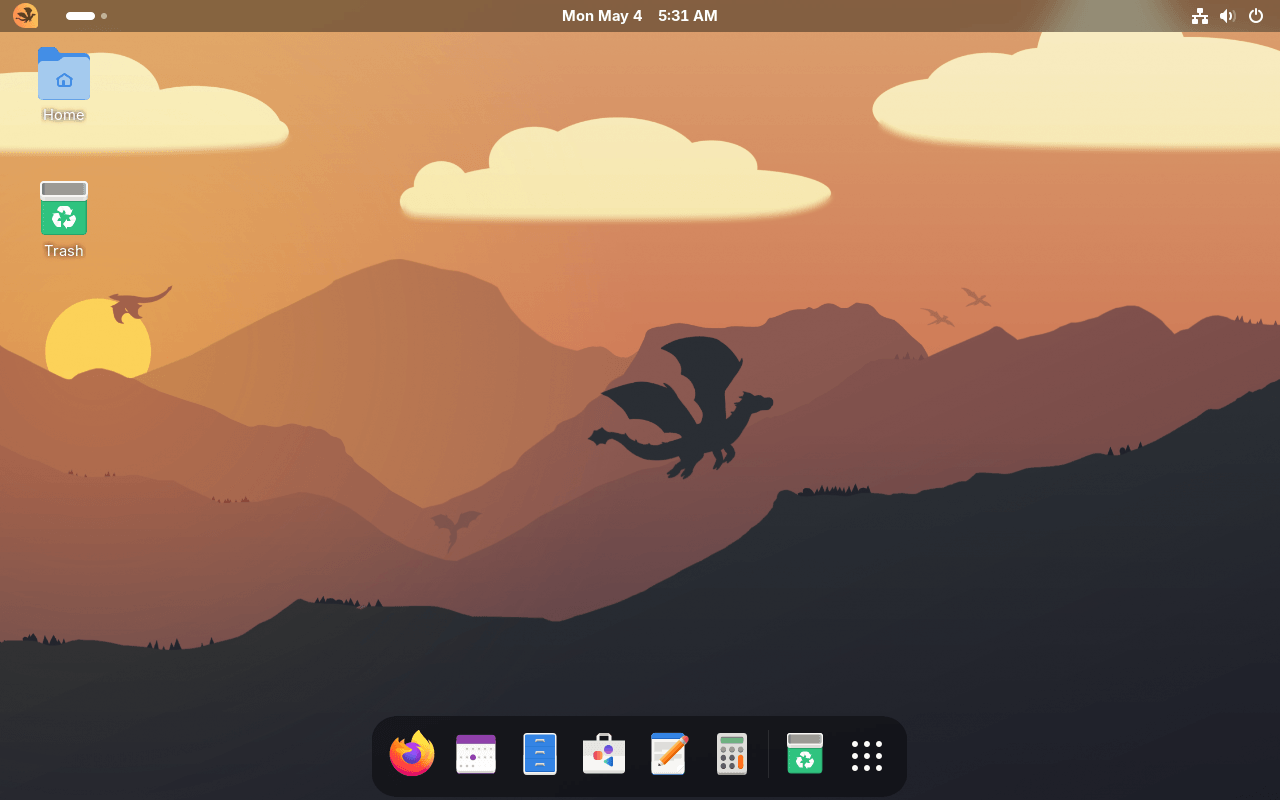
Scaleclaw is a Linux distribution image built around Universal Blue’s base image. It offers an opinionated atomic GNOME desktop with branded installation media, Flatpak integration, a minimal GNOME application set, and Universal Blue tooling underneath. The project provides regular and NVIDIA variants, with ISO generation instructions available for users who want to build or test the image themselves.
Universal Blue is a community project that builds custom Fedora Atomic Desktop images. In plain terms, it takes Fedora’s atomic/immutable desktop model and publishes ready-made OS images with extra hardware support, drivers, codecs, tools, and configuration layered on top. It’s not a traditional Linux distribution in the old sense. It’s more like a family of bootable container-based Fedora images. Users can install or “rebase” to one of those images, then receive atomic updates with rollback support. Universal Blue also provides base images that other projects can build from, which is what Scaleclaw does.
Key Features
- Uses GNOME as the desktop environment.
- Ships with GNOME extensions including Dash to Dock, AppIndicator and KStatusNotifierItem Support, Desktop Icons NG, Logo Menu, and Blur My Shell.
- Provides atomic host updates with bootc.
- Includes Flatpak support out of the box.
- Uses GNOME Software for Flathub and Flatpak management.
- Offers a sibling NVIDIA image based on Universal Blue’s NVIDIA base.
- Includes a branded Anaconda installer based on Fedora Silverblue upstream.
- Provides an Update Scaleclaw app entry for manual system, Flatpak, and container updates.
- Uses Btrfs as the root filesystem in generated ISOs.
| Working state: | Active |
| Desktop: | GNOME |
| Init Software: | systemd |
| Package Management: | Flatpak |
| Release Model: | Fixed |
| Platforms: | x86_64 |
| Home Page: | scaleclaw.github.io |
| Developer: | duffnshmrt |
| This article is part of our Big List of Active Linux Distributions and Open Source Operating Systems. |
What's a Linux distribution ("distro")? |
| A distro provides the user with a desktop environment, preloaded applications, and ways to update and maintain the system. Each distro makes different choices, deciding which open source projects to install and provides custom written programs. They can have different philosophies. Some distros are intended for desktop computers, some for servers without a graphical interface, and others for special uses. Because Linux is an open source operating system, combinations of software vary between Linux distros. |
Please read our Comment Policy before commenting.