
starship is an intelligent and non-intrusive prompt for anyone who spends time at a shell. It’s free and open source software. Read our verdict.
Read more
starship is an intelligent and non-intrusive prompt for anyone who spends time at a shell. It’s free and open source software. Read our verdict.
Read more
Liquid Prompt gives you a nicely displayed prompt with useful information when you need it. It shows you what you need when you need it.
Read more
peco is a CLI utility that filters text interactively. The tool is written in the Go programming language. It’s free and open source software.
Read more
McFly is a tiny utility that replaces the functionality offered by Bash’s ctrl-r with an intelligent search engine.
Read more
One thing a newcomer to Linux learns quickly is that they’re never limited to a single way of performing a task. And killing processes is no exception. In this article, we’ll look at an alternative to kill. It’s called fkill. It’s billed as offering a quicker and easier way to terminating processes.
Read more
fdupes finds duplicate files in the given set of directories and sub-directories. It recognizes duplicates by comparing MD5 signature of files followed by a byte-to-byte comparison. The utility offers a lot of options to list, delete and replace files.
Read more
Neofetch is a command-line interface system information script written in bash 3.2+. The script displays information about your system next to an image, your operating system logo, or any ASCII/image file of your choice. It’s designed to capture information about your system and display it in an aesthetic and visually pleasing way.
Read more
This is the tenth in our series of articles highlighting essential system tools. These are small, indispensable utilities, useful for system administrators as well as regular users of Linux based systems. The series examines both graphical and text based open source utilities. For this article, we’ll look at ddrescue.
Read more
This is the fifth in our series of articles highlighting essential system tools. These are small utilities, useful for system administrators as well as regular users of Linux based systems. The series examines both graphical and text based open source utilities. inxi is a Perl script that interrogates your system.
Read more
calcurse is an open source, text-based calendar and scheduling application. The software keeps track of events, appointments and everyday tasks. The software is lightweight, fast and reliable. It’s designed for the console or terminal, locally or on a remote machine.
Read more
musikcube is a marvellous console application. It’s lean, looks beautiful, offers a good range of features, and is very stable. I’m not liking its slow syncing metadata which is annoying if you’ve a large music collection. The mouse support is particularly welcome.
Read more
bat is a drop-in replacement for the cat command adding advanced syntax highlighting and Git integration to show file modifications. It’s a really useful utility that is a massive leap up from cat. bat’s written in the Rust programming language.
Read more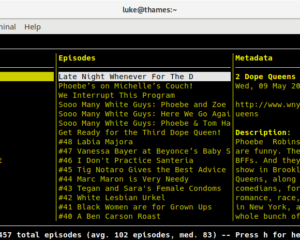
If you’re tired of bloated GUI software and are looking for a capable podcast player, give castero a whirl. With a few more features, this podcast would tick all the boxes.
Read more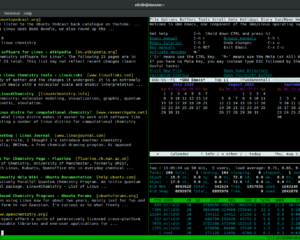
I love working with the command line. Seriously, I think there’s hardly anything more productive and versatile for a software developer than the terminal. Maybe it’s the hacker in me. Don’t get me wrong, I’m a heavy user of graphical applications, but the terminal will always have a special place.
I’ve recently come across a command-line tool that’s right up my street. It’s called googler, an open source tool to Google from the command-line. It’s written in Python, so that ticks another box for me. googler isn’t affiliated to Google in any way.
Read moreJoey Bernard gives a brief overview for Emacs for Science. He describes Emacs as a “slightly stranger tool in the arsenal of scientific computation”.
Read more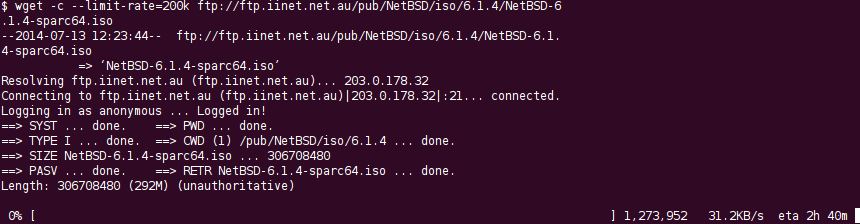
A console application is computer software which is able to be used via a text-only computer interface, the command line interface, or a text-based interface included within a graphical user interface operating system, such as a terminal emulator (such as GNOME Terminal or the aforementioned Terminator). Whereas a graphical user interface application generally involves using the mouse and keyboard (or touch control), with a console application the primary (and often only) input method is the keyboard.
Read more
Do you need to monitor your systems, but top doesn’t provide enough information. Check out these feature-laden top alternatives.
Read more
Disk ARchive (DAR) is a full featured archiver with support for differential backups, slices, compression, ATTR/ACL support.
Read more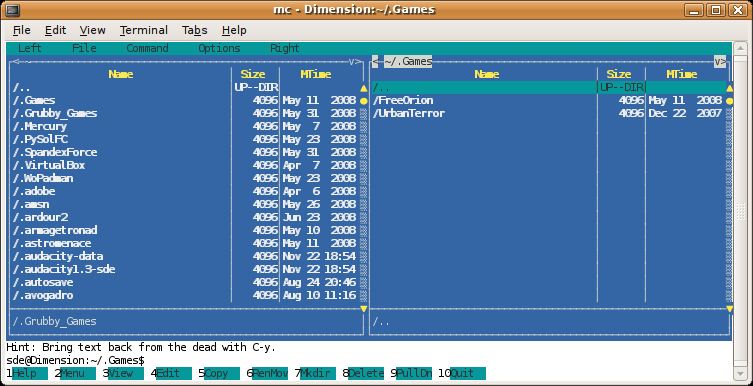
To provide an insight into the quality of software that is available, we have compiled a list of 5 high quality console based free file managers. Hopefully, there will be something of interest for anyone who wishes to revel in the power of the command-line.
Read more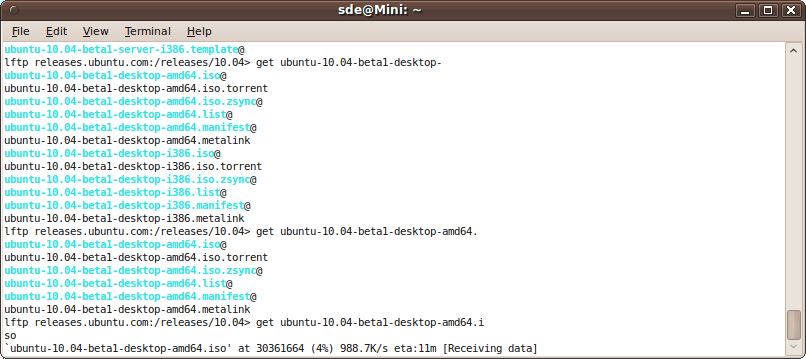
The desktop environment with its bundle of programs sharing a common graphical user interface (GUI) remains a firm favorite with users. Not surprising really given that a good desktop environment makes computing fun and simple. The graphical desktop environment has become so ingrained in almost everyone’s computer activities that it might seem the command line will wither away. Yet, there is still an important role to play for the humble command-line interface (CLI).
Read more