

Like many types of software, the selection of a favorite music player is, to some extent, dependent on personal preferences. But I hope my reviews of music players helps narrow the field.
All music libraries are different, and the right open source music player can make a world of difference – especially if you’ve a large collection.
I’ve reviewed the vast majority of music players for Linux. But there are always ones being released.
Hummingbird is a new entrant on the scene. It saw its first public release only a few months ago. This is a cross-platform Rust-based music player with basic functionality already implemented. It’s free and open source software.
Installation
I evaluated Hummingbird using Manjaro, an Arch-based distro, as well as Ubuntu.
For Manjaro (and other Arch-based distros) there’s a package in the Arch User Repository. I installed that package using Pamac (Manjaro’s GUI package manager).
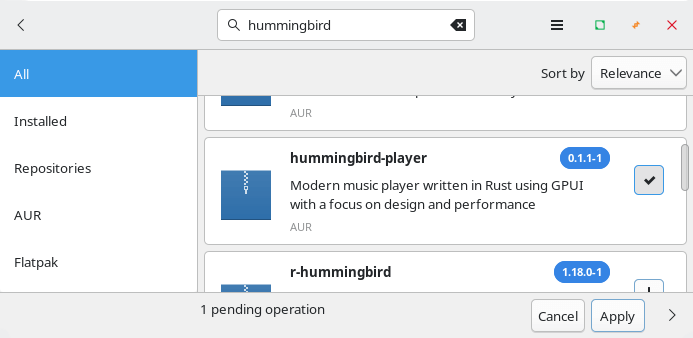
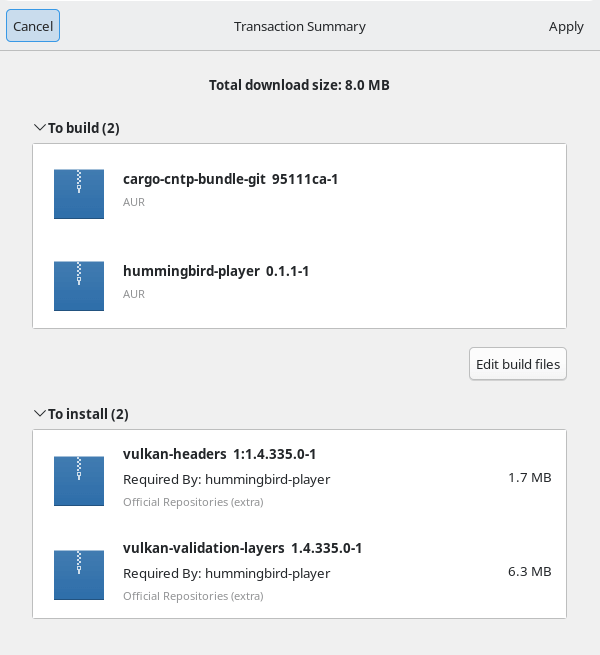
Pamac handles the dependencies.
In Operation
I’m using a small CC-licensed music collection to evaluate the music player. Here’s the software in action.
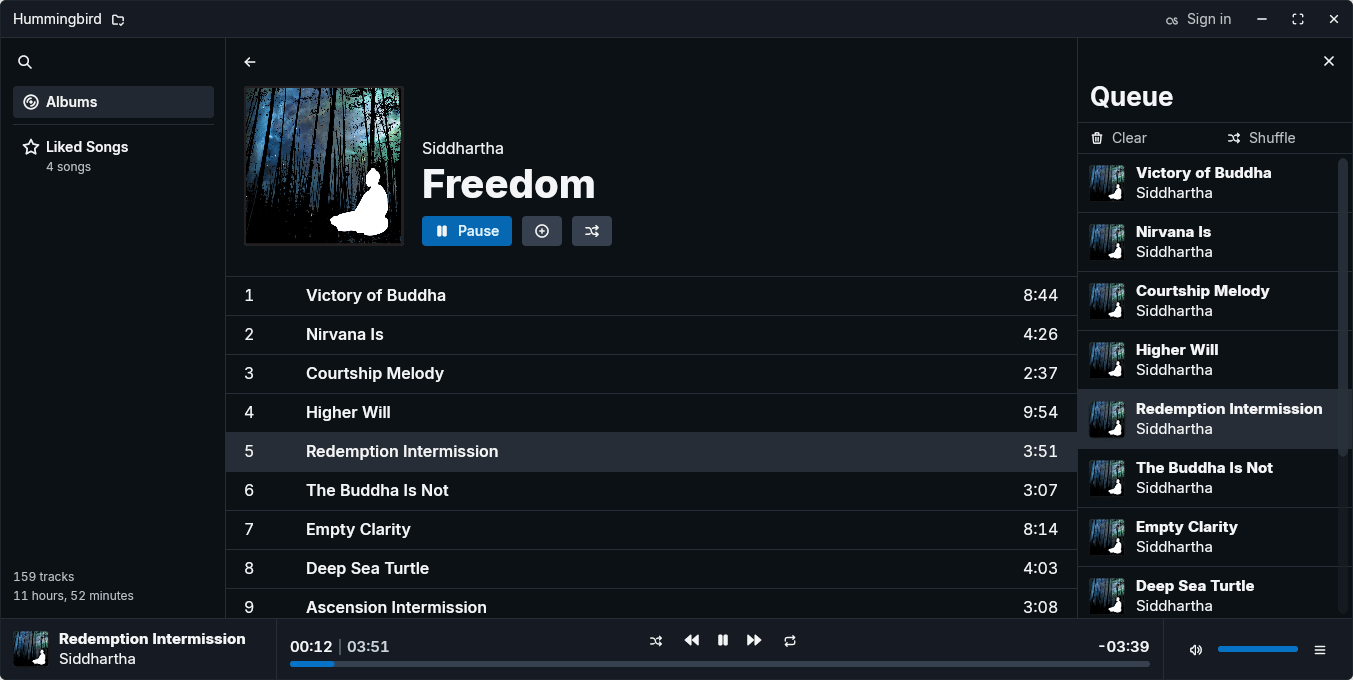
I think the UI is polished, easy to use, and well designed. A definite thumbs-up.
The first thing I check out is whether or not gapless playback is supported. Gapless playback is the uninterrupted playback of consecutive audio tracks, such that relative time distances in the original audio source are preserved over track boundaries on playback. It’s essential if you listen to classical, electronic music, concept albums, and progressive rock. There are a few Linux music players that don’t offer gapless playback. Fortunately, Hummingbird supports gapless playback.
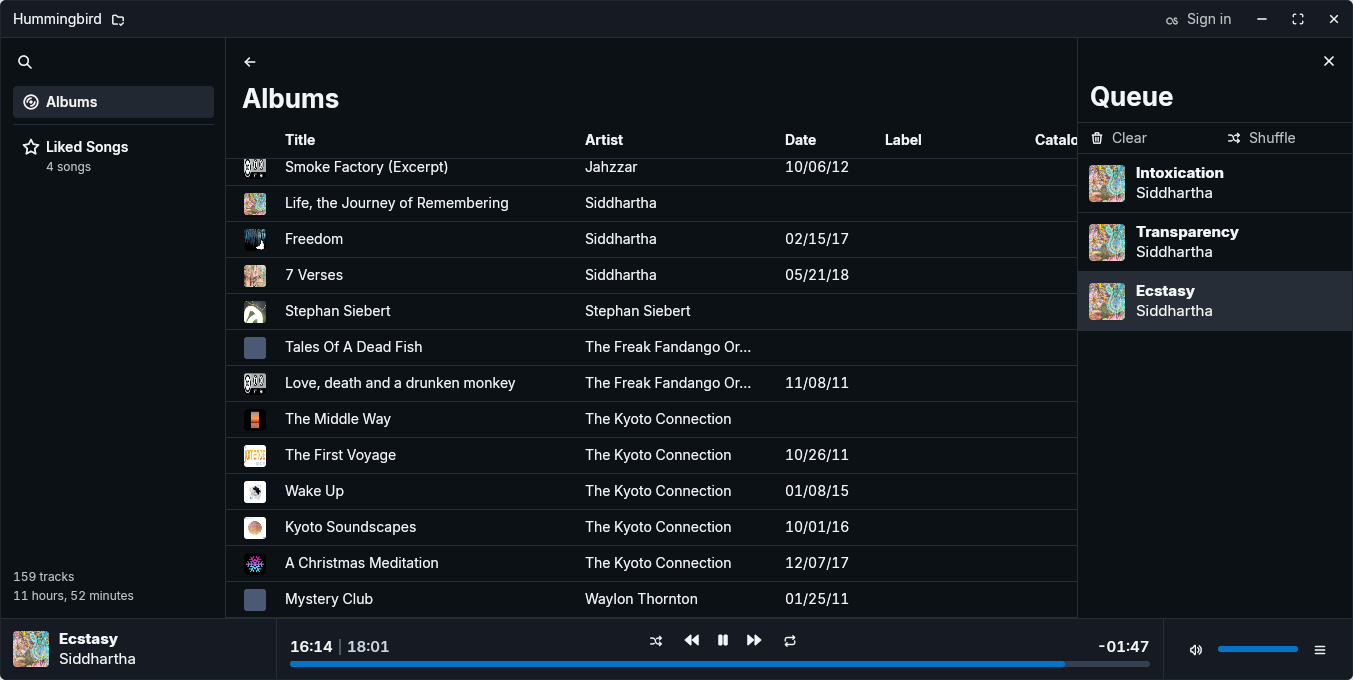
There’s a table view for albums, with a grid view planned for the future.
Features include:
- Fully native application with no web component.
- FLAC, MP3, OGG Vorbis, Opus, AAC and WAV playback.
- SQLite-backed library.
- Theming with hot reload.
- Scrobbling (last.fm) support.
- Fuzzy-find album search.
- Desktop integration.
- Playlists.
- Cross-platform support – runs under Linux, macOS and Windows. I’ve only tested the program under Linux.
Summary
Hummingbird is a capable music player but definitely no-frills. That’s not surprising given the first public release was only in November 2025. All the basics have been implemented. Hopefully with some more features added it’ll challenge the best GUI music players.
I tested Hummingbird with both FLAC and MP3 albums. The useful ps_mem utility reports memory usage is around 246MB.
The software has no settings section so there’s very little configuration available. In Linux (and Windows) there’s not even a menu bar available but functionality can be accessed via keyboard shortcuts.
For a more feature-complete GUI music player you won’t go wrong with Tauon or fooyin, although the latter’s development has slowed to a glacial pace in the past year. Read my roundup of the best GUI music players.
Website: github.com/hummingbird-player/hummingbird
Support:
Developer: William Whittaker
License: Apache License 2.0
Hummingbird is written in Rust. Learn Rust with our recommended free books and free tutorials.