
Frog is an intuitive text extraction tool for the GNOME desktop.
The tool lets you quickly extract non-selectable text from anywhere: videos, PDFs, screencasts, webpages, photos, etc.
It aims to make it easy to extract non-selectable text as easy as taking a screenshot with a built-in snipping tool for Mac.
This is free and open source software.
Website: tenderowl.com/work/frog
Support: GitHub Code Repository
Developer: Andrey Maksimov
License: MIT License
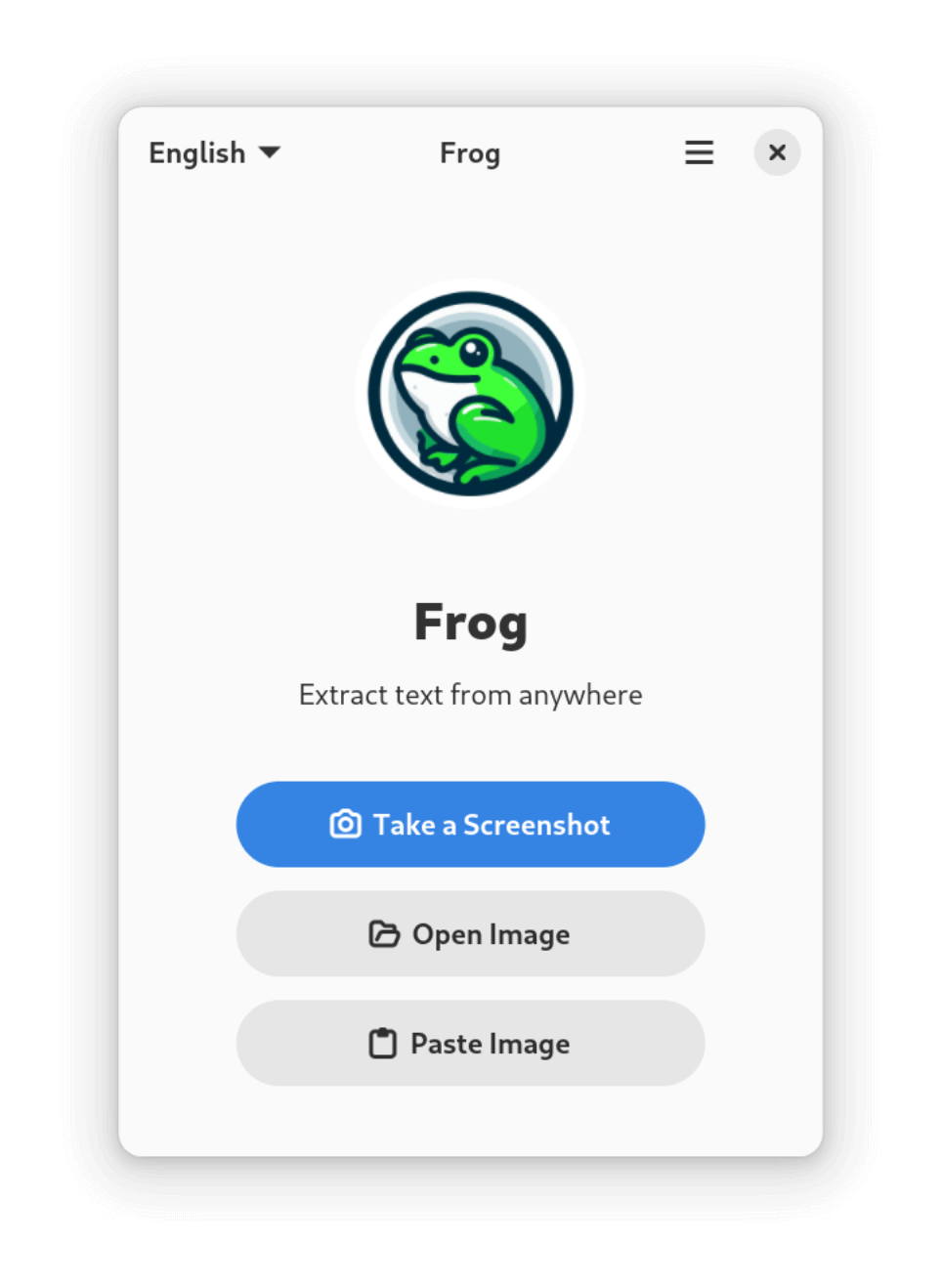
Frog is written in Python. Learn Python with our recommended free books and free tutorials.
Related Software
| OCR Screen Capture Tools | |
|---|---|
| NormCap | OCR-powered screen-capture tool to capture information instead of images |
| gImageReader | Simple Gtk/Qt front-end to Tesseract |
| TextShot | Python tool for grabbing text via screenshot |
| dpScreenOCR | Powered by Tesseract, it supports more than 100 languages |
| Frog | Intuitive text extraction tool (OCR) for GNOME |
| TextSnatcher | Perform OCR operations in seconds |
| Mark Shot | High-performance screenshot and annotation tool |
| OCR4Linux | Text extraction tool |
| SnipText | Screen capture OCR tool |
Read our verdict in the software roundup.
 Explore our carefully curated directory of recommended free and open source software, covering every major software category. Explore our carefully curated directory of recommended free and open source software, covering every major software category.The directory forms part of our extensive collection of articles for Linux enthusiasts. It includes hundreds of detailed reviews, together with free and open source alternatives to proprietary software from companies such as Google, Microsoft, Apple, Adobe, IBM, Cisco, Oracle, and Autodesk. LinuxLinks also covers interesting projects worth exploring, Linux-compatible hardware, free programming books and tutorials, and much more. Know a useful free and open source Linux application that we haven’t covered? Tell us about it using our submission form. |
Please read our Comment Policy before commenting.