

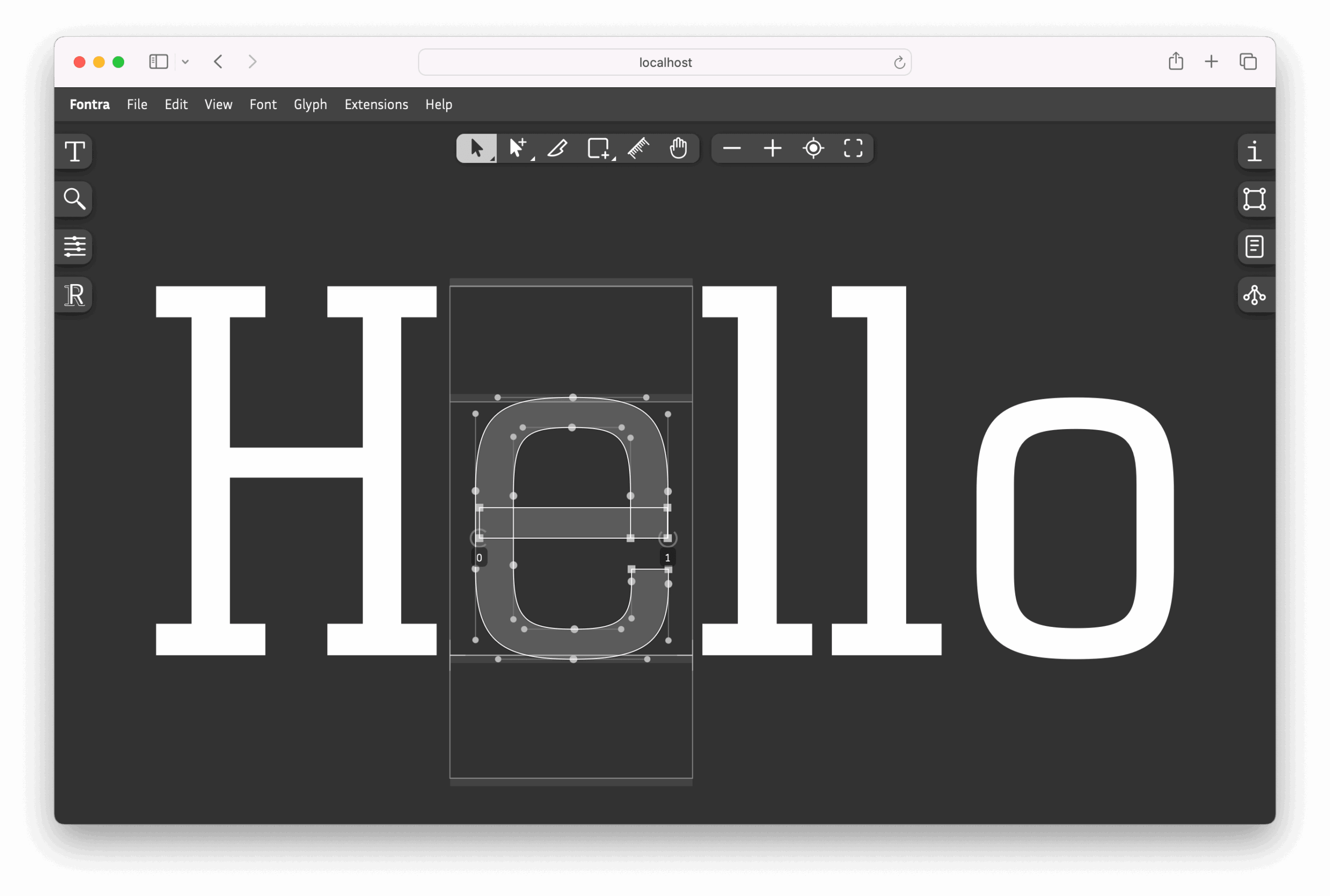
Fontra is an in-development browser-based font editor.
It uses a JavaScript client running in the browser together with a Python server running locally or remotely, giving type designers a modern environment for editing fonts and related data.
This is free and open source software.
Key Features
- Provides a browser-based environment for font editing.
- Uses a JavaScript client and a Python server.
- Can run locally or on a remote machine.
- Supports editing font metadata, kerning, OpenType features, and variation axes.
- Uses a modular client and storage architecture.
- Offers Linux desktop availability via Fontra Pak.
Website: github.com/fontra/fontra
Support:
Developer: fontra
License: GNU General Public License v3.0
Fontra is written in JavaScript. Learn JavaScript with our recommended free books and free tutorials.
Related Software
| Font Editors | |
|---|---|
| FontForge | Create and modify postscript, truetype and opentype fonts |
| fontTools | Library to manipulate font files from Python |
| Birdfont | Vala based font editor |
| ftcli | Command line interface built with click to edit fonts using fontTools |
| Ygt | Graphical TypeType hinting program |
| TruFont | Streamlined and hackable font editor |
Read our verdict in the software roundup.
 Explore our comprehensive directory of recommended free and open source software. Our carefully curated collection spans every major software category. Explore our comprehensive directory of recommended free and open source software. Our carefully curated collection spans every major software category.This directory is part of our ongoing series of informative articles for Linux enthusiasts. It features hundreds of detailed reviews, along with open source alternatives to proprietary solutions from major corporations such as Google, Microsoft, Apple, Adobe, IBM, Cisco, Oracle, and Autodesk. You’ll also find interesting projects to try, hardware coverage, free programming books and tutorials, and much more. Discovered a useful open source Linux program that we haven’t covered yet? Let us know by completing this form. |